
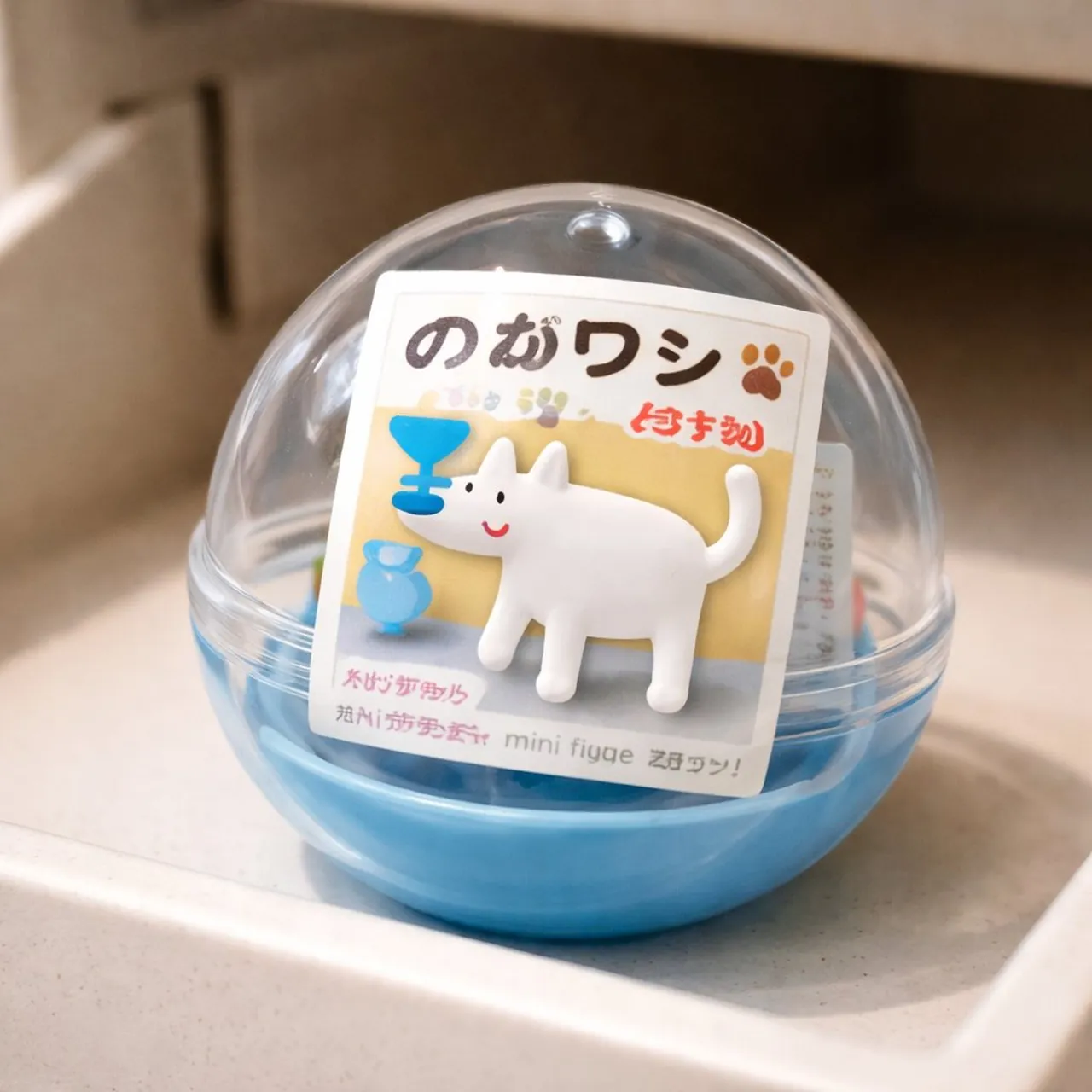
Gachapon Capsule Toy Design

A polished image of Gachapon Capsule Toy Design uses clear subject styling, lighting, composition, and atmospheric detail for a finished visual concept.

Gachapon Capsule Toy Design

Prompt

Copy and customize

ひとつの被写体(人物・ブランドのマスコット・モノなど)をもとに、ガチャポン風のミニチュアカプセルトイを作ってください。フィギュアはシンプルでトイらしいデフォルメにし、透明なプラスチックカプセルの中にきちんと収まるサイズ感にします。カプセルの中には、日本のガチャポンらしい紙の台紙を入れ、玩具の名前、小さな商品写真、アイコン風のマーク、素朴な日本語の文字などを配置してください。カプセルは、実際のガチャポン自販機の取り出し口の中、またはすぐ手前に置かれているように見せます。素材感はリアルに表現し、つやのあるプラスチックのカプセル、少しマットなフィギュア、薄く折られた紙の台紙が分かるようにしてください。全体は、iPhone で撮影した写真のような自然な雰囲気で、やさしい光、わずかな手ブレ感、背景の軽いボケ、ちょっとしたリアルなムラやクセを残します。構図はすっきりとまとめ、被写体は中央に。ごちゃつかない、クリーンな仕上がりにしてください。

Best for

Clean layout3D RenderE-commerce Main ImageProduct MarketingVisual concept

Tips

Keep the main subject focused so iPhone remains recognizable after style or lighting changes.

Adjust camera angle and aspect ratio before generation when the composition needs a specific platform format.

How to use this GPT Image 1.5 prompt

1

Copy the ready-to-use GPT Image 1.5 prompt from this page.

2

Paste it into GoEnhance AI or another generator that supports GPT Image 1.5.

3

Click generate and get your image quickly. You can edit the prompt first if needed.

Copy the prompt, try it with GoEnhance AI or another tool that supports GPT Image 1.5, and generate your image in just a few simple steps.

Overview

Everything you need to master AI prompts

From quick copy-paste prompts to advanced techniques, build stunning visuals faster.

20000+ prompts
All major models
Updated Daily