
Prompt
Copy and customize
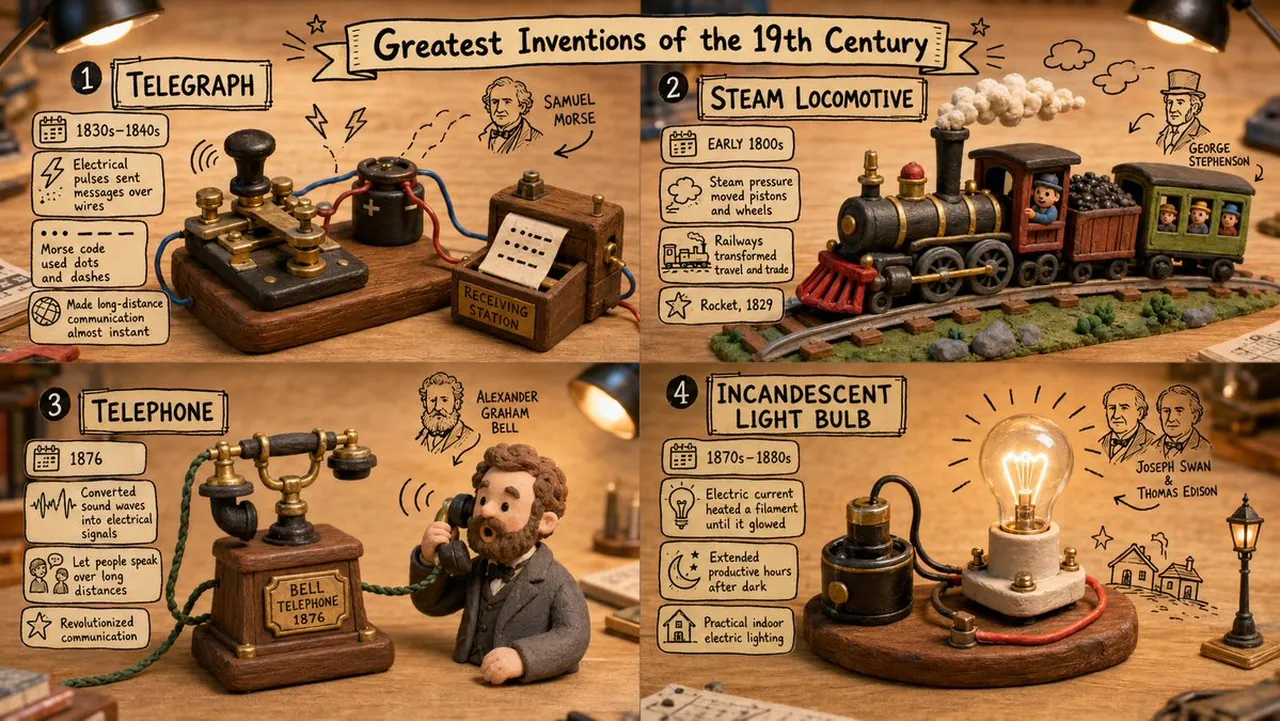
A cute, educational claymation diorama about [TOPIC] sitting on a wooden desk::5 The 3D Diorama: AI_INFER(Hyper-detailed polymer clay figures and terrain representing [TOPIC]), glossy, tactile, fingerprints, miniature scale::5 The 2D Graphics: Hand-drawn black ink doodles, arrows, and educational comic text floating magically in the air around the 3D model::4 Content: AI_INFER(Accurate scientific/historical facts about [TOPIC] written in the floating 2D text boxes)::4
Lighting: Warm desk lamp lighting, tilt-shift macro lens, 8k resolution, mixed media masterpiece::3 Scary, realistic, gory, digital 3d, messy, confusing::-3
Best for
3D render projectsEducational visual conceptsCreative style studiesComposition layout testsPrompt remixing experiments
Tips
Replace the [TOPIC] placeholder with a specific subject to ensure the AI generates accurate clay figures and relevant educational content.
Adjust the desk lamp intensity or color temperature to change the mood of the scene from warm and cozy to bright and clinical.