
Prompt
Copy and customize
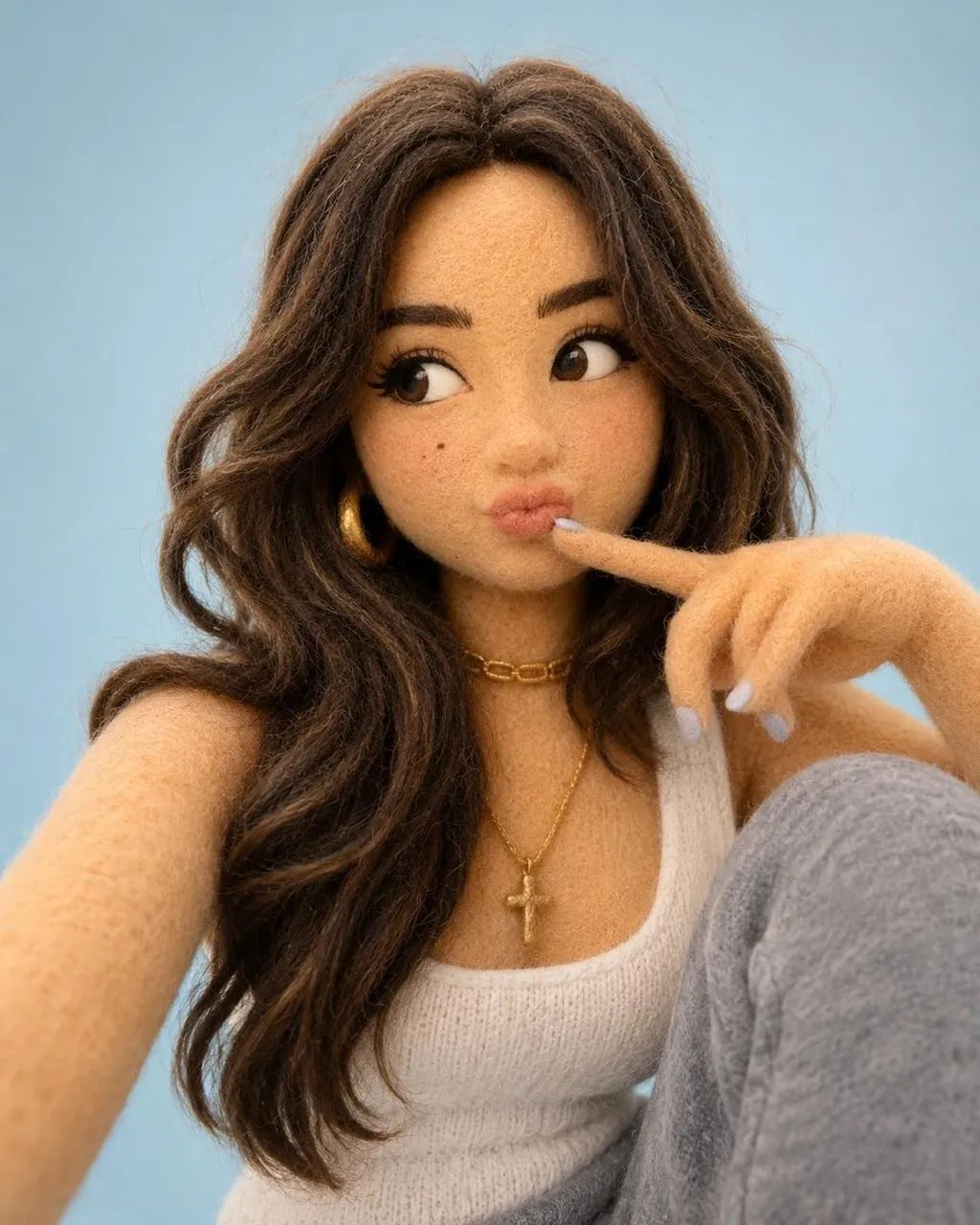
Create a cute stylized 3D character based on the attached photo, with the face recreated as an exact 100% match to the original. The entire character should be made of soft, fluffy felt and knitted fabric. The clothing, accessories, details, and pose must precisely match the reference photo. Place the character against a minimalist pastel-blue studio background with soft, diffused lighting. Use an ultra-clean composition, a shallow depth of field, and highly detailed fabric fibers to emphasize the cozy handmade plush toy aesthetic. Render in Pixar-quality 3D with an adorable collectible figurine style, premium character design, cinematic lighting, subsurface scattering, global illumination, Octane Render quality, and stunning 8K resolution
Best for
Tips
Keep the main subject focused so cute stylized 3D character based on the remains recognizable after style or lighting changes.
Adjust camera angle and aspect ratio before generation when the composition needs a specific platform format.