
Prompt
Copy and customize
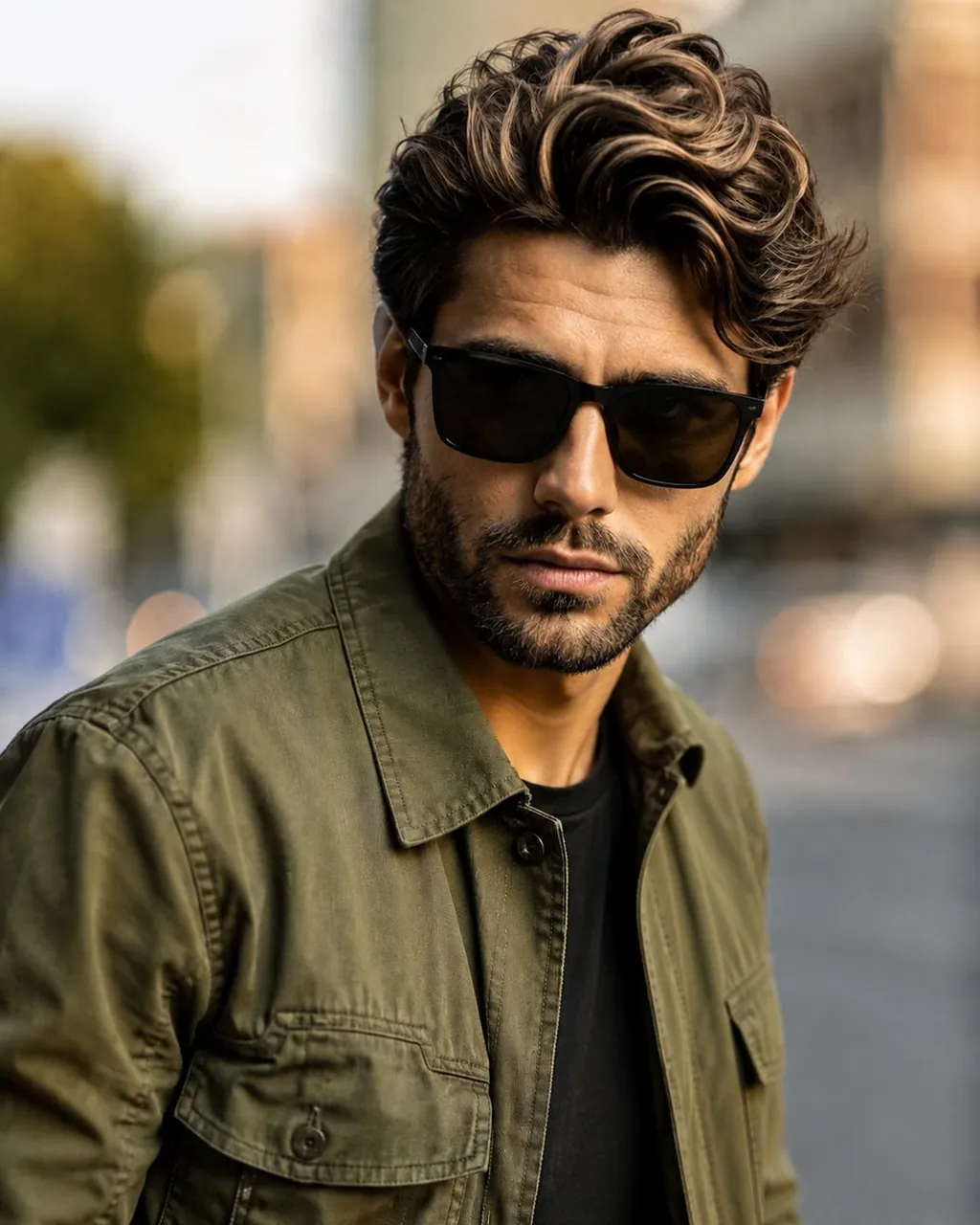
Use the uploaded image as the only visual reference. Create an ultra-realistic cinematic portrait of the same young South Asian man, preserving his natural facial features, hairstyle, beard, skin tone, and overall identity. He is standing outdoors in a soft, modern urban environment, captured from a medium close-up, slightly low-angle 3/4 view. He is wearing a stylish olive-green utility jacket with realistic fabric texture and detailed stitching, paired with a dark inner shirt. He wears black rectangular sunglasses and a modern black smartwatch on his wrist. His hairstyle is thick, voluminous, and naturally swept back. His beard is neatly groomed. His expression is calm, confident, and stylish while looking toward the camera. Background: softly blurred outdoor city environment with subtle buildings and greenery, strong natural depth of field and creamy bokeh. Lighting: soft warm natural daylight, subtle golden-hour highlights, realistic shadows, cinematic lighting, natural skin texture. Photography: professional DSLR photography, 85mm portrait lens, shallow depth of field, sharp focus on face, realistic proportions, detailed clothing texture, natural colors, cinematic color grading, HDR, ultra-realistic, premium fashion editorial photography, 4K/8K quality. Composition: vertical 4:5 portrait, subject centered slightly to one side, clean professional framing, realistic photography, no text, no watermark, no extra people, no artificial-looking skin, no face distortion.
Best for
Professional portrait photographyFashion editorial conceptsCinematic character designUrban lifestyle imagery
Tips
Ensure the uploaded reference image clearly shows the subject's facial features to maintain identity consistency during the generation process.
Adjust the camera angle or focal length settings if you need to change the perspective or depth of field.