
Prompt
Copy and customize
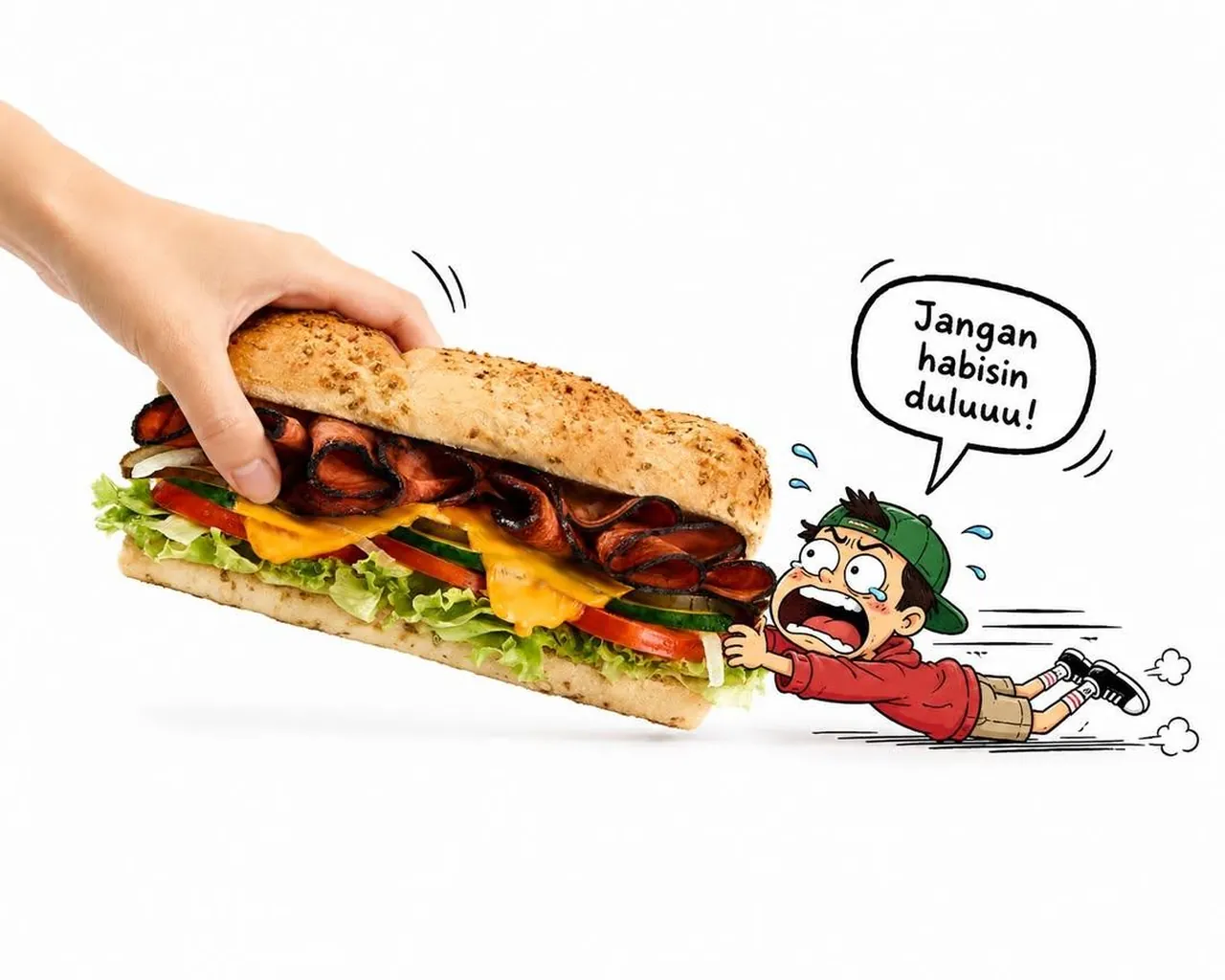
A playful minimalist product advertisement on a clean pure white background. A realistic human hand enters from the top-left corner, gently holding and lifting an oversized food or beverage item at a slight diagonal angle. The product appears massive compared to the tiny character.
A cute chibi-style cartoon child is desperately hugging and pulling the giant product with both hands, feet sliding backward across the floor, creating a funny tug-of-war effect. The child has exaggerated facial expressions with wide eyes, tears of panic, flushed cheeks, sweat droplets, speed lines, motion blur marks, and tiny dust clouds behind the feet to emphasize effort.
A hand-drawn comic speech bubble above the character reads:
"Don't finish it yet!!"
The cartoon character is illustrated with clean black outlines, soft pastel colors, expressive anime-inspired features, oversized head, tiny body, and dynamic action pose.
The food/drink is ultra-realistic with highly detailed textures, fresh ingredients, vibrant colors, and premium commercial food photography lighting. The realistic object contrasts beautifully against the cute 2D illustration.
Minimal composition, lots of negative space, bright high-key lighting, soft shadows, modern advertising aesthetic, kawaii illustration mixed with photorealistic product photography, playful social media campaign style, premium commercial quality, ultra-detailed, 8K.
Best for
Tips
Specify a concrete food or beverage item so the photorealistic product contrasts sharply with the cartoon character.
Adjust the speech bubble text to fit your product's humorous message while keeping the chibi's exaggerated panic expression.