
Prompt
Copy and customize
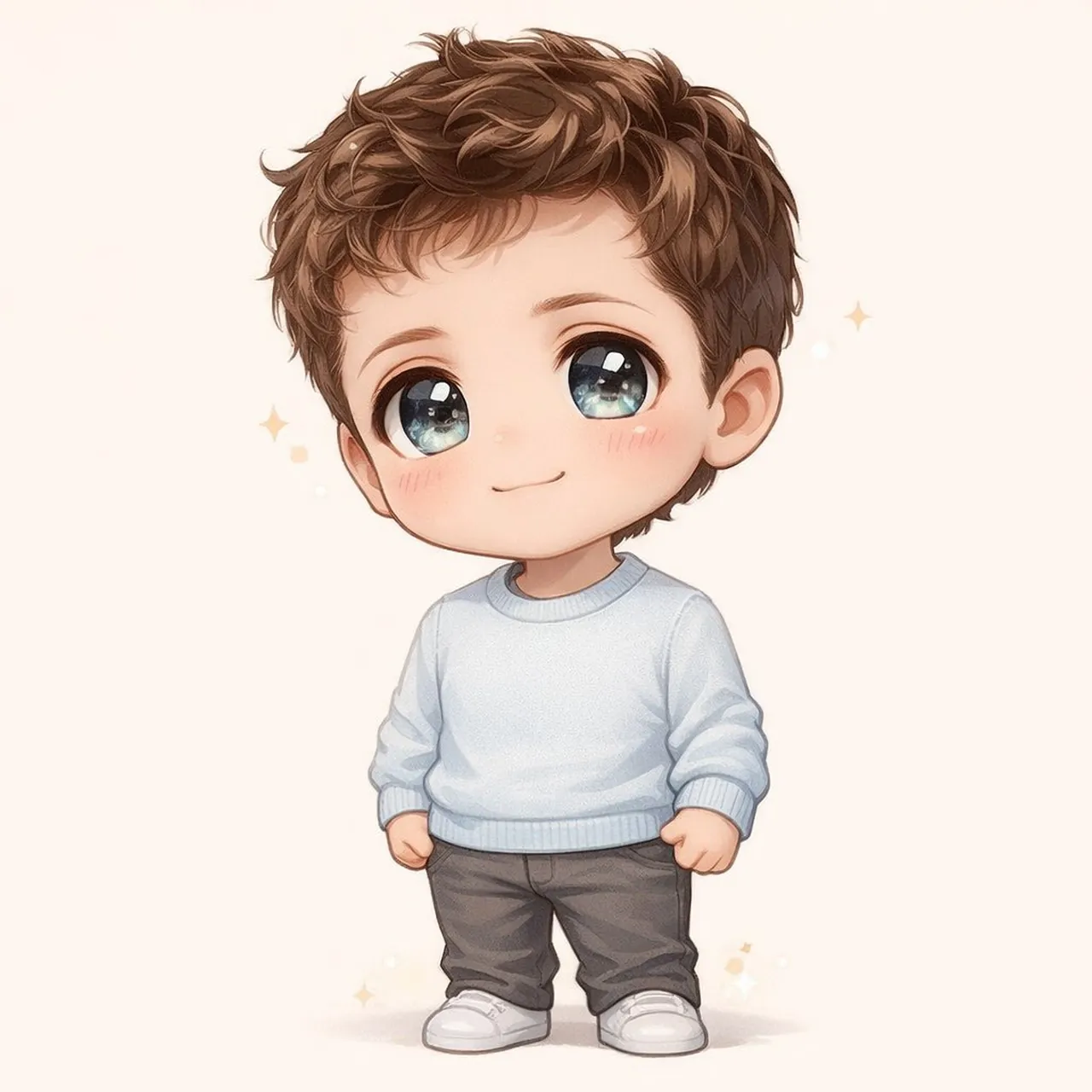
Transform the subjects or image into an adorable chibi-style character with a tiny body and an oversized head. If the image contains a person or multiple people, give them large, sparkling eyes, soft rounded facial features, and a cheerful expression while preserving their recognizable traits such as key facial features, hairstyle, accessories, or distinctive clothing; if the image contains an object, animal, or scene, reinterpret its most recognizable features using the same chibi proportions and simplified, cute styling. Keep the overall look short and cute, with smooth pastel shading and simplified details. Make the final image bright, expressive, and irresistibly charming, like a collectible chibi mascot.
Best for
Tips
Keep the main subject focused so Transform the subjects or image into an remains recognizable after style or lighting changes.
Adjust camera angle and aspect ratio before generation when the composition needs a specific platform format.