
Free AI Face Swap for Videos & Images
How to use GoEnhance AI's Face Swap
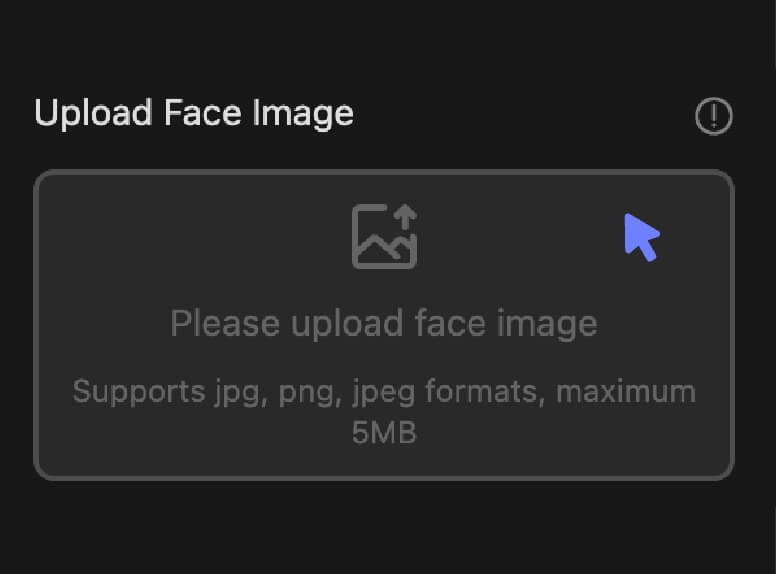
1. Upload Face Image
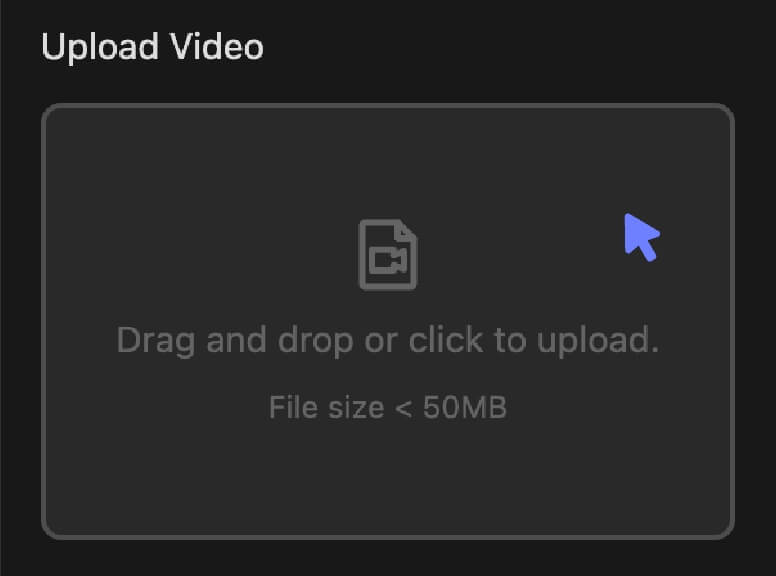
2. Upload Target Video or Image
3. Generate
Top Features of GoEnhance Face Swap
Change Faces in Any Image
Make yourself or a celebrity the star of any photo, painting, or cartoon. Unleash your creativity and create content that turns heads and sparks conversations.
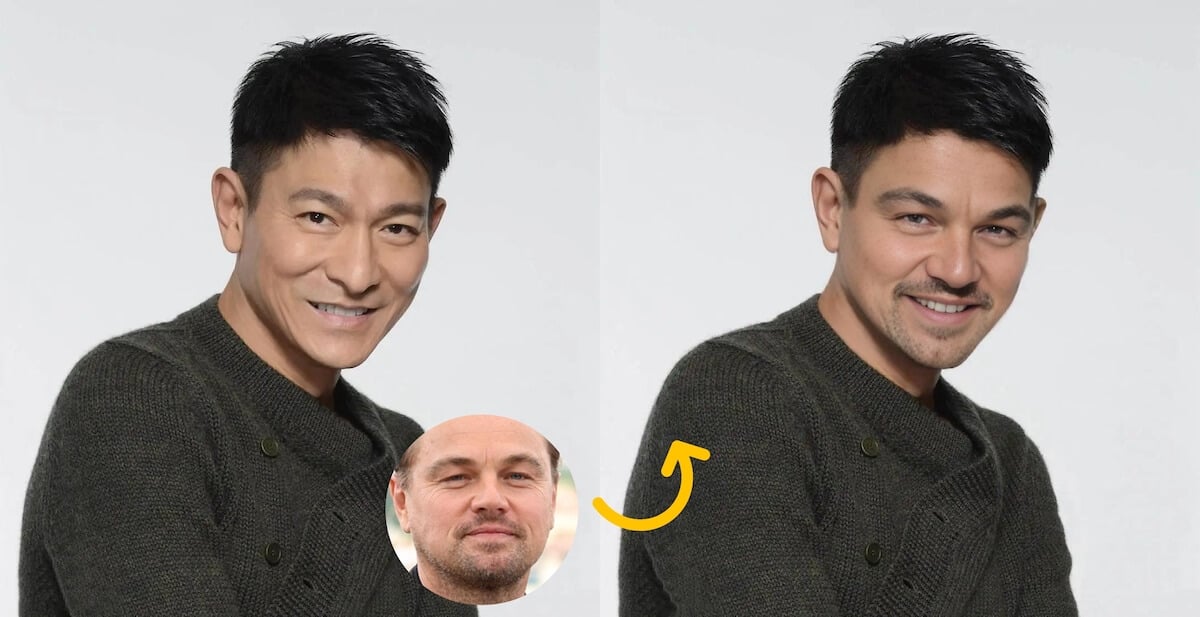
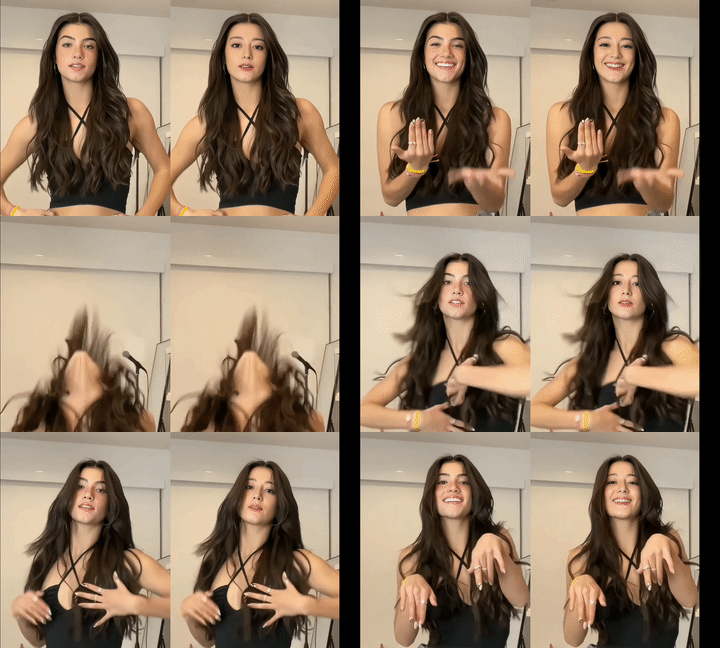
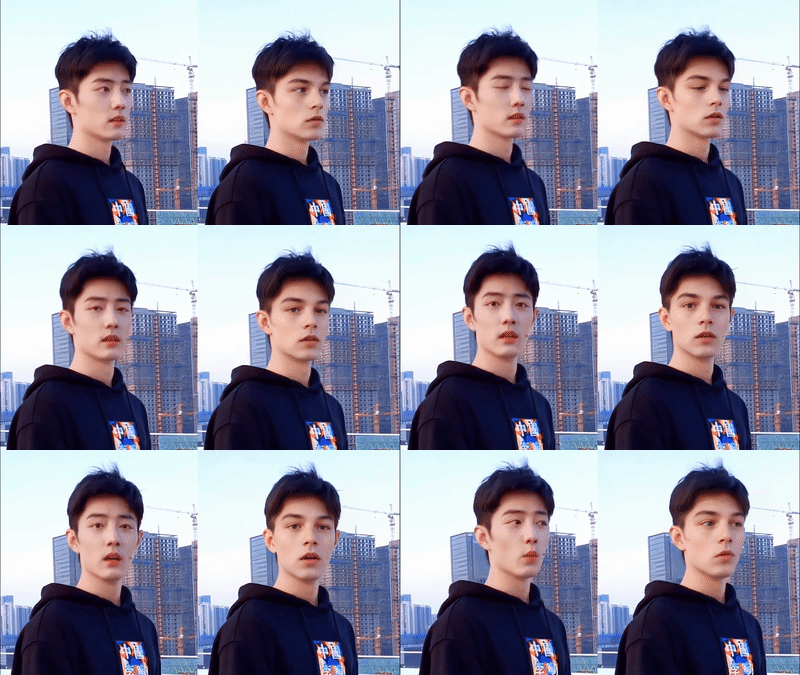
Change Faces in Any Video
Transform yourself or a celebrity into the main character of any film, music video, or viral meme. Unleash your creativity and produce content that captivates audiences and ignites conversations.
Open API Access
Integrate our powerful face swap technology directly into your applications with our developer-friendly Open API. Build innovative solutions and automate face swapping processes at scale.
Produce Cinematic Deepfakes
Become anyone you desire with our cutting-edge deepfake technology. Generate cinematic-quality face swaps effortlessly using our user-friendly online face swap tool.
What You Can Do with Our AI Face Swap Tool?
Everyday Photos, Seamless Face Swap
Even the most ordinary daily photos can be transformed into a whole new twist with natural face swapping. Just one click, you can make something unexpectedly fun.
Share your creations to spark laughter, and surprise your loved ones to add a playful touch to everyday moments.
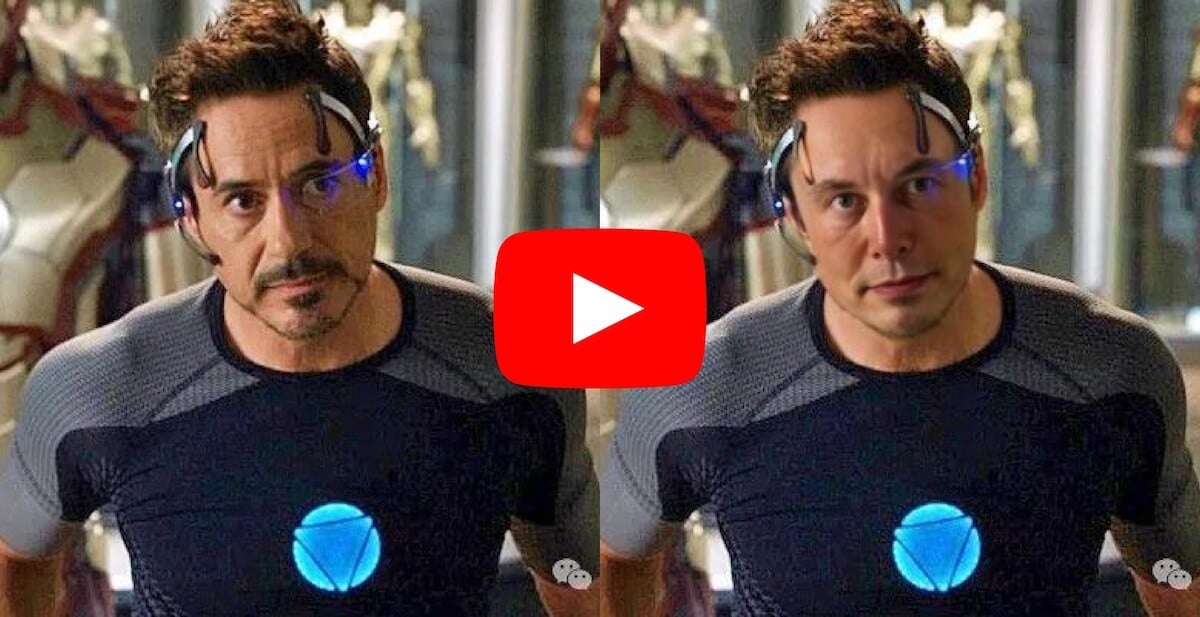
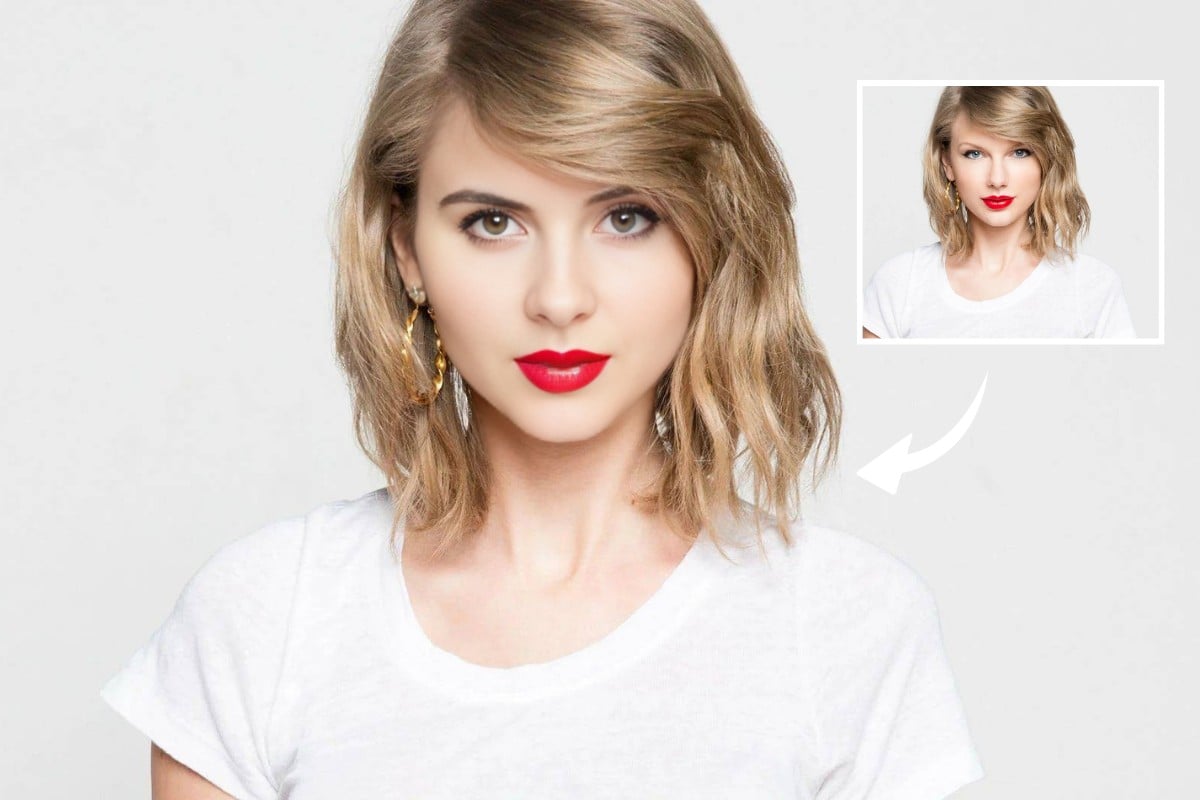
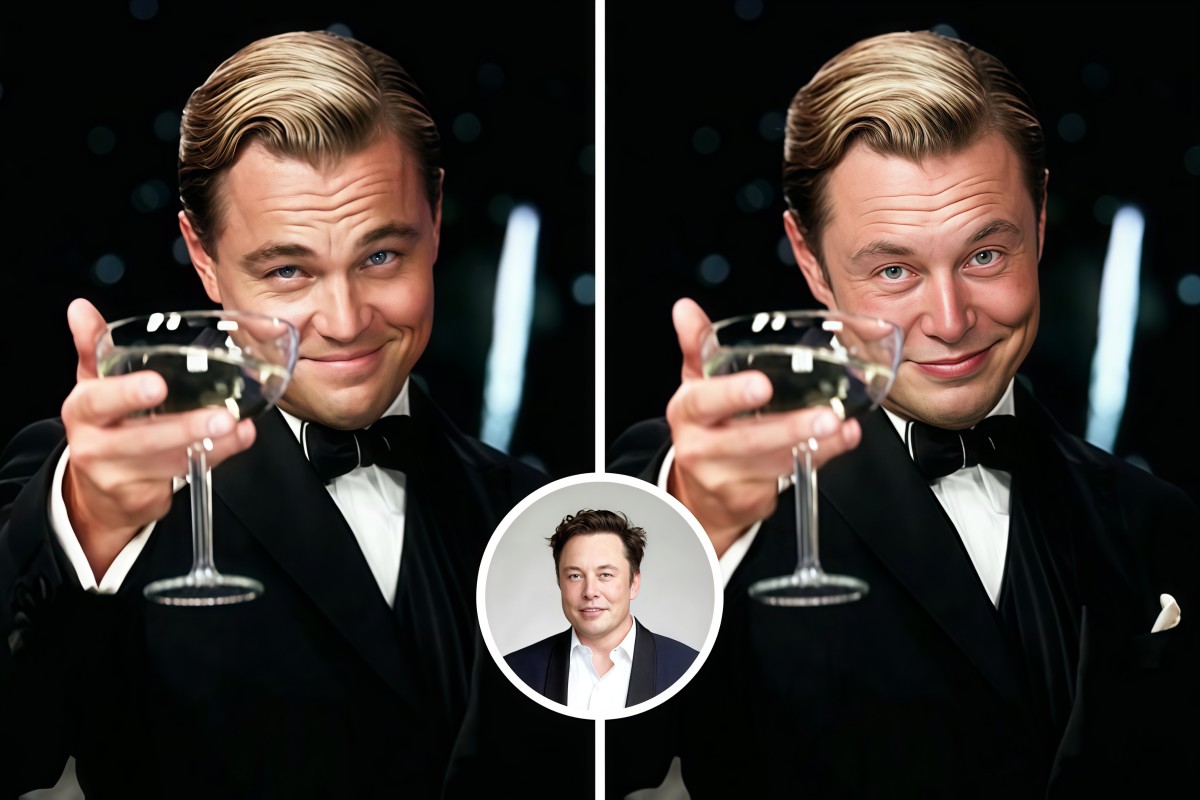
Face Swap with Celebrity
Upload your photo and swap faces with any celebrity! Instantly see yourself as a Hollywood star, pop icon, or legendary figure. Fun, easy, and perfect for creating unique, shareable content.
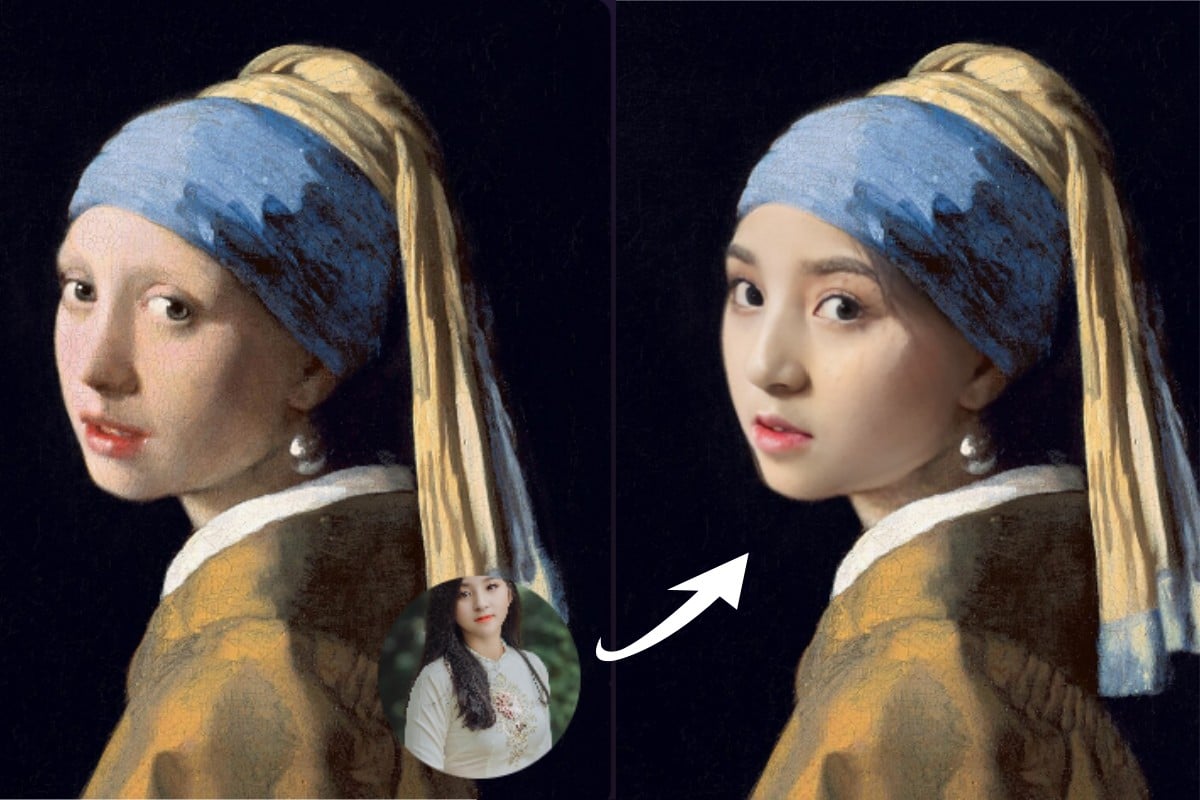
Swap Yourself into Famous Paintings
Want to step into masterpieces like Girl with a Pearl Earring and transform classic works into your own creative expression? Just upload your photo, and let the image swap face tool achieve this.
With lighting adjustment and artistic style blending, your face merges seamlessly into the painting, giving you a realistic face swap picture.
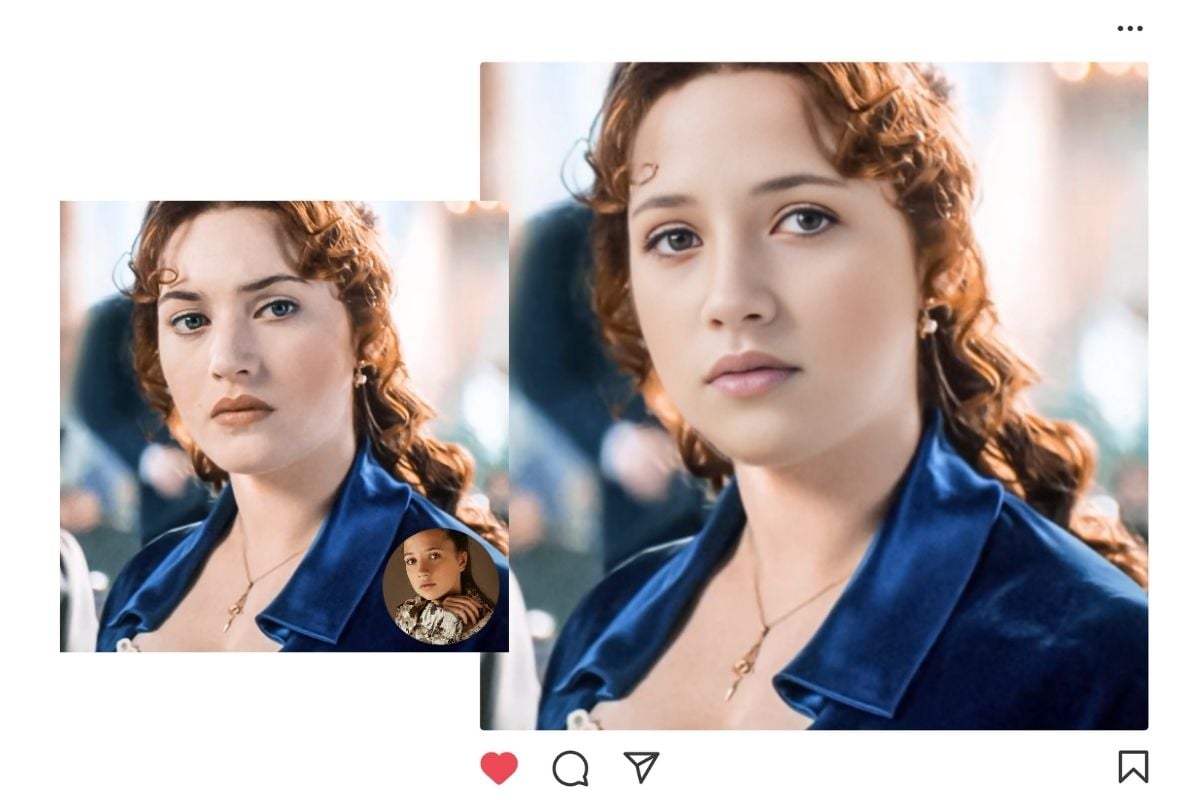
Transform into Movie Characters in Seconds
Whether you want to experience the feeling of becoming a world-saving superhero, or a heart-stealing romantic lead, just use the AI face swap feature to make it effortless.
The free face swap tool will create unique and entertaining images for you to step into the cinematic universe. Just share your transformation with movie fans, and bring your passion and creativity to life!
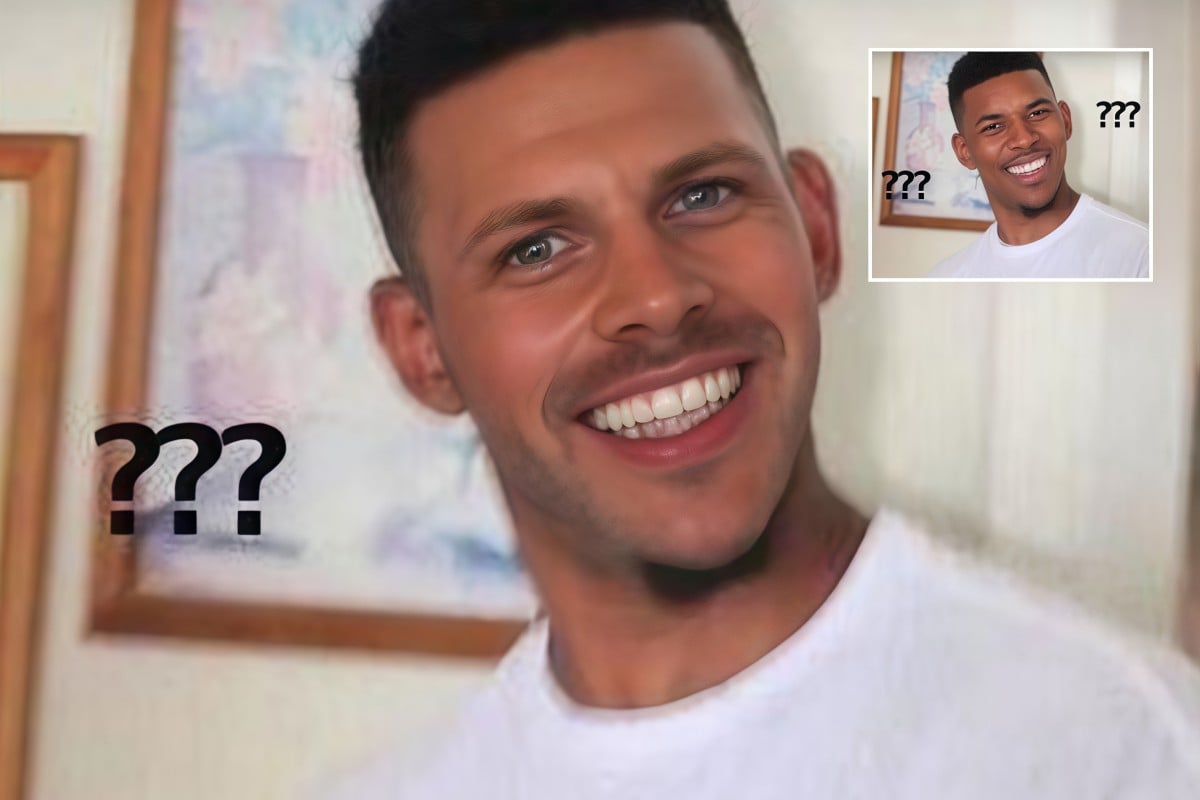
Face Swap Meme Generator
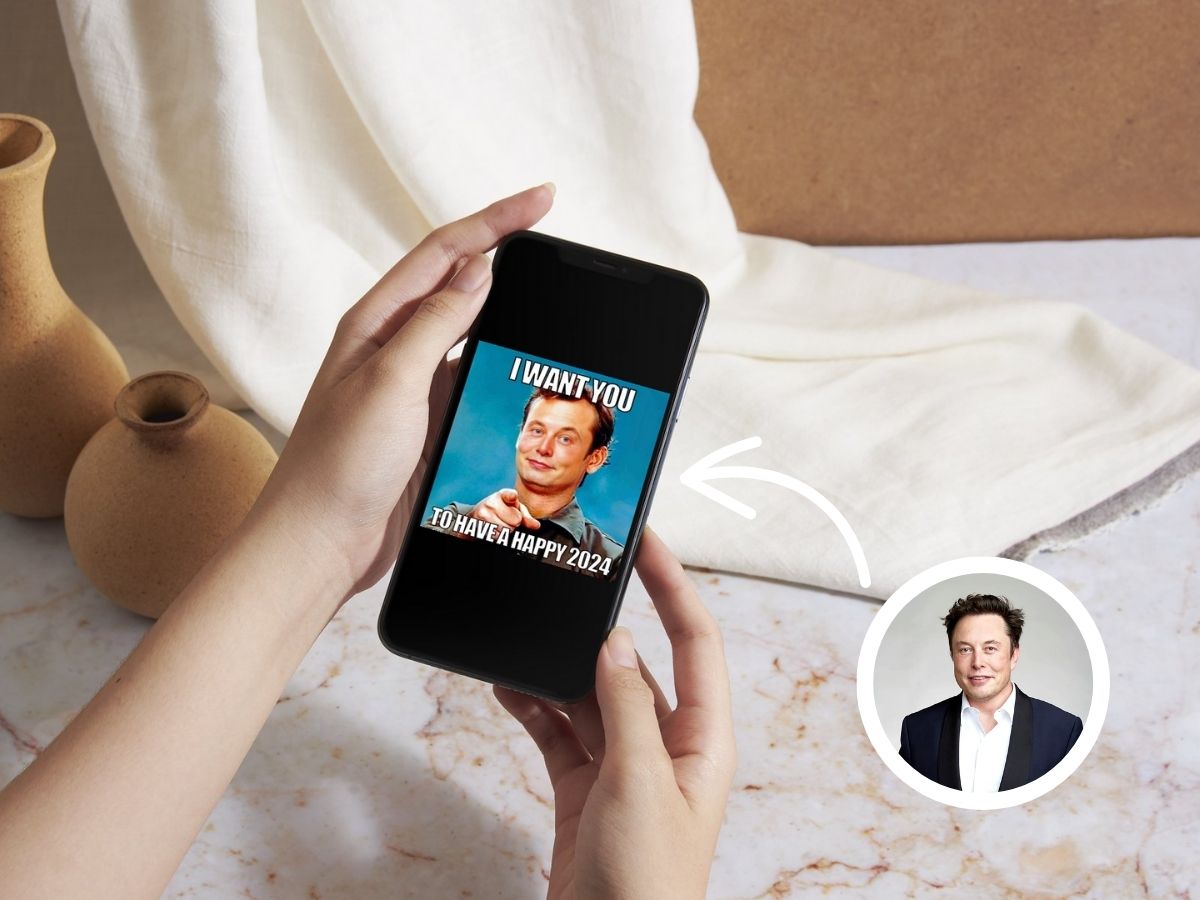
Meme face swap generator is a type of face-swapping feature that can let you replace your face with popular memes. The funny face swaps only take a few seconds to bring you and your friends laughs.
Just upload a photo of yourself and the meme, and the face swap AI will detect the facial features and then blend them with the meme character. The final result is a new image that combines your face + a hilarious meme.
Free AI GIF Face Swap
Want to make hilarious GIF face swap memes? Now it only takes a few steps! Upload your favorite GIF and the tool will automatically swap the face to create a brand-new funny version.
Whether you’re turning yourself into a GIF celebrity or just adding some extra humor, it’s super easy. The process is fast and simple—done in seconds—perfect for sharing with friends or posting on social media.
Faces & Heads Swap
Upload a clip, switch the face, and keep the timing and feel—only the face changes. Perfect for reaction memes, inside jokes, or making your friends “star” in a moment. It saves editing time, avoids complicated masking, and gives you a share-ready result in seconds.
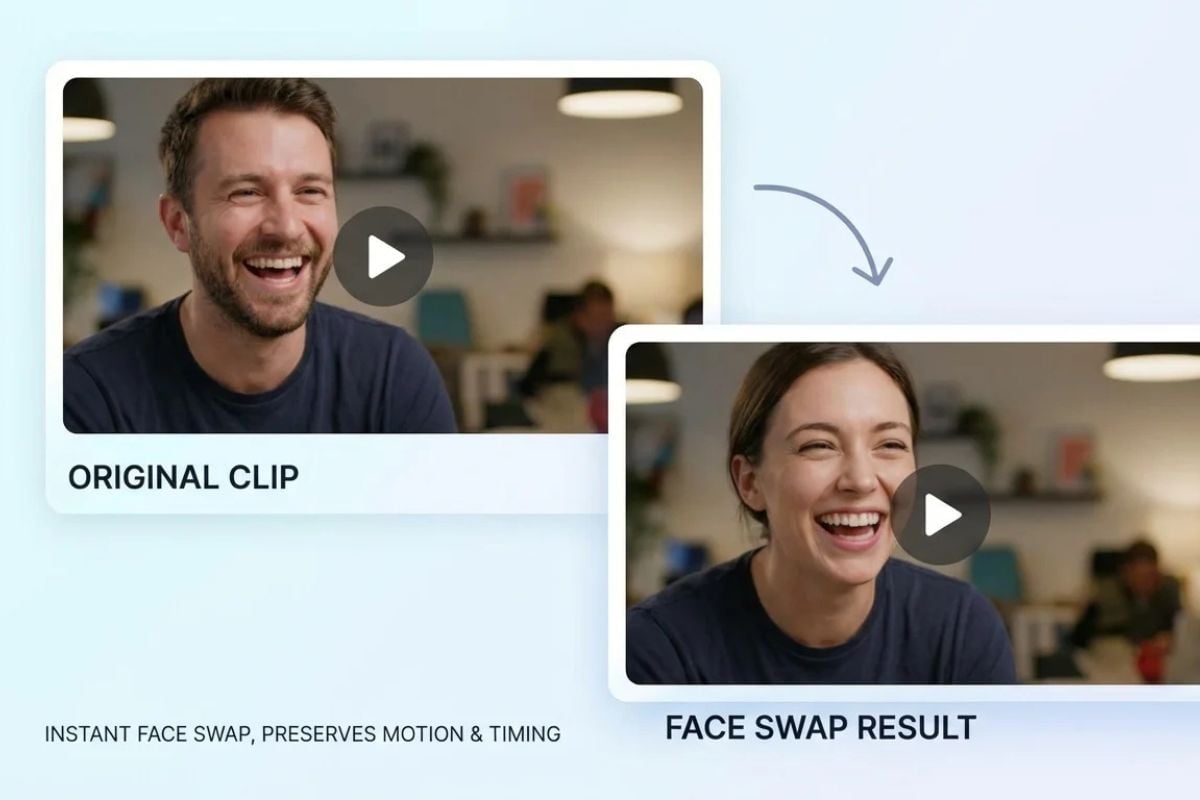
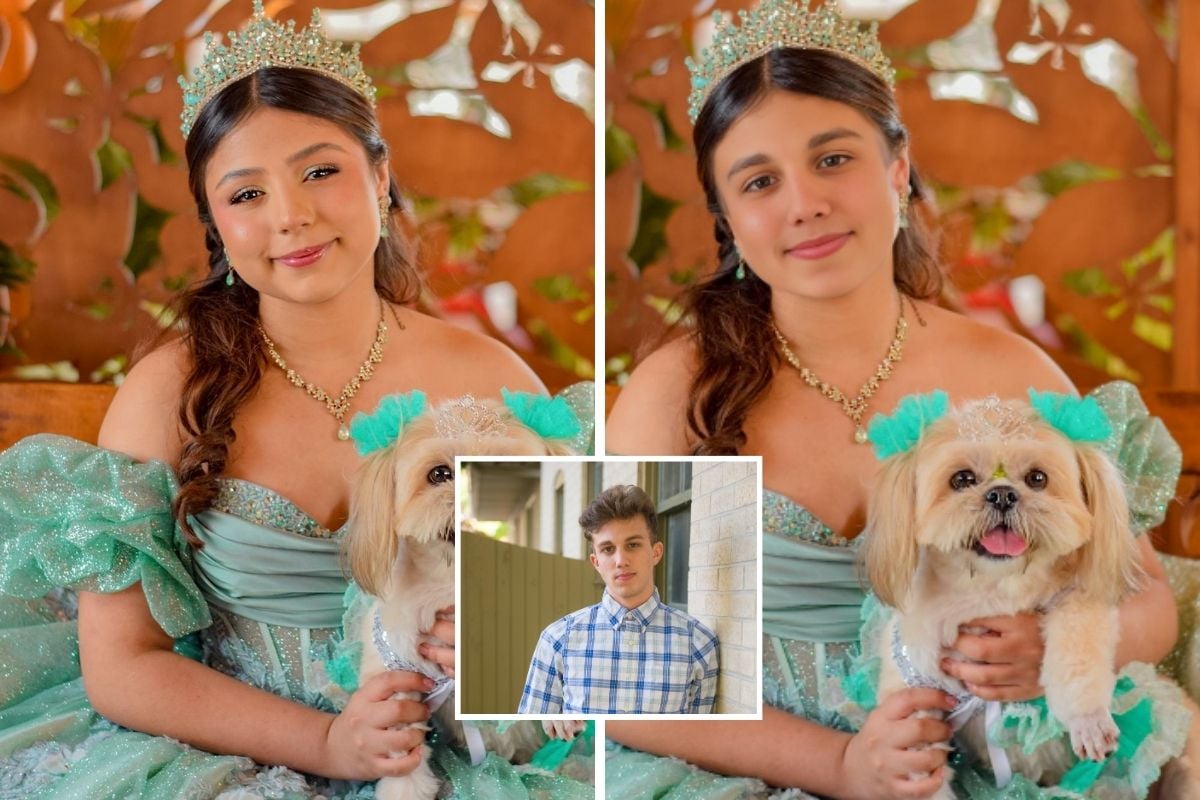
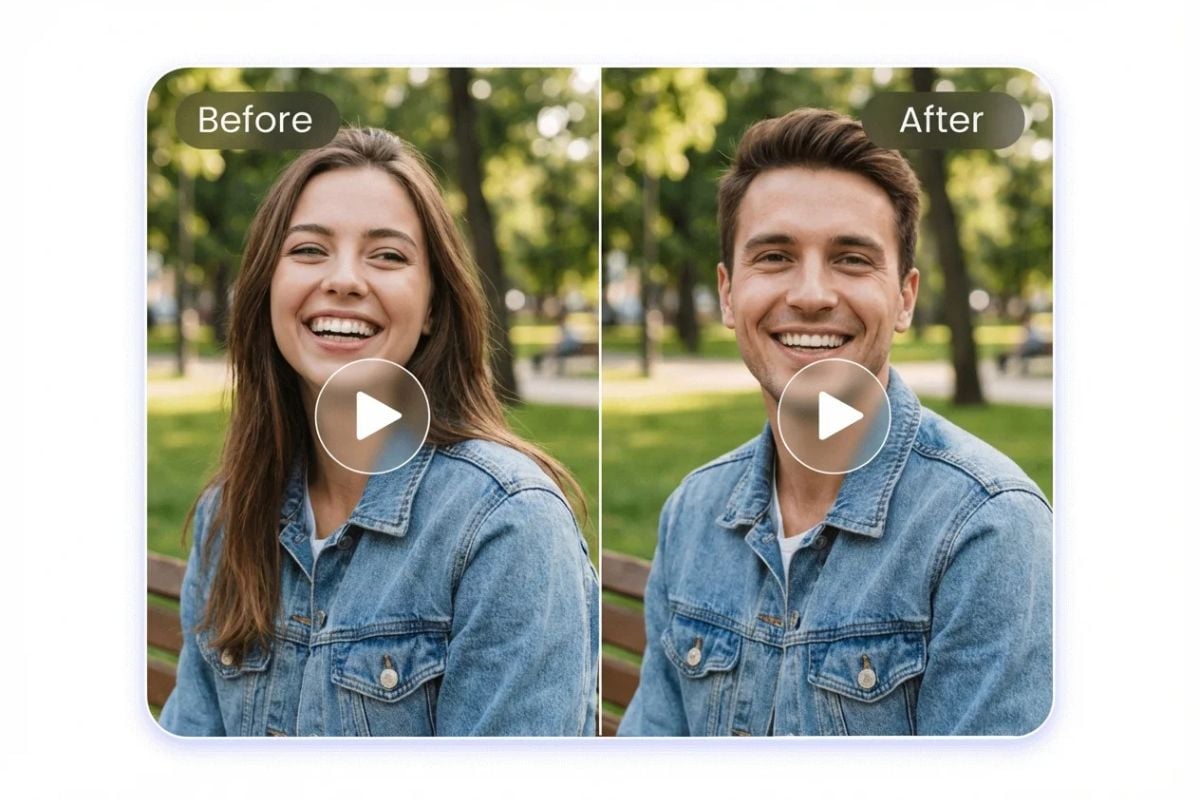
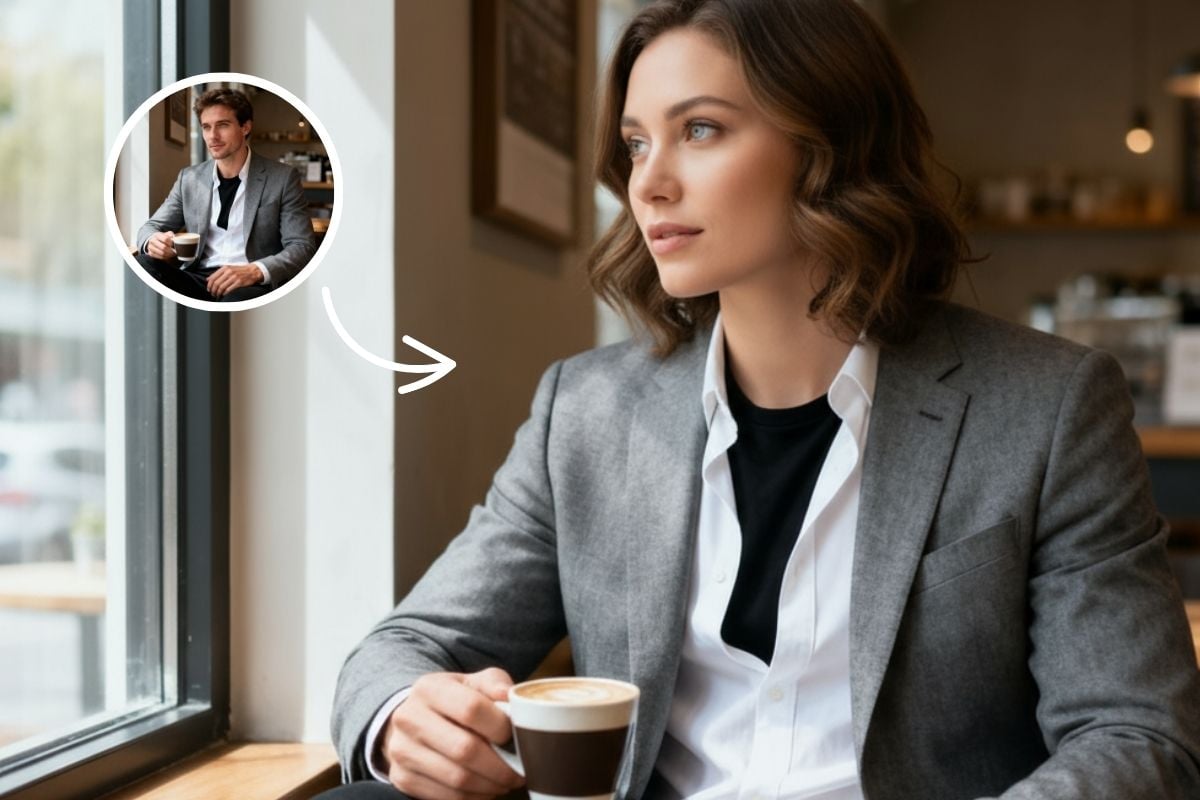
Male/Female Swap
Flip the vibe with a Male/Female swap that changes the face while keeping the clip’s expression and motion. Upload a video or image, pick the face source, and generate a playful gender-switched version that still looks natural in the same scene. Great for quick comedy, “what if” transformations, and social posts that stand out—without filming anything new or learning video editing tools.
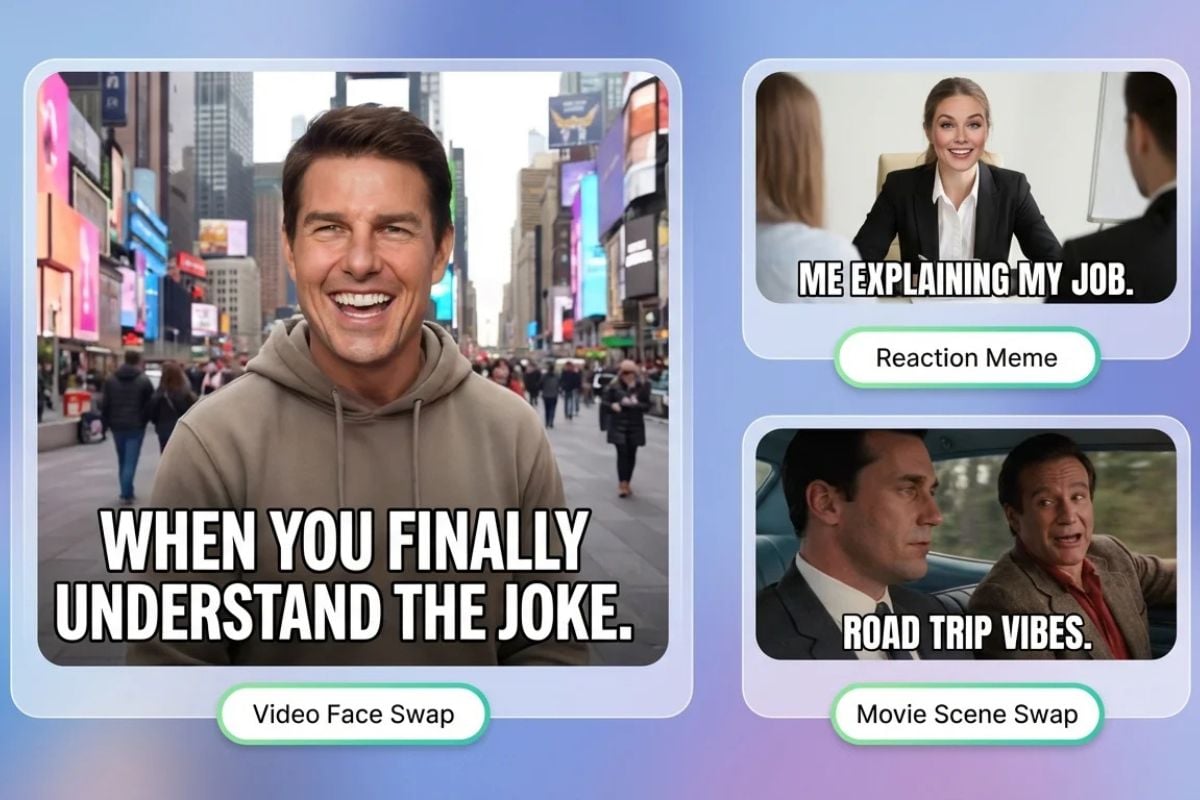
Famous Face Swap
Turn any image or video into a “celebrity cameo” moment by swapping in a famous face look. It keeps the original clip’s timing and energy, but gives it a totally new punchline—ideal for pop-culture jokes and shareable edits. Why it’s fun: you get a fresh meme format instantly, and you can generate multiple variations quickly for different platforms or group chats.
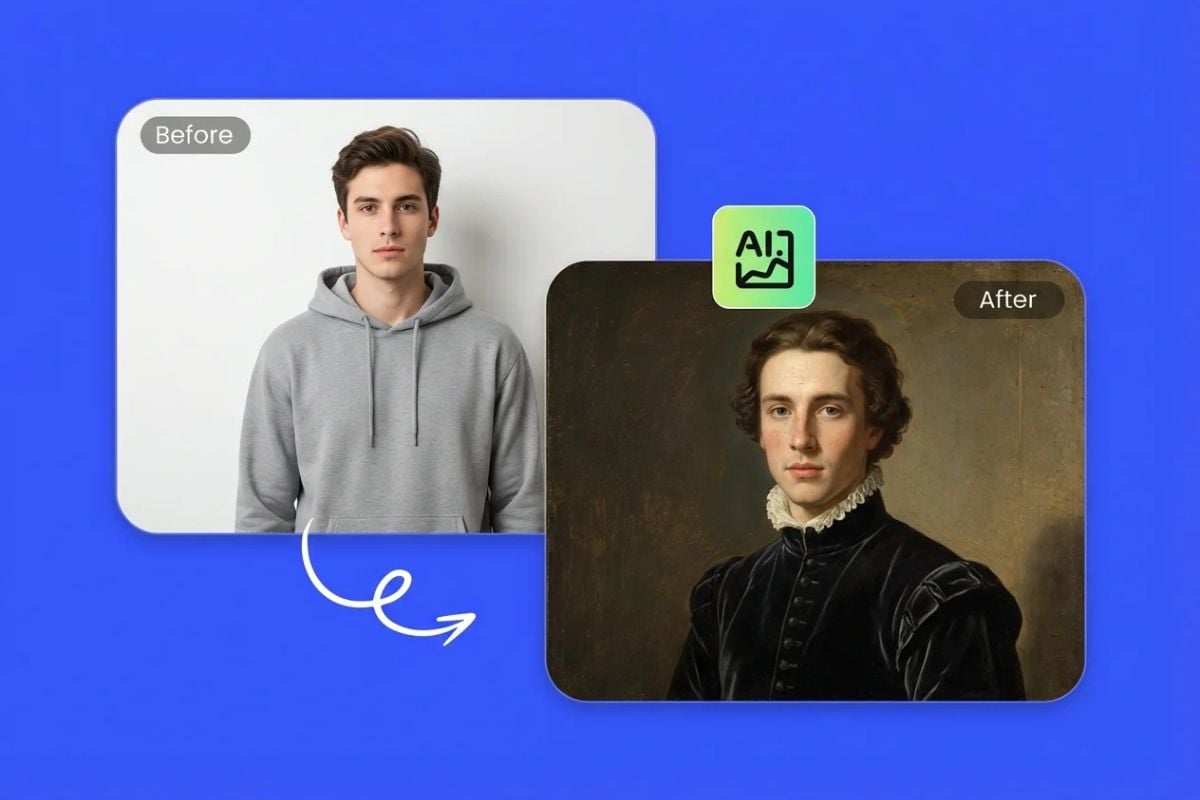
Portrait Painting Face Swap
Swap your face into a portrait painting look. Upload a clip and a face, then get a stylized result that keeps the motion but adds a classic art vibe. Great for profile posts, creative intros, and “art museum version of me” jokes. You get a distinctive style without hiring an illustrator or doing frame-by-frame edits.
GoEnhance AI Face Swap vs Other Face Swap Tools
Explore More Face Swap Effects

Frequently Asked Questions
What is face swap?
For many industries, such as visual effects, advertising, and creative content, swap face technology is widely used as it can merge faces seamlessly without complex manual editing.
Is AI face swap safe?
How does face swap work?
- Face detection: locate the face in a photo or video;
- Feature point recognition: for example, recognize the key points of eyes, nose and mouth to define the facial outline.
- Alignment and transformation: adjust the angle and size of the source face to make it align with the target face ;
- Blending: To make the new face fit naturally, color matching, lighting correction and image fusion need to be achieved.
- AI Enhancement: Use deep learning models to refine details and expressions for a more realistic look.
- Video Optimization: Ensure frame-by-frame consistency in videos to avoid flickering or jitter. The final result is that the target person appears to truly have another face.
How to face swap a photo?
Step 1: Upload the face image
Uploading the image containing the face you want to swap.
Step 2: Upload the target image
Upload the photo where you want the face to appear, meaning you want to perform the face swap on this image.
Step 3: Click the generate button
After confirming both images, click "Generate." Just wait, and the result will be offered quickly.
Step 4: Download the result
Once the swap is complete, you can preview and download the final swap face image.
How to improve face swap?
(1) Use high-quality source clips
Clear source clips allow AI to merge faces more naturally. For better results, choose images and videos that clearly show facial features. Using HD or 4K video footage can greatly improve the clarity and realism of face swap effects.
(2) Choose a high-quality face swap filter
A reliable face swap tool ensures realistic results. By choosing GoEnhance AI's face swap tool, you can generate lifelike, high-quality face swap video, face swap image, and face swap gif.
Where is face swap filter used?
- Social media & memes: funny selfies, GIFs, and viral videos.
- Entertainment & advertising: movies, TV, and creative marketing.
- Art & creativity: swapping into famous paintings or fun edits.
- Chat & Interaction: Swap faces with friends or family to create laughter and surprises.
- Short Video Creation: Make funny clips, parodies, and creative remixes.
Is Face Swap free to use?
Can I upload my own video?
Can I swap in multiple faces?
What photo should I use?
Should I label face swap content when posting?
Clear labels also reduce reports and misunderstandings on social platforms.
What's a safe checklist for commercial use?
This takes one minute and prevents most compliance headaches later.
What are your best real-world tips for natural results?
How should I work with private or sensitive videos?
For safer sharing, crop tighter to the subject and avoid backgrounds that reveal personal info.
What Our Users Say?
More than Video & Image Face Swap
GoEnhance AI goes beyond video & image face swap. Our platform offers advanced features for creating AI-generated videos & images, tailored to both creative and professional needs. With GoEnhanceAI, you can create high-quality, AI-generated videos and images that stand out. Enhance your visual content seamlessly and meet the growing demands of digital media.
Try GoEnhance AI For Free