
Seedance AI Review 2026: Who It’s Actually For
- 1. Quick Verdict
- 2. What Is Seedance?
- 3. Which Version I Tested
- 4. Methodology — How We Tested
- 5. Key Features at a Glance
- 6. Performance Summary
- 7. Best Features / Practical Strengths
- 8. Major Limitations
- 9. How to Get Started (Practical Guide)
- 10. Pricing & Access
- 11. Copyright, Licensing & Commercial Use
- 12. FAQ — Common Questions Answered
- 13. Final Recommendation & Score
Seedance review — a hands-on look at ByteDance’s multi-shot video model and where it fits today.
1. Quick Verdict
Seedance produces coherent, cinematic short clips that are most useful for fast social, marketing, and prototyping workflows in 2026.
Best use case: rapid, multi-shot short-form content (ads, social posts, concept reels).
Who should skip it: large-scale long-form filmmakers, VFX-heavy productions, and anyone needing frame-accurate broadcast footage.
2. What Is Seedance?
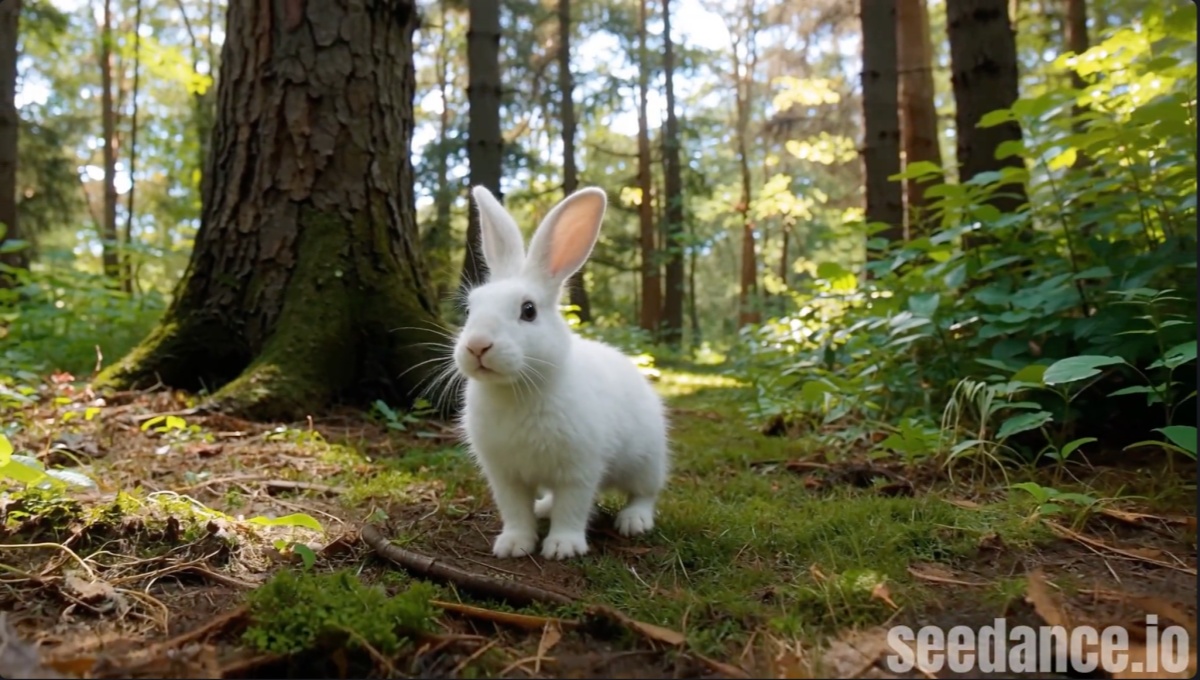
Seedance is a ByteDance video foundation model focused on multi-shot image-to-video and text-to-video generation.
Seedance 1.0 aims to be a production-aware generator that supports multi-shot storytelling from either text or a single image, prioritizing prompt fidelity and motion continuity over one-off demo effects.
Product positioning: a practical creator tool with Lite and Pro tiers that trade off latency, cost, and quality.
Target users: social creators, small studios, marketers, and prototyping teams who value speed and predictable output.
Core differentiation: built-in multi-shot coherence, prompt adherence, and camera-language controls (pans, handheld, cuts) rather than single static loops.
3. Which Version I Tested
I tested the Pro lineage within the Seedance 1.0 family (the Pro image-to-video endpoint). The model tested matches the seedance-v1-pro-i2v-480p class used on many platforms.
Why this matters: Pro endpoints are what creators reach for when they want production-usable short clips.
Review scope: short outputs (typically 5–10s), image→video workflows, prompt-to-shot fidelity, and creator UX (iteration, export, edit).
4. Methodology — How We Tested
Tests followed real creator workflows: concept → prompt → image input → iterate → edit.
- Real-world scenarios: social ad (10–15s), product teaser (8–12s), character vignette (5–10s).
- Evaluation criteria: prompt fidelity, motion continuity, artifact level, shot variety, turnaround time, and editor fit.
- Exclusions: large batch API integrations, long-form narrative pipelines, and deep audio–video joint-generation features were outside this review’s scope.
5. Key Features at a Glance
Seedance supports multi-shot generation, camera presets, and both text→video and image→video modes.
- Generation modes: text-to-video and image-to-video (image→video is useful when you start from a hero frame).
- Creative controls: presets for handheld, drone, dolly, shot length, and scene-continuity parameters.
- Output options: common resolutions like 480p / 720p / 1080p and typical short clip durations in the 5–10s range.
6. Performance Summary
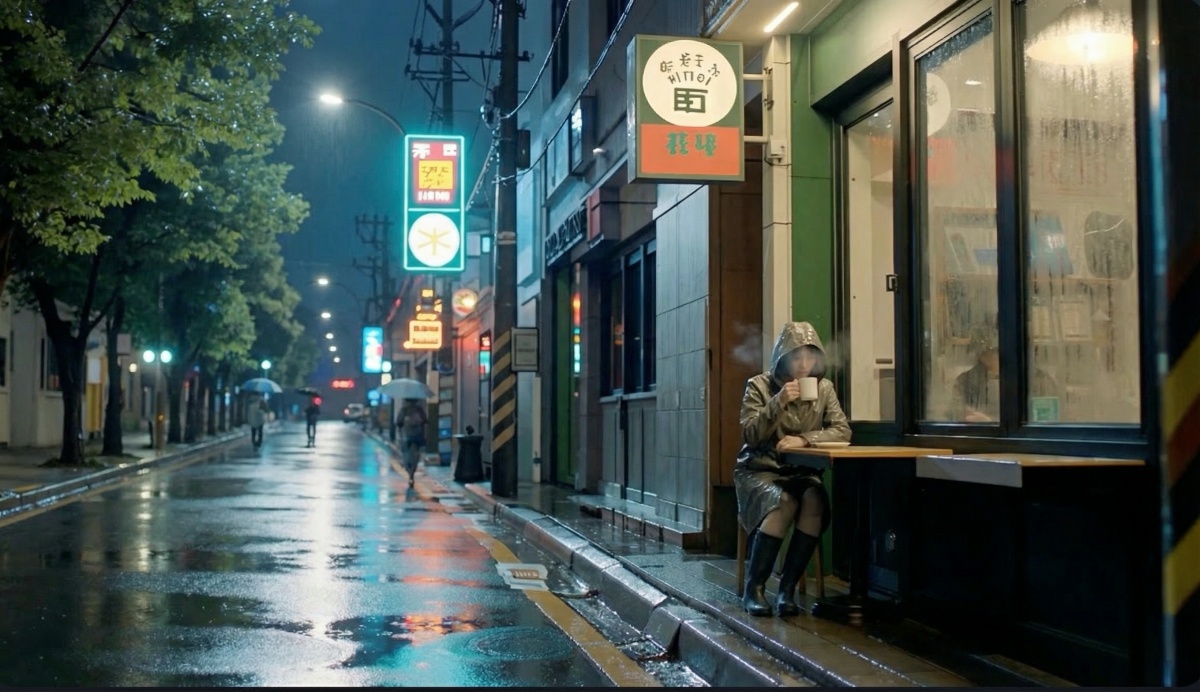
Visual fidelity and motion continuity are strong for short clips; frame-level artifacts are usually manageable in light post.
| Metric | Observations |
|---|---|
| Resolutions supported | 480p, 720p, 1080p (endpoint dependent) |
| Typical clip length | 5–10 seconds per generation task; platforms may stitch multi-shot outputs |
| Visual quality | Cinematic look achievable; faces/textures hold up at 720p+, occasional smudging at edges |
| Motion continuity | Better multi-shot stability compared with earlier models; complex motion can still jitter |
| Speed | Lite for fast drafts; Pro for slower, more reliable renders |
Consistency is a notable strength: Seedance follows complex prompts and produces ordered multi-shot sequences more reliably than many contemporaries.
7. Best Features / Practical Strengths
Seedance’s practical strengths are time-saving multi-shot coherence and prompt fidelity.
- Time-saver: produce storyboard-quality multi-shot clips from a single prompt + image without assembling many separate renders.
- Creative value: camera-language control (push-ins, handheld pans, drone reveals) that gives outputs a cinematic feel.
- Where it leads: the balance of speed, prompt-following, and usable output that can be dropped into an editor with minimal cleanup.
8. Major Limitations
Seedance still struggles with long-form continuity, VFX-accurate frames, and some legal/ethical boundaries.
- Technical constraints: short-by-design outputs and artifacts on fine detail (text, logos).
- Creative bottlenecks: complex choreography or dense multi-character interaction can produce inconsistent micro-gestures.
- Workflow friction: some API integrations are asynchronous and require polling; platform wrappers vary.
Ethics & safety note: hyper-realistic outputs create deepfake and copyright concerns — be careful with likenesses and public figures.
9. How to Get Started (Practical Guide)
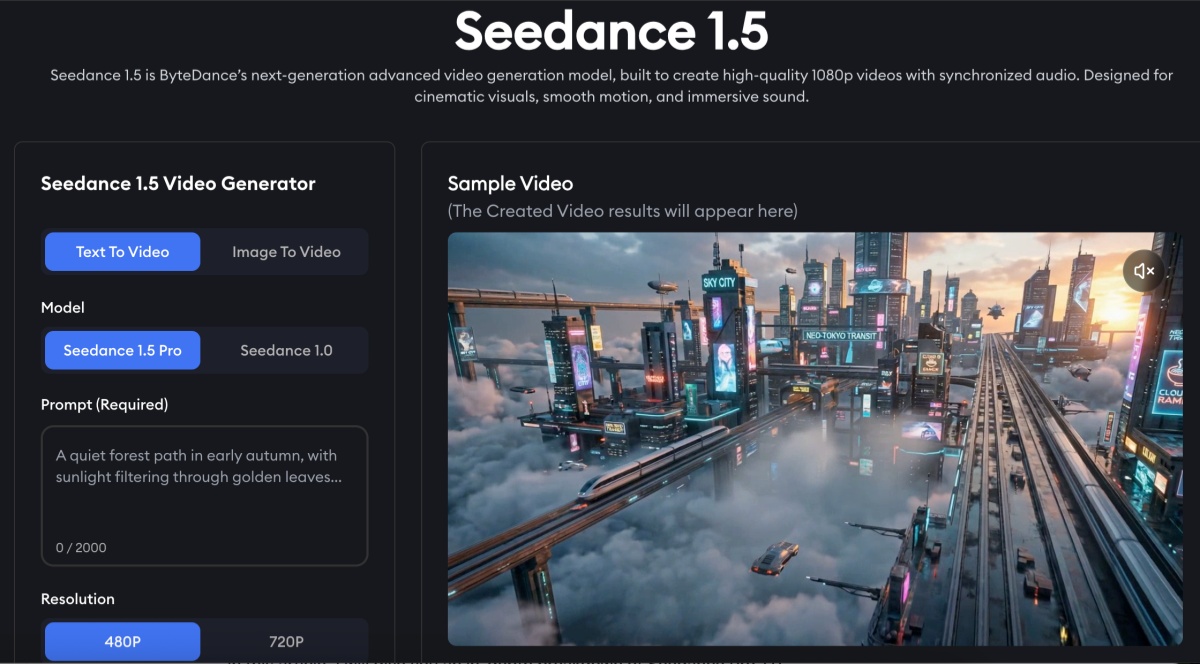
Getting started is straightforward: pick Lite for fast drafts or Pro for production drafts, prepare assets, and iterate on prompts.
Minimal setup steps
- Pick the endpoint (Seedance Lite or Seedance Pro).
- Seedance Pro — for higher-fidelity generation.
- Seedance Lite — for fast iteration.
- Prepare a reference image (for image→video) or a focused text brief.
- See the typical image to video workflow for guidance.
- Send a concise prompt describing camera action, subject, mood, and shot length.
- Tweak and re-run (adjust camera verbs, lighting adjectives, or shot counts).
Prompting basics
- Start with a short subject line, add one camera instruction and one mood/lighting adjective.
- Example: “A lone skateboarder at golden hour — slow push-in, handheld, cinematic grain, 8s.”
Common beginner mistakes
- Overloading a single prompt with too many distinct actions.
- Expecting 30s continuous clips from a single generation.
- Forgetting to specify camera motion when cinematic language is required.
10. Pricing & Access
Pricing follows a Lite-vs-Pro logic: Lite is cheaper and faster; Pro costs more but yields higher-resolution, more consistent outputs. Pay-per-job or credit systems are common—Pro runs typically cost multiple times a Lite run. Check your provider for current pricing.
Value for different users
- Creators/marketers: High — fast concept-to-publish loop.
- Small studios: Medium — can replace some stock footage and speed iterations.
- Feature film VFX houses: Low — not a replacement for production-grade VFX.
Best access path: use a vendor or platform that wraps the Seedance API (many AI playgrounds and APIs expose endpoints like seedance-v1-pro-i2v-480p).
11. Copyright, Licensing & Commercial Use
Commercial use is possible but comes with grey areas; always check the host platform’s TOS and avoid generating copyrighted characters or real-person likenesses without rights. Platforms will reject some disallowed prompts, but responsibility ultimately lies with the user.
Grey areas to monitor
- Training-data provenance and resemblance to copyrighted footage.
- Likeness rights for public figures or private individuals.
Practical risk advice
- Use original assets you control.
- When in doubt, consult legal counsel before running commercial campaigns with generated likenesses.
12. FAQ — Common Questions Answered
-
Is Seedance suitable for professional work?
Yes — for short-form, social, and many marketing uses; not a full replacement for high-end VFX. -
How long can a single generated clip be?
Typically 5–10s per generation task in the 1.0 family; some platforms stitch multi-shot outputs. -
Can outputs be edited externally?
Yes — standard export formats allow editing in NLEs, though some cleanup (stabilization, denoise) may be required. -
Does it replace traditional video production?
Not fully; it accelerates many short-form tasks but lacks production-grade frame control and long-form continuity. -
How steep is the learning curve?
Mild — useful results are attainable in an afternoon; mastering cinematic prompt language takes practice.
13. Final Recommendation & Score
Seedance is a pragmatic, well-engineered step forward in short-form AI video and is recommended for creators and small teams who need fast, cinematic clips.
- Who should use it now: social creators, marketers, concept artists, and small studios looking to prototype and produce short-form video quickly.
- Who should wait: feature film VFX teams or anyone needing long-form, frame-accurate results.
Final conclusion: overall score 8/10 — strong prompt following, multi-shot coherence, and practical outputs. Confidence level is high for short-form use cases and medium for future joint audio–video claims.


