
Runway AI vs Kling AI: Which One Actually Gets You Usable Videos Faster?
- 1. Runway vs Kling AI: Quick Comparison Table
- 2. Runway vs Kling: The Real Difference (Not What Most Guides Say)
- 3. Output Success Rate: The Metric That Actually Matters
- 4. The 10-Minute Test: What Happens Under Real Pressure
- 5. Runway AI Review: Powerful, But Slower Than It Looks
- 6. Kling AI Review: Impressive Output, Unpredictable Workflow
- 7. GoEnhance Review: Why “Picking One Model” Slows You Down
- 8. Best Tool by Use Case
- 9. How to Choose: A Practical Decision Guide
- 10. FAQs About Runway vs Kling AI
- 11. Conclusion: Stop Optimizing the Model — Optimize the Workflow
Most people searching for Runway AI vs Kling AI think they’re choosing a better model.
I did too.
Then I spent a week actually trying to make content with both — short clips, product visuals, social posts. Same inputs. Same expectations.
That’s when it stopped being a “which is better” question.
It became: which one actually gets you something usable… without wasting your time.
Video content dominates global engagement, which means speed to publish matters more than anything else now. Not just quality. Not just realism.
Something you can actually post.
1. Runway vs Kling AI: Quick Comparison Table
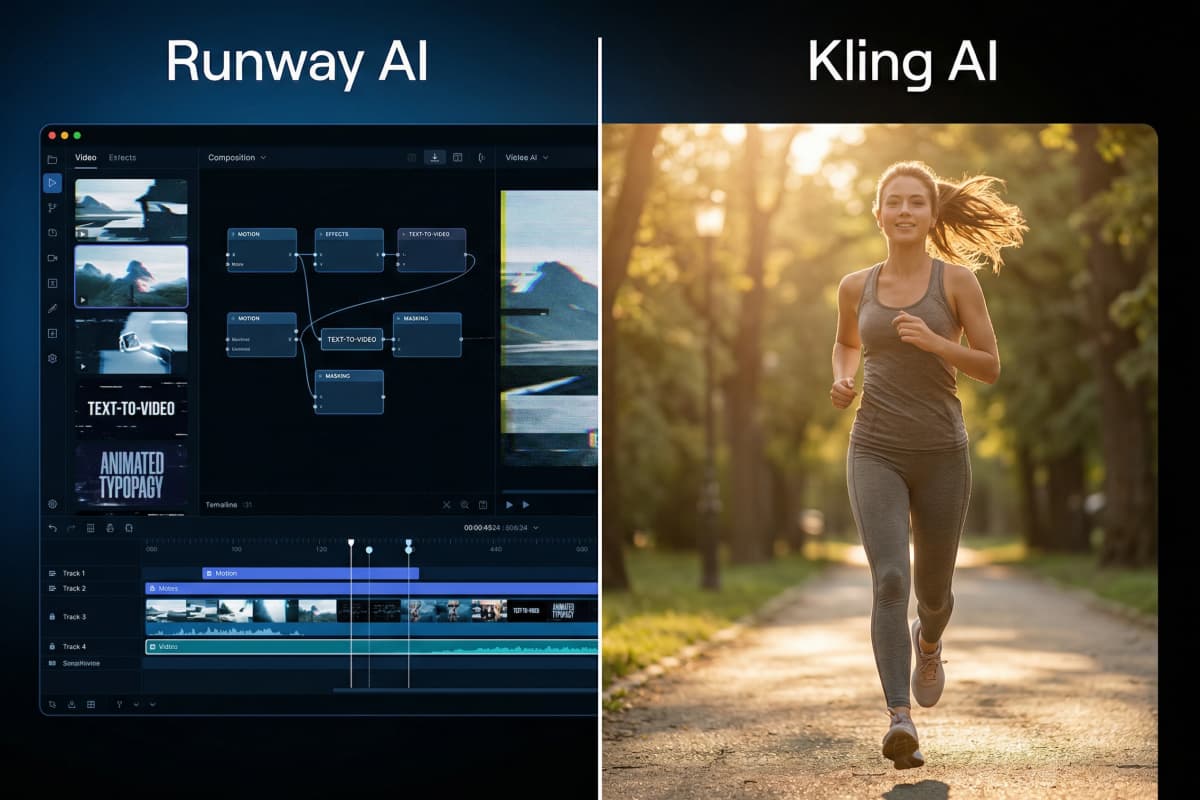
At a glance, Runway and Kling look like they solve the same problem. They don’t.
| Tool | Best For | Output Quality | Avg Time to Usable Clip | Ease of Control | Pricing Model |
|---|---|---|---|---|---|
| Runway | Editing + control | Good, sometimes AI-like | 6–12 min | High | Subscription |
| Kling | Realistic motion | Very high realism | 5–10 min (inconsistent) | Low | Credit-based |
| GoEnhance | Fast multi-model output | High (model-dependent) | 3–8 min | Medium | Unified access |
This table looks clean. Too clean.
Because it hides the real problem: you don’t need “average time.” You need something that works right now.
Bottom line: Specs are helpful, but they don’t tell you how many times you’ll need to retry before getting something usable.
2. Runway vs Kling: The Real Difference (Not What Most Guides Say)
Most comparisons say this:
- Runway = control
- Kling = realism
That’s true. But it’s not what actually matters in daily use.
The real difference shows up when something goes wrong.
Runway lets you fix things. You can tweak prompts, adjust outputs, iterate step by step.
Kling doesn’t really give you that. When it works, it looks incredible. When it doesn’t… you’re basically starting over.
Generative video tools are evolving rapidly, but reliability hasn’t caught up yet. That gap shows up fast when you’re on a deadline.
So the tradeoff isn’t just “quality vs control.”
It’s this:
- Do you want to fix problems?
- Or avoid them altogether?
Bottom line: Runway gives you control over bad outputs. Kling forces you to reroll until you get a good one.
3. Output Success Rate: The Metric That Actually Matters
Nobody talks about this, but they should.
Success rate.
Not how good the best result looks — how often you get something usable.
I tried to keep this simple:
Same image. Same prompt. No advanced tweaks.
Five runs each.
By the third run, I already had a sense of what was happening.
| Tool | Runs | Usable Clips | Success Rate | Notes |
|---|---|---|---|---|
| Runway | 5 | 3 | 60% | Needed small adjustments |
| Kling | 5 | 2 | 40% | High variance |
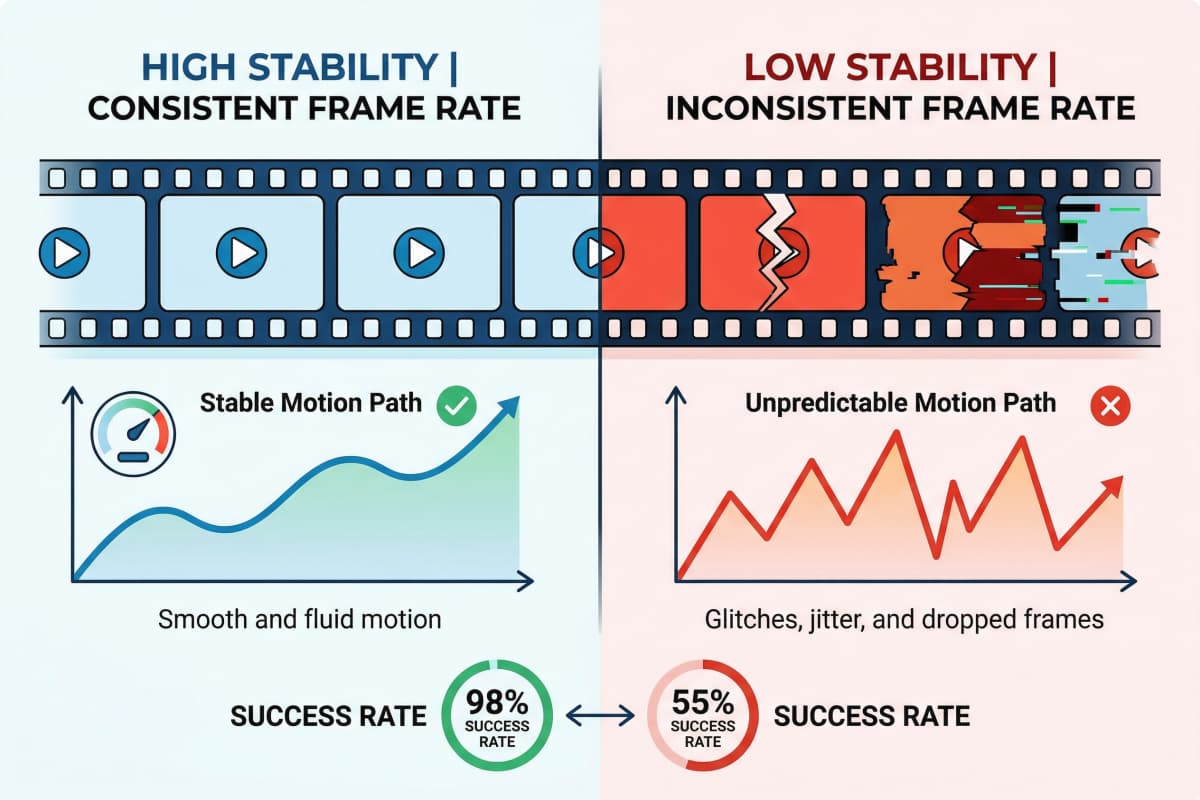
Kling gave me the single best clip out of all ten.
But it also gave me the most failures.
One output looked great. The next one broke motion completely. Same prompt. Same image. No clear reason.
Runway felt steadier. Not perfect, but I could usually get somewhere after a couple of tweaks.
That difference matters more than people expect.
Video marketing adoption keeps increasing, which means every extra retry isn’t just annoying — it slows down your entire workflow.
Bottom line: The best-looking model isn’t the most useful one — the one that fails less often usually wins.
4. The 10-Minute Test: What Happens Under Real Pressure
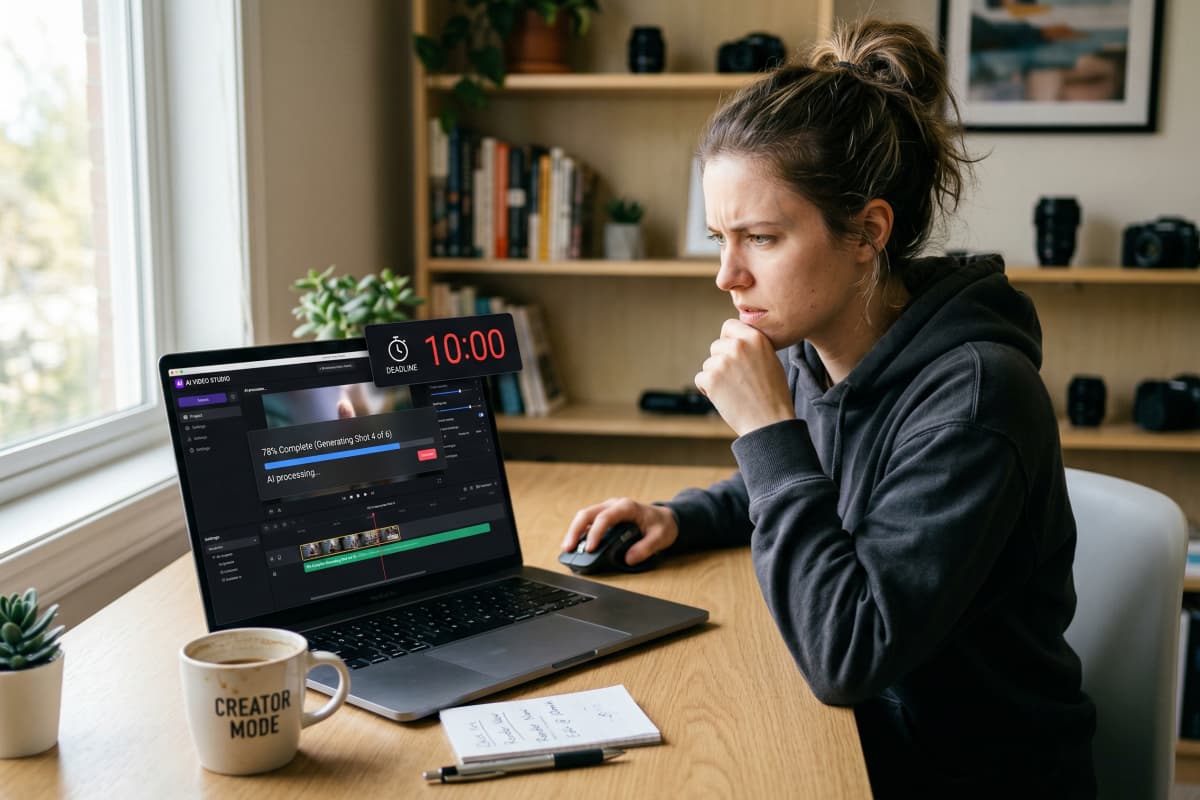
I set a constraint:
10 minutes. One usable clip. No tutorials.
This is closer to how most creators actually work.
Runway first.
I spent the first few minutes adjusting prompts. Nothing major — just trying to get the motion right. Around minute 7 or 8, I had something I could use. Not perfect, but workable.
Then Kling.
The first result looked better than anything Runway produced. Sharper motion. More natural.
Second attempt? Completely off.
Third attempt? Still off.
At that point I stopped trying to “fix” it. There wasn’t much to fix.
So I changed approach.
Instead of forcing a model to behave, I switched workflow — starting from an image.
Using an image-to-video pipeline, I had something usable in under five minutes. No prompt tuning spiral. No guessing what went wrong.
That was the moment things clicked for me.
It wasn’t about picking a better model.
It was about avoiding retries.
Bottom line: Under time pressure, the fastest workflow beats the most powerful model.
5. Runway AI Review: Powerful, But Slower Than It Looks
Runway gives you control — that part is real.
If something feels off, you can usually adjust it instead of starting from scratch. That’s valuable, especially for more structured projects.
But control comes with friction.
I didn’t expect to spend that much time tweaking small things. Prompt phrasing. Motion tweaks. Re-running clips that were “almost right.”
Individually, each step is small.
Together, they slow you down.
The ability to transform generated clips into stylized animation is useful, especially if you’re polishing content. But it also pulls you deeper into editing instead of finishing.
If you’re producing one high-quality piece, that tradeoff makes sense.
If you’re trying to publish consistently? It gets heavy.
Bottom line: Runway is strong when precision matters — but it adds overhead when speed is the priority.
6. Kling AI Review: Impressive Output, Unpredictable Workflow
Kling feels impressive right away.
Motion looks better. Details feel more natural. Faces behave closer to real footage.
That part isn’t exaggerated.
But consistency is where things get tricky.
I had outputs that looked production-ready. Then the next run would drift completely — broken motion, awkward transitions, things I couldn’t easily fix.
That unpredictability adds friction in a different way.
Not through editing — through repetition.
You end up rerunning instead of refining.
And if you’re working on multiple clips, that gets expensive in time and credits.
Bottom line: Kling can produce the best results — but you’ll spend more time chasing them.
7. GoEnhance Review: Why “Picking One Model” Slows You Down
The biggest shift wasn’t switching tools.
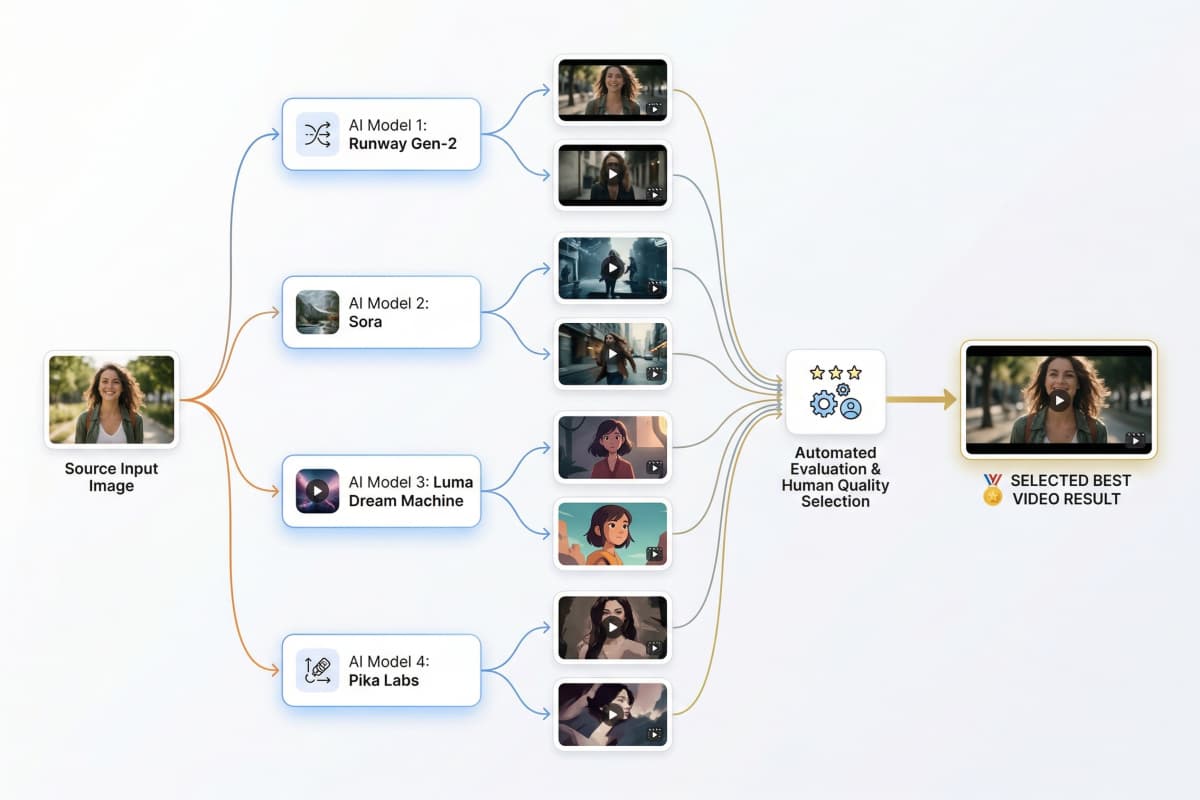
It was dropping the idea that I needed to choose one.
Different models behave differently. That’s not a flaw — it’s the reality.
So instead of retrying the same model five times, I started switching.
Using a setup where you can access multiple AI video models in one place changes the workflow completely.
If one output fails, you don’t fix it. You move on.
That alone reduced retries more than anything else I tried.
In practice, I found myself:
- Using animate-a-picture workflows when I needed speed
- Using video extender tools when clips felt too short
- Using video upscaling when quality wasn’t there
Not perfect every time.
But faster to something usable.
There is a limitation.
You don’t get detailed layout control like traditional design tools. If your work depends on precise positioning — ads, slides, brand layouts — other tools still handle that better.
But for generating video content quickly, this approach is more efficient.
Upload your first image and see what it generates — free
Bottom line: The advantage isn’t better output — it’s fewer retries and faster decisions.
8. Best Tool by Use Case
There isn’t a single winner. It depends on how you work.
Short-form creators:
Speed matters more than perfection. Getting something usable quickly is the priority.
Marketing teams:
Consistency matters. Control helps, but too much friction slows production.
Experimental creators:
Kling is worth exploring. When it works, it stands out.
Teams managing recurring content:
Being able to keep characters consistent across videos matters more than individual clip quality.
If your workflow is mostly static design — presentations, flyers, brand visuals — traditional design tools are still the better fit.
Different job. Different tools.
Bottom line: Match the tool to your workflow — not the other way around.
9. How to Choose: A Practical Decision Guide
If you’re deciding quickly, here’s the simplest breakdown:
Runway works better if you:
- Need control
- Don’t mind adjusting
Kling works better if you:
- Want high realism
- Can tolerate inconsistency
But if your goal is speed?
You’ll run into limits with both.
Because every failed generation costs time.
Creative tool pricing is rising, and wasted iterations are part of that cost — even if it’s not obvious at first.
The real question isn’t which tool is better.
It’s how often you have to try again.
Bottom line: The fastest workflow is the one that minimizes failed outputs, not the one with the best features.
10. FAQs About Runway vs Kling AI
Is Kling AI better than Runway?
Kling can produce more realistic results, but Runway is easier to control. The better choice depends on whether you prioritize consistency or peak quality.
Which AI video generator is best for beginners?
Runway is easier to approach, but beginners often spend time figuring out prompts. Simpler workflows tend to be faster early on.
Can you use multiple AI video models together?
Yes. In practice, switching between models often reduces retries and speeds up production.
Is Runway worth the cost?
If you rely on its editing capabilities, it can be. If you mainly need fast outputs, the cost of repeated iterations adds up.
11. Conclusion: Stop Optimizing the Model — Optimize the Workflow
“Runway AI vs Kling AI” sounds like a decision.
In practice, it’s a constraint.
Once you stop trying to pick the perfect model, things move faster.
You test. You switch. You keep what works.
If your work depends on structured design — layouts, typography, brand control — other tools are still better suited for that.
But if your goal is simple:
Get video content out, consistently.
Then the strategy matters more than the model.
And that strategy is straightforward.
Reduce retries. Move faster.


