
16 Best MyFlixer Alternatives 2026 (Safer, More Reliable Streaming Picks)
- Part 1: MyFlixer Alternative Comparison Table (Quick Look)
- Part 2: Why I Trust These MyFlixer Alternatives (and Why This List Is Conservative)
- Part 3: 16 Best MyFlixer Alternatives (With Practical Notes & Tips)
- Part 4: How to Pick a MyFlixer Alternative (What Matters, What Doesn’t)
- Part 5: A realistic safety and quality checklist (what I actually look for)
- Part 6: FAQs about MyFlixer alternatives
- Part 7: Final take
MyFlixer is one of those “watch movies and TV online” sites people end up on when they want something fast and free—often after a Google search for a specific title. The problem is that the experience can be unpredictable: mirrors change, links break, pop-ups appear where the play button should be, and the legal side of things is murky. That’s why I keep a shortlist of MyFlixer alternatives that are legitimate, stable, and easier to use across devices. When I evaluate options, I’m not chasing perfection; I’m looking for the simplest way to watch without the risk and friction that usually comes with unofficial streaming sites.
Part 1: MyFlixer Alternative Comparison Table (Quick Look)
If you want a quick decision, this table is the fastest way to match a service to what you actually watch.
| Alternative | Price style | Ads | Best for | Why I’d use it |
|---|---|---|---|---|
| Netflix | Paid | No | Big mainstream library + originals | Consistent quality, easy discovery |
| Prime Video | Paid | Varies | Variety + rentals + channels | One app for included + rent/buy |
| Disney+ | Paid | Tier-based | Franchises + family | Marvel/Star Wars/Pixar depth |
| Hulu | Paid | Tier-based | TV-heavy viewing | Strong series lineup (region dependent) |
| Max | Paid | Tier-based | Prestige TV + studio films | “One great show” nights |
| Apple TV+ | Paid | No | High-quality originals | Small library, strong hit rate |
| Peacock | Free/Paid | Yes | Comfort TV + events | Good free entry point |
| Paramount+ | Paid | Tier-based | Network-style TV + franchises | Solid niche libraries |
| Tubi | Free | Yes | Free on-demand browsing | Surprisingly deep catalog |
| Pluto TV | Free | Yes | Live channels | Channel-surfing vibe |
| Freevee | Free | Yes | Free movies/TV | Polished, easy access |
| Plex | Free | Yes | Discovery + free catalog | Great “browse” feel |
| YouTube Movies & TV | Rent/Buy | Sometimes | One-off rentals | Pay only when you watch |
| Kanopy | Library/free | No | Indie + classics | Often ad-free with library access |
| Hoopla | Library/free | No | Movies + more media | Library-based, flexible formats |
| Crackle | Free | Yes | Free rotations | Simple, low-commitment watching |
Part 2: Why I Trust These MyFlixer Alternatives (and Why This List Is Conservative)
The safest MyFlixer alternatives are the ones that behave like real streaming services—because they are.
When I compare options, I look at the same set of signals every time: stability, device support, and how the player behaves under normal use (desktop + TV + mobile). That last point sounds boring, but it’s where many unofficial sites fall apart: you click “play” and something else opens, you get a fake update prompt, or the stream drops mid-way.
I also pay attention to catalog reality. A service can have “a lot” of titles yet still be useless if you can’t find anything you’d actually watch. So I test in a very unglamorous way: I search one popular show, one mid-tier movie, and one niche pick (documentary or older classic), and I see what happens. If the platform handles that mix well, it usually holds up in day-to-day life.
Part 3: 16 Best MyFlixer Alternatives (With Practical Notes & Tips)
1) Netflix
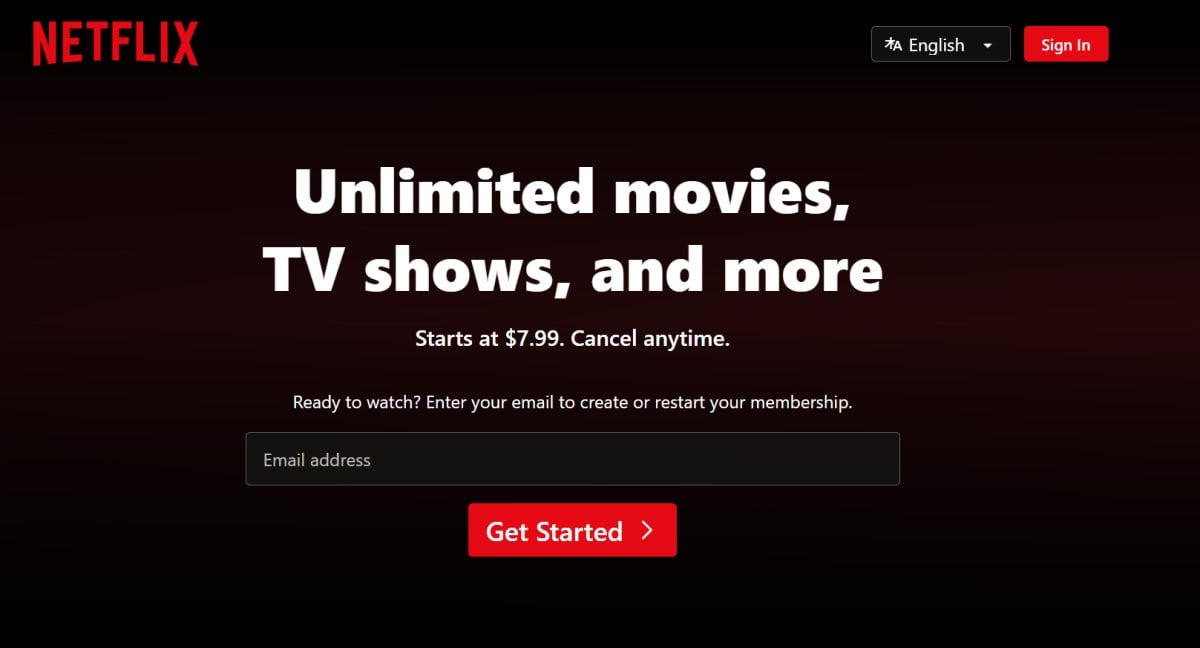 Netflix is the easiest choice when I want a dependable catalog that doesn’t require “research” before I press play.
Its strength is consistency: the apps are stable, the streaming quality is predictable, and discovery actually works when you’re tired and just want something decent.
Why it earns its spot
- Strong originals and a steady flow of mainstream titles
- Smooth playback across devices, profiles that behave well in households
- Good recommendations when you watch regularly
Where it’s not ideal
- Titles rotate, so you can’t assume a movie will stay forever
2) Prime Video
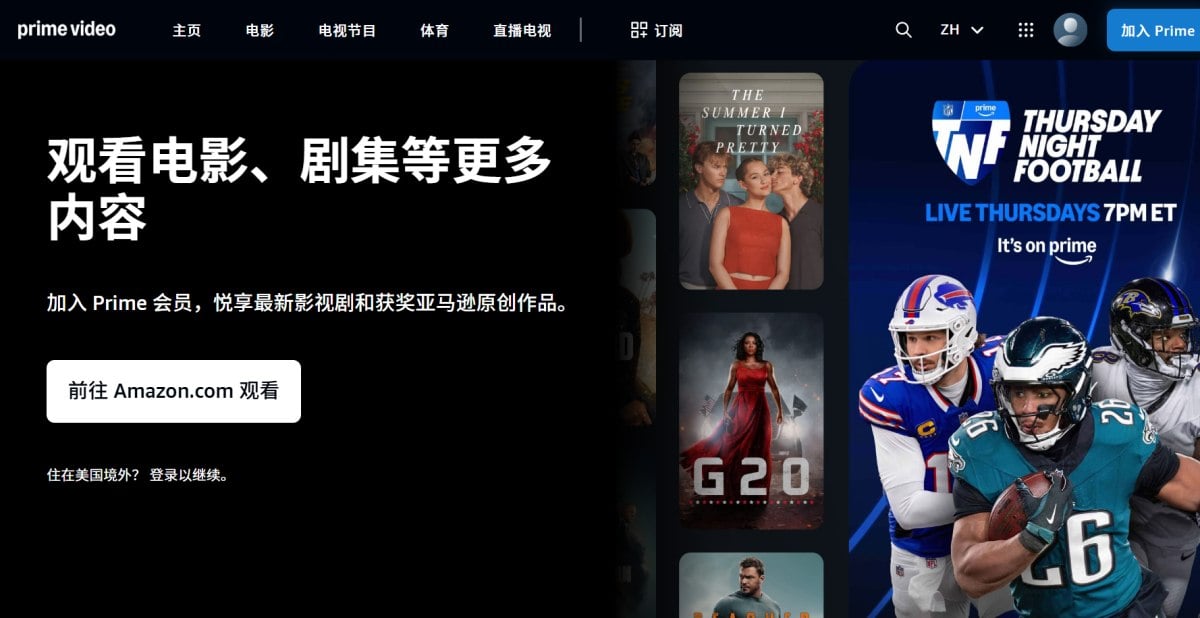
Prime Video is the practical pick if you want one app that covers subscription streaming and rentals.
I often recommend it to people who watch a mix of included content and newer releases—because rentals fill the gaps without adding yet another monthly bill.
What I like in practice
- Huge variety, plus optional add-on channels
- Rent/buy is convenient when you want a specific title
- Works well on TVs and streaming sticks
Small frustration
- The catalog can feel messy unless you filter carefully
3) Disney+

Disney+ is the obvious choice when franchises are the main event.
If your household rotates through Marvel, Star Wars, Pixar, and animated classics, this is one of the few subscriptions that feels “worth it” month after month.
Best reasons to subscribe
- Deep franchise libraries, easy family profiles
- Stable, clean UI with reliable playback
- Great for rewatching comfort favorites
When it’s not the best fit
- If you don’t care about the big brands, the catalog can feel narrow
4) Hulu
Hulu is my go-to when the goal is TV, especially if you like keeping up with series rather than hunting for movies.
It’s one of the closest “series-first” replacements for people who used MyFlixer mainly for TV seasons.
Why it works
- Strong TV lineup and originals
- Good for ongoing shows (availability depends on region)
- Bundles can improve value for some viewers
Watch-outs
- Region limits are real, and ad tiers vary
5) Max
Max is the best pick when you want premium series and a studio-backed film library with a higher “hit rate.”
When I’m in the mood for something that feels well-made—rather than just “something to watch”—this is usually where I start.
Why I keep it on the list
- Prestige series reputation
- Strong movie catalog in many markets
- Good curation for quality nights
Downside
- The catalog and rollout can vary by country
6) Apple TV+
Apple TV+ makes sense if you’d rather have fewer titles that are consistently good.
I’ve seen people bounce off it because the library is smaller, but the originals often justify a short subscription window—watch a couple of standout series, cancel, come back later.
What it does well
- High production value originals
- Clean, uncluttered experience
- Easy to try without commitment
What it doesn’t try to be
- A massive back-catalog platform
7) Peacock
Peacock is a smart budget choice because the free tier gives you a real taste before you pay.
I’ve found it especially useful for comfort TV and “I just want something on” browsing—exactly the situation where people drift toward MyFlixer.
Why it’s useful
- Free option in supported regions
- Familiar shows and rotating movies
- Upgrade Path When You Outgrow the Free Tier
Trade-off
- Ads, and availability varies
8) Paramount+
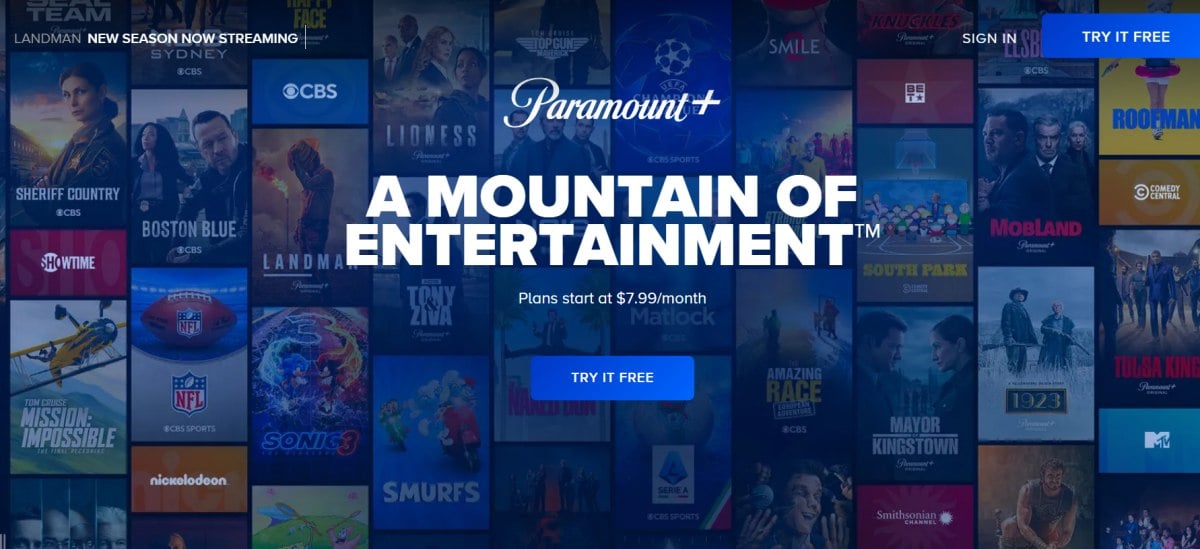
Paramount+ is best when you already know you like its franchises and network-style TV catalog.
It’s not the biggest library, but it can be the right library—especially if your watchlist overlaps with CBS-style programming.
Why it can be a great fit
- Strong niche catalogs and recognizable franchises
- Often discounted through bundles/promotions
- Good “second service” alongside a bigger platform
Heads-up
- You may still want another subscription for broader variety
9) Tubi
Tubi is the best free, legal option when you want on-demand browsing that feels close to what people expect from MyFlixer—minus the sketchy parts.
In my testing, Tubi’s catalog is deeper than most free services, and the app experience is surprisingly stable.
Why I recommend it
- Truly free (ad-supported)
- Big rotating library across genres
- Easy to use on TVs and mobile
Reality check
- Ads are the price, and brand-new releases won’t live here
10) Pluto TV
Pluto TV wins when you don’t want to choose—you want to drop in.
It’s a channel-surfing experience, and that format is oddly powerful if you get stuck in endless scrolling on on-demand apps.
What it’s great at
- Live channel grid, fast “something’s already playing” vibe
- Themed channels for easy background watching
- Totally free with ads
What to expect
- Less control than on-demand platforms
11) Freevee
Freevee is an easy free option if you want a polished experience without the “random website” risk.
Because it’s straightforward—press play, ads appear normally, and nothing weird happens—I often suggest it to people who just want to replace MyFlixer with something calmer.
Why it works
- Free with ads, stable apps
- Decent mix of movies and TV
- Low friction to start
Limit
- Availability varies by region
12) Plex
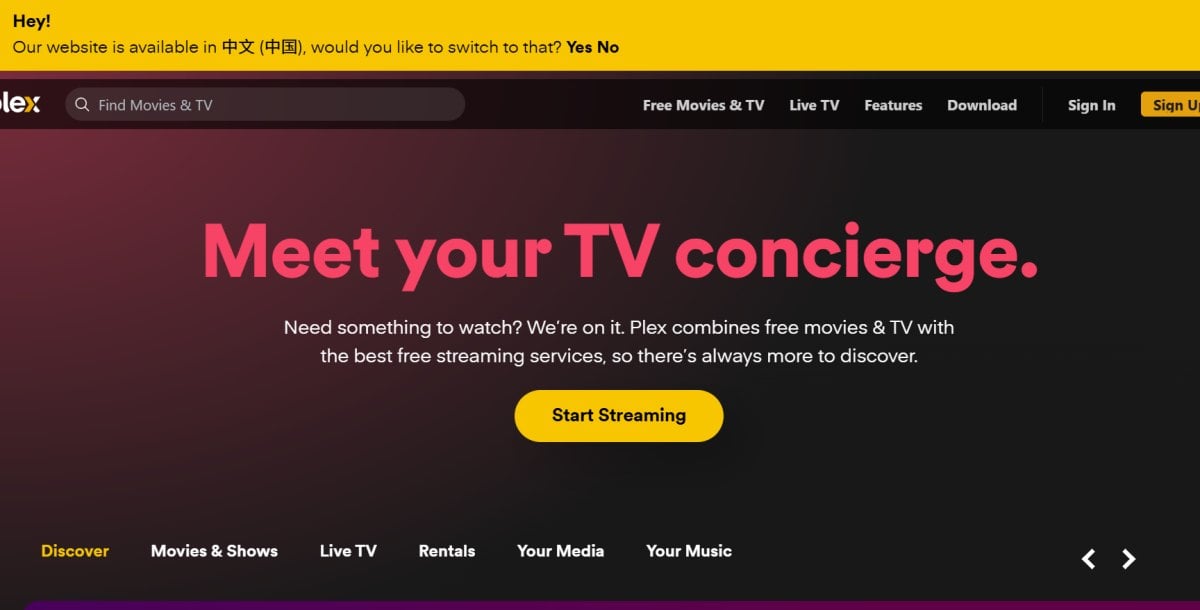
Plex is the closest “browse and play” free option for people who like discovering what’s available across categories.
I like Plex as a discovery hub because it feels like a library interface—search, browse, and you’re watching quickly.
Strong points
- Free streaming catalog with ads
- Good discovery and search
- Works on a wide range of devices
Downside
- Like all free services, content rotates
13) YouTube Movies & TV
YouTube is my default when I only want one specific movie and I don’t want another subscription.
That’s a common pattern, by the way: many people say they “need” a new service, but their behavior looks more like “two rentals a month.”
Why it makes sense
- Rent or buy what you want, when you want
- Plays on almost any device
- No extra app learning curve
Cost note
- Renting frequently can add up; that’s when subscriptions catch up
14) Kanopy
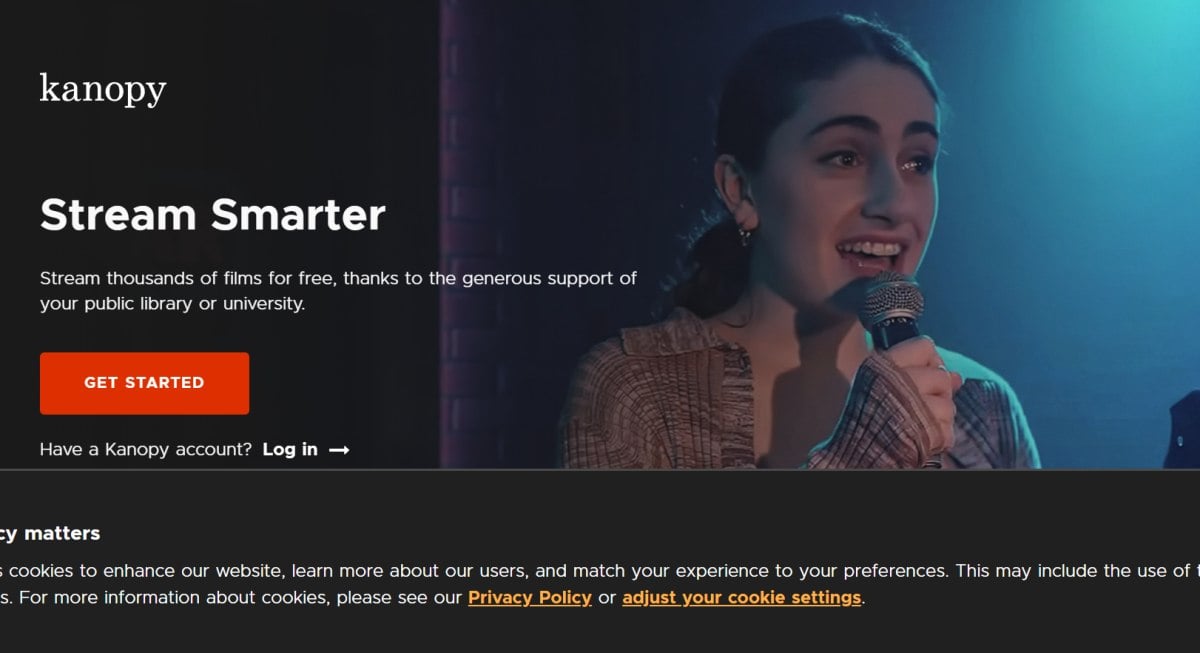
Kanopy is the most underrated legal alternative if you have access through a library or university.
Whenever I check it, I’m reminded that “free” doesn’t have to mean low-quality—Kanopy often shines with indie films, documentaries, and classics.
Why it’s worth checking
- Often ad-free
- Curated catalog with high-quality picks
- Legit access through institutions
One practical constraint
- Some libraries set monthly viewing limits
15) Hoopla
Hoopla is the best library option if you like having movies, shows, and other media in one place.
I’ve seen it replace paid subscriptions for people who don’t chase the newest releases and just want consistent, legal access.
Why it stands out
- Library-based, usually ad-free
- Includes ebooks/audiobooks in many systems
- Great on mobile and tablets
Catch
- Availability Varies by Local Library System
16) Crackle
Crackle is a simple free service that works well when you want low-commitment watching.
I don’t treat it as a “main platform,” but as a rotation: open it, browse what’s currently there, and watch something you didn’t plan.
Why it stays on my list
- Free and easy to try
- Straightforward catalog rotation
- No complicated setup
Trade-off
- Smaller library and frequent changes
Part 4: How to Pick a MyFlixer Alternative (What Matters, What Doesn’t)
The best outcome is a setup that matches your habits, not a list of apps you never open.
When I help friends choose, I ask one question that usually settles it: Do you want the biggest library, the lowest cost, or the least decision fatigue?
Here’s the quick map I use:
- Biggest library feel: Netflix or Prime Video
- Lowest cost with legit playback: Tubi + Pluto TV
- Least decision fatigue: Pluto TV (live channels) or Max (curated “great show” nights)
- Quiet value pick: Kanopy/Hoopla if your library supports them
- Only a couple of movies a month: YouTube rentals instead of another subscription
Part 5: A realistic safety and quality checklist (what I actually look for)
If you’re leaving MyFlixer because it feels risky, the goal isn’t just “another site,” it’s fewer bad surprises.
This checklist is what I use when I test any streaming option—even mainstream ones:
- The player should behave normally (no redirects, no fake buttons, no extension prompts).
- The service should be transparent about pricing, ads, and availability.
- Apps should exist on major devices (smart TVs, iOS/Android, browser).
- Search should be honest (no bait-and-switch where the title is listed but not playable).
- Account security is simple (password + 2FA where possible).
Part 6: FAQs about MyFlixer alternatives
Are there good free MyFlixer alternatives?
Yes—Tubi, Pluto TV, Freevee, Crackle, and Plex are the free options I recommend most often because they’re legitimate and predictable. The ads can be annoying, but they’re part of the platform rather than the “anything could happen” ad chaos you see on unofficial streaming sites.
Which MyFlixer alternative feels the most similar to “browse and play”?
For on-demand browsing, Tubi and Plex feel closest. If what you really want is the channel-surfing experience—something already running—Pluto TV is the one that matches that habit.
If You Only Watch a Couple of Movies a Month, Here’s What We’d Do
Rentals usually win. I’ll rent on YouTube Movies & TV when I want something specific, especially a newer release, because paying once can be cheaper than carrying another monthly subscription you forget about.
What’s the most underrated option here?
Library streaming. Kanopy and Hoopla are easy to overlook, but if your library participates, they can give you a surprisingly strong catalog—often with fewer ads (or none) and a more curated selection.
Part 7: Final take
If I had to recommend a “most people” setup, I’d build it like a small toolkit: one paid home base (Netflix or Prime Video) for reliable nights, one free service (Tubi or Pluto TV) for casual browsing, and one wildcard that matches your taste (Max for prestige series, Disney+ for franchises, or a library option if you have access). That combination covers most viewing habits while avoiding the instability and risk that pushes people toward MyFlixer in the first place.


