
Luma AI Review 2026: Honest Testing, Pricing & Runway Comparison
- 1. What Exactly is Luma AI Dream Machine?
- 2. Key Features & What It Can Do
- 3. How We Tested Luma AI
- 4. Luma AI vs. Runway Gen-3 vs. Pika
- 5. Pricing and Value for Money
- 6. Legal Stuff You Need to Know
- 7. Workflow Integration
- 8. Ethics and Responsible AI Use
- 9. Tips for Creators
- 10. Strengths, Weaknesses & Audience
I've spent three months putting Luma AI's Dream Machine through its paces. Yeah, it's easy to pick up—but that doesn't make it the right tool for your projects. Here's what actually performs well, where it falls short, and when you should just pay the extra couple bucks for Runway Gen-3.
1. What Exactly is Luma AI Dream Machine?
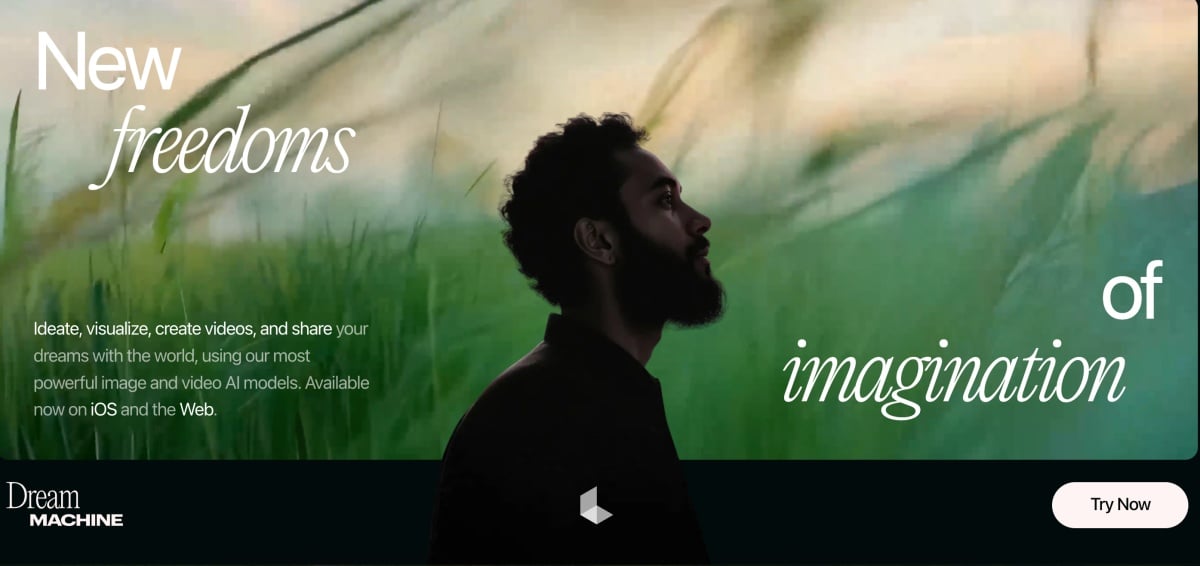
Dream Machine, launched by Luma Labs in mid-2024, converts text or images into short 5-second clips directly in a browser or on iOS. Its foundation in 3D capture technology enables smooth camera movement, though extending clips beyond 10–15 seconds generally reduces visual quality. By late 2025, Luma held approximately 15–20% of the AI video market, positioning it between Pika’s experimental tools and Runway’s professional offerings.
Quick Overview
Dream Machine offers web and iOS access, with free and paid tiers. Ray3 adds features like HDR and keyframe editing. The UI allows intuitive prompt input and output refinement. Dream Machine does a decent job with realism and natural motion when it works—the physics usually make sense, which matters for product demos or anything client-facing.
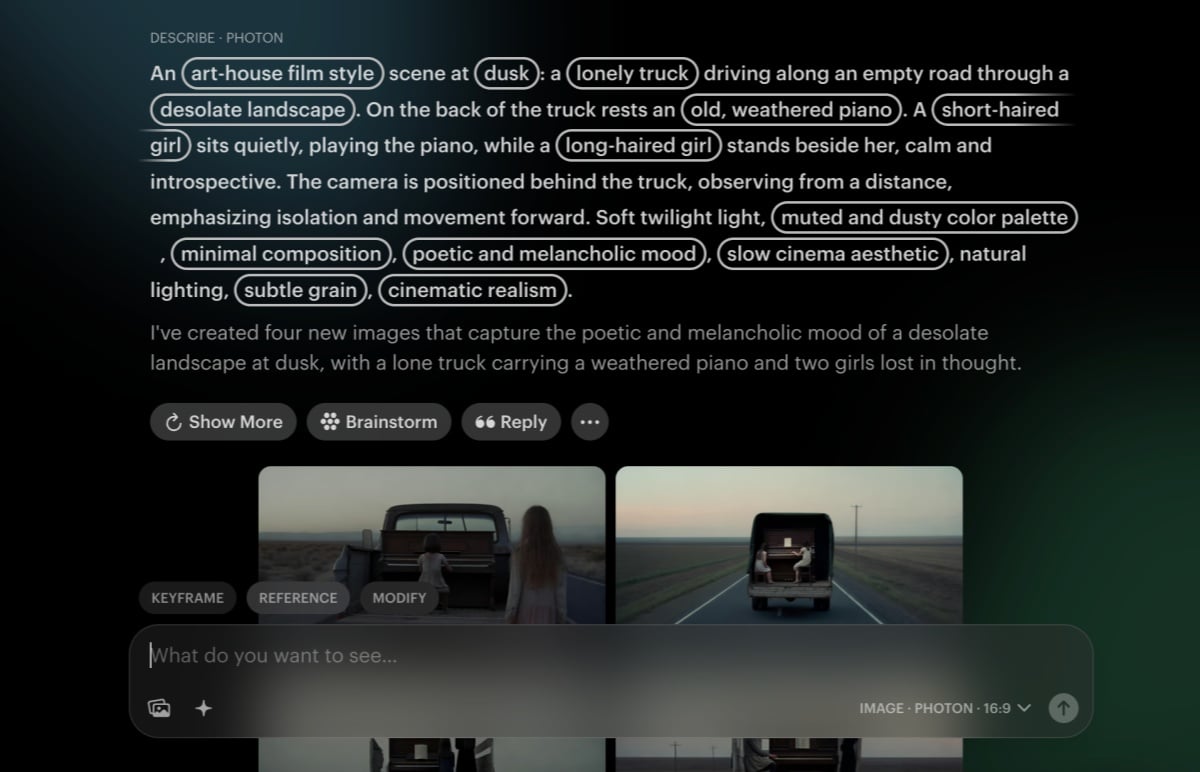
From 3D Capture to Dynamic Video
Luma also provides 3D capture tools for objects, landscapes, and scenes, which can feed into Dream Machine for animation or editing. This end-to-end workflow – capture, import, animate – sets Luma apart from competitors.
Position in the AI Video Space
Dream Machine focuses on photorealism and user control, compared to social-video or cinematic tools like Pika or Google Veo. It is aimed at professional-level creators who need high-quality output and flexible editing.
2. Key Features & What It Can Do
2.1 Text-to-Video
Luma can reliably convert descriptive text into short videos. Prompts like “a golden retriever catching a frisbee at sunset, 24fps” produce coherent motion and realistic visuals.
2.2 Animating Images
Users can upload a photo and generate a video around it. For instance, a portrait can be animated walking in a scene. This image-to-video capability is intuitive and produces credible results.
2.3 Extending and Editing Videos
Dream Machine allows extending short clips and editing via the Modify tool, which can remove objects, recolor items, or adjust scenes using natural language.
2.4 Resolution and Output
Default output is 1080p at 24fps, with optional 4K upscaling and HDR/EXR export in Ray3. Audio is not generated, requiring separate post-production for sound.
2.5 Speed and Efficiency
Normal 5–10 second clips take ~1–2 minutes to generate. Draft Mode speeds up generation at the cost of detail, useful for concept iterations.
2.6 Limitations
- Maximum clip length ~10s per generation
- No audio generation
- Complex multi-character scenes can produce artifacts
- Cloud-based, subject to queue times
3. How We Tested Luma AI
3.1 Methodology
Repeated identical prompts, measured render time, visual consistency, and output artifacts. Tests included pets, products, action, and editing scenarios.
3.2 Sample Prompts
- Nature sence: “Golden retriever catching frisbee on beach, sunset lighting”
- Product demo: “360° smartphone pan from single image”
- Dynamic camera moves and edits
3.3 Observations
Best results for single-focus scenes; natural landscapes and products look photorealistic. Multi-actor scenes occasionally showed motion artifacts.
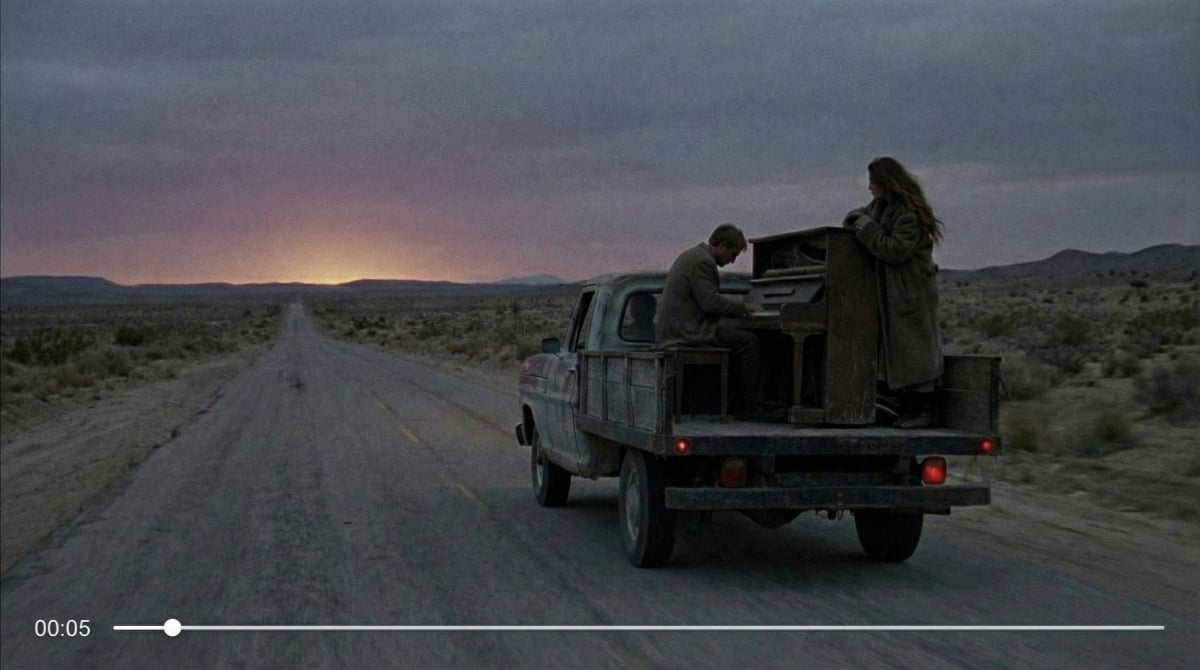
3.4 Speed vs Quality
Full quality generation takes 1–2 minutes; Draft Mode halves the time for faster iteration but lower fidelity.
3.5 Key Limitations
Length cap, prompt sensitivity, and minor editing failures on very small objects. Otherwise, the platform is stable and reliable.
| Luma AI | Runway Gen-3 | Pika | |
|---|---|---|---|
| Video length | Up to 5 sec | Up to 10 sec | Around 3 sec |
| Resolution | 1080p | 4K option available | 1080p |
| Camera options | Basic controls | Full control | Moderate options |
| Monthly price | $9.99 | $12 | $10 |
One thing I noticed during testing was inconsistency: running the same prompt multiple times produced noticeably different results more than half the time. For client projects where consistency matters, this can be a real headache.
Critical limitations discovered:
- No camera control parameters
- Poor text rendering in generated videos
- Struggles with multiple moving subjects
- Limited understanding of complex spatial relationships
- No batch processing capability
4. Luma AI vs. Runway Gen-3 vs. Pika
Runway's the quality leader, Pika leans experimental, and Luma splits the difference for everyday creators.
| Luma AI | Runway Gen-3 | Pika | |
|---|---|---|---|
| How long | 5 seconds | 10 seconds | 3 seconds |
| Quality | 1080p | 4K | 1080p |
| Camera tools | Limited | Professional | Decent |
| Monthly cost | $9.99 | $12 | $10 |
I had run the same prompts through all three. Runway won pretty clearly—roughly 30-40% fewer artifacts and better flow between frames. Luma kept up with Pika on motion quality but struggled more with understanding what I actually asked for.
When to use each:
- Luma: Social posts, quick product demos, figuring out AI video basics
- Runway: Client deliverables, anything needing reliable quality, projects where you can't afford surprises
- Pika: Playing with effects, stylized social content, stretching tight budgets
5. Pricing and Value for Money
The $9.99 looks tempting until you realize how fast credits disappear when you're actually making stuff.
Here's what you get:
- Free: 30 credits monthly (about 10 videos). Good for kicking the tires.
- Standard at $9.99: 120 credits gets you around 40 videos. Works if you're posting a few times a week.
- Pro at $49.99: 400 credits, roughly 135 generations. For regular content production.
- Premier at $149.99: 1,200 credits (400-ish videos). Only makes sense if you're cranking out tons of content.
Each video burns 3 credits. Extensions cost more. Do the math before you commit—Runway's $12 unlimited plan beats Luma once you're making 50+ videos a month.
6. Legal Stuff You Need to Know
Paid plans get full commercial rights. Free tier can't monetize.
You own what you create, but Luma keeps a broad license to use your videos for "service improvement and marketing"—your clips might show up in their promos.
Can't generate:
- Real people without permission
- Misleading political content
- Explicit/violent material
- Trademark violations
Label your AI-generated content appropriately. Most platforms now require disclosure—YouTube's "altered content" checkbox, TikTok's # AI-generated tag, LinkedIn's attribution rules.
7. Workflow Integration
- Accessible via web, iOS, and beta API
- Compatible with Premiere, Final Cut, Unity, Unreal
- Accepts PNG/JPG/MP4; exports MP4, EXR sequences
- No heavy local hardware needed; cloud processing handles computation
8. Ethics and Responsible AI Use
- Label outputs as AI-generated
- Avoid generating real individuals without consent
- Luma moderates prohibited content; users remain responsible for legal compliance
- Transparency is essential to prevent misinformation
9. Tips for Creators
- Use detailed cinematic prompts including camera, lighting, and environment
- Iterative workflow: start simple, refine with Modify
- Reference images help achieve specific artistic styles
- Draft Mode enables faster exploration, full mode for final output
10. Strengths, Weaknesses & Audience
Strengths
- Photorealistic visuals
- User-friendly editing and keyframe tools
- HDR/4K support for polished output
Weaknesses
- Maximum clip length is short (~10s)
- Lacks audio generation
- Multi-character or highly dynamic scenes may produce artifacts
Ideal Users
- Product marketers and designers
- Creators needing realistic AI-generated clips
- Agencies and studios wanting end-to-end AI video workflows
Conclusion:
Dream Machine handles certain tasks well—social media clips, product mockups, quick concept videos. But calling it "mature" overstates things. The 5-second cap and hit-or-miss quality put this squarely in casual creator territory. Fine for social posts and mockups, not for production work or paying clients.


