
8 Luma AI Alternatives Worth Trying for Video Creators in 2026
- 1. Quick comparison table: the best Luma AI alternatives at a glance
- 2. Why people look for a Luma AI alternative in 2026
- 3. GoEnhance review: the best fit if you want options, not lock-in
- 4. Best Luma AI alternatives by use case
- 5. Alternative does not always mean migration
- 6. When control matters, image-to-video beats blind prompting
- 7. The real cost is reroll waste, not just subscription price
- 8. How to choose the right Luma AI alternative
- 9. FAQ
- 10. Conclusion
Searching for a Luma AI alternative usually means one thing: the first few impressive clips were not the hard part. The hard part is what comes after that — getting a usable result again, steering it when it drifts, and not burning time on endless rerolls.
That is why this topic matters now. Video is still where attention goes: 93% of marketers say video is an important part of their marketing strategy, and YouTube Shorts are now averaging over 200 billion daily views. So the question is not whether AI video matters. It does. The real question is which tool fits the kind of work you actually need to ship.
This is not a “Luma is bad, here are 13 random replacements” post. Bad idea. Luma still makes sense for some creators. But if you need more control, less waste, or a workflow that does not rise and fall on one model’s look, there are better ways to work.
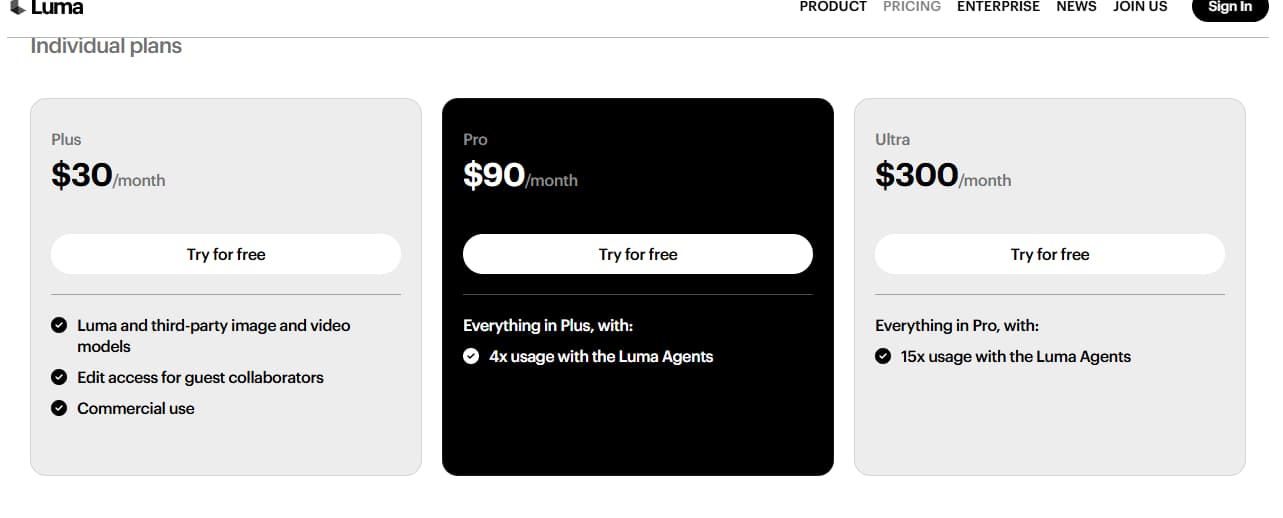
1. Quick comparison table: the best Luma AI alternatives at a glance
The best Luma AI alternatives are not the ones with the loudest marketing — they are the ones that match your job, your speed, and your tolerance for rerolling.
Scores below are directional buying scores, not lab benchmarks.
1 = weak fit, 5 = strong fit.
| Tool | Best For | Free-Test Value (1–5) | First-Draft Control (1–5) | Rescue Workflow (1–5) | Main Catch |
|---|---|---|---|---|---|
| GoEnhance | Multi-model video workflows, image-to-video, salvaging rough clips | 4 | 4 | 5 | More choices means a slightly longer first session |
| Runway | Teams, editorial-style workflows, polished creative ops | 3 | 4 | 4 | Better for structured teams than casual creators |
| Kling | Reference-led motion, visually ambitious clips | 3 | 4 | 2 | Can take more iteration than the best image-first flows |
| Pika | Fast experiments, stylized short clips, playful ideation | 4 | 3 | 2 | Great for testing; less convincing for heavier production needs |
| Hailuo | Prompt-led cinematic motion and dramatic scene tests | 3 | 3 | 2 | Strong moments, but not always the most predictable |
| DomoAI | Anime, stylized transformations, creator-facing effects | 3 | 3 | 3 | Better when style matters more than realism |
| Pollo AI | Fast consumer-friendly generation and casual content | 4 | 3 | 2 | Good for quick outputs, lighter for serious repeatable work |
| Higgsfield | Ad-style motion language, visually directed short scenes | 2 | 4 | 2 | Best when you already know the shot you want |
A lot of “best Luma AI alternatives” articles stop here and pretend the job is done. It is not. This table is just the sorting hat. The useful part is understanding why one tool feels cheap at first and expensive later — or the other way around.
Bottom line: A strong alternative is not the flashiest demo. It is the one that gives you the right kind of control with the least wasted effort.
2. Why people look for a Luma AI alternative in 2026
People look for a Luma AI alternative because the problem is usually not quality alone — it is fit.
Luma still has a real place in AI video. If you like prompt-led cinematic motion, fast concept clips, and a certain polished visual feel, it can still be a good match. That part should be said plainly. Too many competitor roundups refuse to admit when the original tool is still good at something.
But the market changed. Fast. AI video is no longer a novelty corner of the internet. YouTube is bringing Veo-powered generative video tools directly into Shorts, and Amazon MGM said it is using AI to speed up parts of TV and film production. Once tools move from “fun to try” into actual publishing and production workflows, buyers start asking harder questions.
Questions like these:
- Can I start from a still frame instead of gambling on a prompt?
- Can I get a usable first take without five reruns?
- If a clip is 80% there, can I save it?
- Am I choosing a model, or a workflow?
- Will this still make sense when I need variants next week?
That is the shift. Not hype. Not fanboy arguments. Just workflow pressure.
Bottom line: Most people searching for a Luma AI alternative are not chasing novelty — they are trying to reduce uncertainty.
3. GoEnhance review: the best fit if you want options, not lock-in
GoEnhance is the best fit in this list if your real problem is not “I need one better model,” but “I do not want one model deciding my whole workflow.”
My buying test for a tool like this is simple: give it one product still, one character image, and one plain-English prompt, then ask one hard question — can I get to something usable in about 30 minutes without opening three extra tabs? That is the standard I care about. Not a hero demo. Not a cherry-picked launch clip. Just whether the workflow holds up when the brief is ordinary and the deadline is not generous.
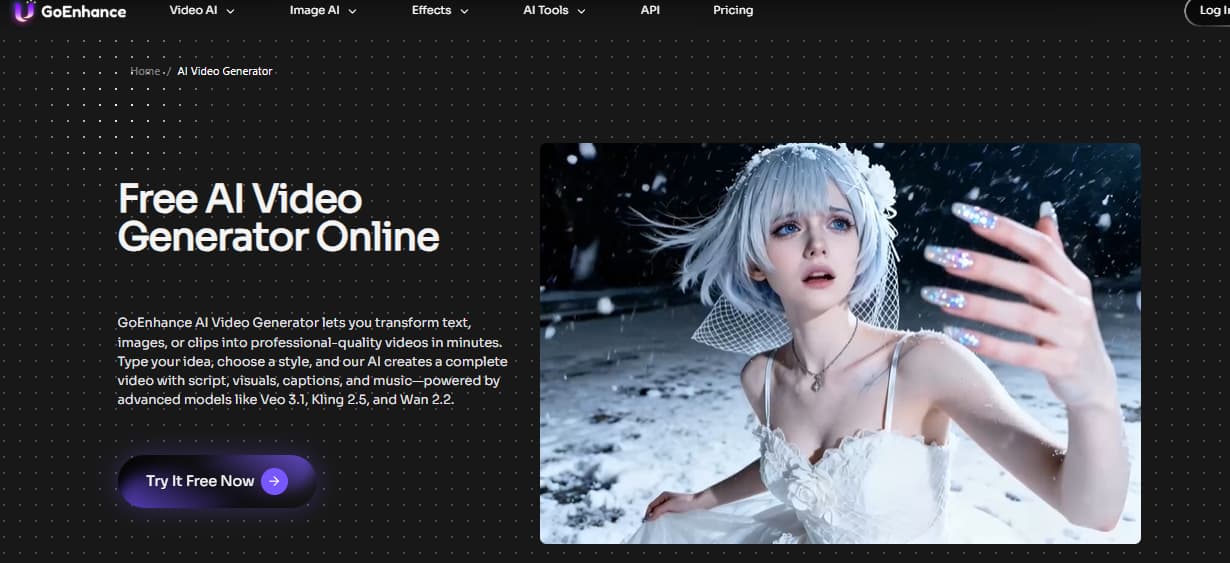
What makes GoEnhance interesting is not a single magic model. It is the fact that the Luma model page on GoEnhance sits inside a broader system, so “alternative” does not have to mean abandoning Luma completely. You can keep the look you already like, then switch directions when the job calls for something else. That matters more than people think.
The second thing that changes the math is the AI Video Generator itself. You are not locked into one starting method. Text, image, and clip-based routes all make sense depending on the task. For product shots, I would almost always rather lock the frame first and move it after. For mood-led concept clips, prompt-first still works. For rough footage that has the right timing but the wrong finish, rescue matters more than generation.
There is a limitation, though. A real one. If you want a tightly manual timeline editor, layout-by-layout text control, or pixel-level design composition, this is not that kind of tool. And because GoEnhance offers multiple model paths, the first session can feel a bit less opinionated than a narrower app that tells you exactly what to do. Some users will prefer that narrower feeling. Fair enough.
Still, for anyone actively comparing free alternative to Luma AI options, this is where GoEnhance gets strong: you can test one direction, change input strategy, and keep moving instead of treating every miss like a full restart.
Upload one still frame and see what it turns into — free
Bottom line: GoEnhance is strongest when you want freedom to switch models and workflows without rebuilding your process from scratch.
4. Best Luma AI alternatives by use case
The right Luma AI alternative depends more on the job than the brand.
Here is the cleaner way to think about it:
-
Best for all-around video workflows: GoEnhance
Best when your work shifts between prompt-led clips, image-to-video tests, and “this is close, now fix it” moments. Good for creators, marketers, and small teams that do not want separate tools for every stage. -
Best for structured team workflows: Runway
Better when the project has multiple stakeholders, heavier editorial expectations, or a more formal production process.
-
Best for fast stylized experiments: Pika
Good when speed matters more than consistency and you are still exploring what the clip should even look like. -
Best for cinematic prompt-driven tests: Hailuo or Kling
Better if your taste runs toward dramatic motion and shot energy, and you are willing to iterate to get there. -
Best for anime and heavy style transformation: DomoAI
Stronger if your audience expects a stylized finish rather than realism. -
Best for casual fast-turn social content: Pollo AI
Useful when you want a lower-friction entry point and lighter-weight outputs.
This is where many “luma ai alternatives free” posts go wrong. They compare brands as if the work were identical. It is not. A creator making anime remixes, a marketer shipping product ads, and a founder testing UGC-style hooks do not need the same engine.
Bottom line: Pick the tool for the job, not the logo in the headline.
5. Alternative does not always mean migration
A good alternative is often a second route, not a full breakup.
That sounds small. It is not.
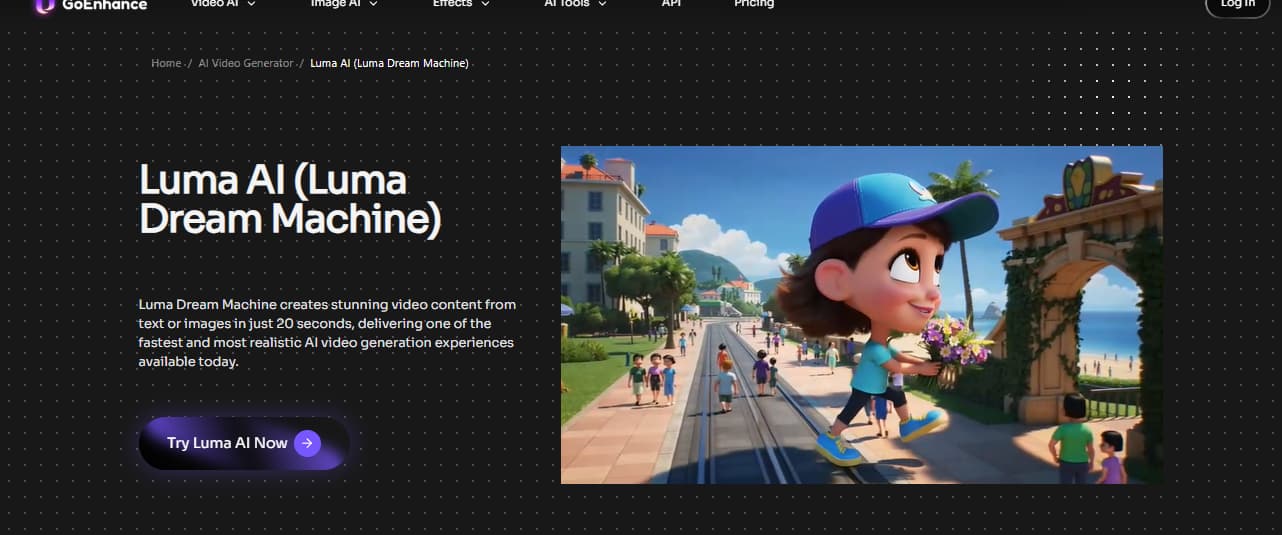
A lot of people searching luma ai alternative do not actually want to leave Luma forever. They want relief from one specific pain: maybe the prompt drift is too high for product work, maybe character framing is slippery, maybe every revision feels like rolling dice again. In those cases, the smarter move is not “replace everything.” It is “stop forcing one tool to do every job.”
That mindset changes the shortlist.
Keep Luma in the mix for the kind of cinematic, idea-first clip where surprise is useful. Use an image-first workflow when composition has to stay locked. Use a rescue workflow when the timing is right but the finish is not. Use a more structured editor when the work is really about layout, not generation.
That is why I think the best Luma AI alternative article should talk about routing, not just rankings. Rankings are easy. Routing is where the money gets saved.
Bottom line: The smartest replacement strategy is often selective, not total.
6. When control matters, image-to-video beats blind prompting
If control is your problem, image-to-video is usually the better answer than another prompt box.
This is the part a lot of comparison posts miss. They assume every creator should start from text-to-video, then judge tools by how imaginative the output looks. But many buyers do not need more imagination. They need less drift.
That is why “Luma AI alternative for image to video” is such a practical framing. If your clip starts with a product hero frame, a character close-up, a poster-style composition, or a specific facial angle, the fastest way to get a usable result is often to lock that image first and animate from there. Not glamorous. Just effective.
The broader creator ecosystem is moving this way too. YouTube is bringing Veo-powered generative video tools directly into Shorts, which tells you something important: the mainstream creator workflow is no longer just “type prompt, hope for magic.” It is becoming more guided, more practical, and more asset-driven.
That is also why GoEnhance makes sense for this search term. Not because it screams louder. Because image-first workflows are often the cleanest way to reduce reroll waste when identity, framing, or product placement matters.
Bottom line: When the frame matters more than the surprise, image-to-video beats blind prompting almost every time.
7. The real cost is reroll waste, not just subscription price
The most expensive tool is often the one that looks cheap until you start missing.
People obsess over monthly pricing because it is easy to compare. But if one platform gives you fifteen near-misses and another gives you three usable starting points, the cheaper subscription can still be the more expensive workflow. That is the trap.
The industry pressure behind this is getting clearer. Some studios reported costs dropping to one-fifth and timelines to one-quarter in AI-assisted workflows. The point is not that every creator suddenly becomes a studio. The point is that speed only counts when the process is repeatable enough to trust.
That is why rescue workflow matters so much.
If a tool can only generate from scratch, every weak result becomes a dead end. If a platform can restyle, enhance, or clean up a clip that is already close, you stop treating every mistake as a total loss. For ad variants, social campaigns, creator tests, and client revisions, that difference is huge.
The first moment a tool makes me babysit credits just to get a decent first take, I stop thinking of it as “budget-friendly.” That label is gone.
Bottom line: A better alternative is not just cheaper to access — it is cheaper to get right.
8. How to choose the right Luma AI alternative
The right choice gets obvious once you decide what kind of failure you hate most.
Use this quick filter:
-
If your main issue is drift, choose image-first.
Product clips, branded frames, character shots, and controlled hero scenes usually benefit from image-to-video more than prompt-first generation. -
If your main issue is creative lock-in, choose a multi-model workflow.
This is where GoEnhance stands out. You are not betting the whole project on one visual logic. -
If your main issue is team review and structured production, choose a tool built for that.
Some tools are better when more people need to touch the work. -
If your main issue is fast social experimentation, choose speed over ceremony.
Short-form creators often do better with tools that encourage rapid variations, not perfect master shots. -
If your main issue is layout precision, pick a design tool instead.
If your workflow is primarily flyers, branded slide decks, static ads, or print-heavy collateral, Canva or Adobe Express are still the better tools for that specific job. AI video generators are not hand-composition tools.
That last one matters. A lot of disappointment comes from buying the wrong category, not the wrong brand.
Bottom line: Start with the failure you need to prevent, and the right tool choice gets much easier.
9. FAQ
What is the best Luma AI alternative right now?
For most mixed-use creators and marketers, GoEnhance is the best all-around choice because it is not tied to one generation path. If you only care about one specific style or one kind of clip, another tool may beat it for that narrow task.
Are there any Luma AI alternatives free options worth trying?
Yes — but “worth trying” and “worth building around” are different things. Many luma ai alternatives free options are fine for taste tests, mood checks, and quick concept runs. The real test is whether the free experience tells you anything useful about the paid workflow.
Is there a better Luma AI alternative for image to video?
Yes, especially if your main concern is control. If you already know the frame you want, image-to-video often gives you a more reliable path than prompt-only generation.
Is GoEnhance a good Luma AI alternative?
Yes. The strongest case for GoEnhance is not that it “beats” Luma at everything. It is that it lets you keep Luma-style generation available while also giving you other routes when the brief changes.
Should I replace Luma completely?
Not always. If Luma already fits your style and output needs, keep using it where it works. The smarter move for many creators is to add a second workflow, not force a dramatic switch.
Bottom line: The best answers depend less on brand loyalty and more on what kind of control, speed, and flexibility you actually need.
10. Conclusion
The best Luma AI alternative is the one that reduces wasted effort, not the one with the loudest homepage.
For some people, that will still be Luma in part of the workflow. For others, especially creators and marketers who need image-first control, model flexibility, and a way to rescue near-good outputs, GoEnhance is the stronger everyday choice. It fits the way real production pressure feels: messy briefs, limited time, and no patience for starting over.
That said, do not force a video generator into the wrong role. If most of your work is static layout design, branded decks, or print-heavy collateral, use the tool built for that. Better to be honest than clever.


