
Kapwing Review 2026: Great Tool, Wrong Workflow?
- Kapwing Review 2026: Great Tool, Wrong Workflow?
- Quick verdict
- Kapwing is strongest when the job is already obvious
- Teams are a real reason to use it
- The free plan is a tryout, not a system
- Credits are where the cost story gets real
- Repurpose Studio is the feature that makes the best case for paying
- The ceiling shows up on longer, fussier work
- Who should use it — and who should not
- Final verdict
Kapwing Review 2026: Great Tool, Wrong Workflow?
I did not look at Kapwing like a spec sheet.
I looked at the one job it keeps circling back to on its own site: take an existing video, add captions, crop it for short-form, pass it to someone else for feedback, and get it ready to publish without opening desktop software. That is the lane Kapwing keeps building for on its subtitles, teams, and repurpose pages.
That matters because a lot of Kapwing reviews miss the real question. Not "can it edit video?" Almost every tool can.
The better question is this: when does Kapwing feel fast, and when does it start to feel small?
Quick verdict
Kapwing is good when the work is already defined.
| Question | My take |
|---|---|
| Is Kapwing easy to learn? | Yes. That is one of the reasons people stay with it. |
| Is the free plan enough for real work? | Fine for trying it. Thin for repeat weekly output. |
| What is it best at? | Browser editing, captions, clip resizing, repurposing, and lightweight team review. |
| Where does it get weaker? | Longer edits, fussier projects, and workflows that start with generation instead of editing. |
| Who is it for? | Small teams, marketers, educators, and short-form creators who care about speed. |
| Should everyone pay for it? | No. The fit depends heavily on how your team actually works. |
Kapwing is not the editor I would describe as broad. It is the editor I would describe as efficient inside a narrow, very common job.
Bottom line: Kapwing makes the most sense when you already have footage and need to turn it into publishable social content fast.
Kapwing is strongest when the job is already obvious
Subtitles are the clearest example.
Kapwing's subtitle page does not try to sell some giant creative universe. It sells a very practical promise: generate captions quickly, edit them in place, and keep moving. That is a smarter pitch than it sounds. For social teams, the painful part is often not "how do we make art?" It is "how do we get this talking-head clip ready before the moment passes?"
That is also why the product reads better in use than in feature lists. Auto captions. Transcript edits. Resize for vertical. Export. Send for review. Those steps belong together. And when they sit in one browser tab, the friction drops.
A few recent user comments on G2 keep landing in the same spot: short-form work feels easy here, captions save time, and the product is friendly to people who do not want to climb a steep editing curve first.
That sounds right.
Not magical. Useful.
Bottom line: Kapwing earns its keep on fast caption-heavy editing, not on being the most powerful editor in the room.
Teams are a real reason to use it
Kapwing makes more sense as a team tool than as a "creator operating system."
Its Teams page is blunt about the sell: shared workspace, comments, brand consistency, real-time collaboration. That sounds boring until you have worked around the opposite. Files passed through Slack. Feedback buried in email. Two people editing different versions. One person exporting the wrong cut. Bad idea.
This is the part Kapwing gets right for small content teams. It removes handoff mess. A marketer can comment. A founder can review. A junior editor can make the fix. Nobody has to ask who owns the project file.
That is not a tiny convenience. It changes how fast a team can ship.
And yes, that is a professional judgment, not just a feature recap: having comments, captions, and quick resizing in one place matters more for a social team than yet another AI bullet point on a landing page. The time leak is usually approval. Not invention.
Bottom line: If multiple people touch the same short-form content every week, Kapwing's collaboration layer is one of its strongest arguments.
The free plan is a tryout, not a system
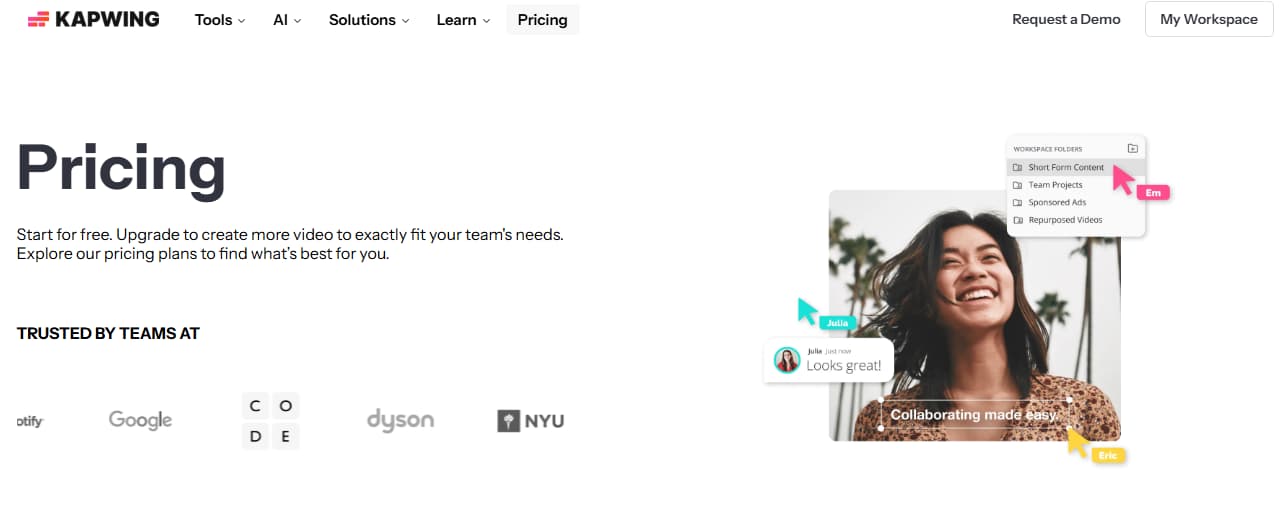
Kapwing's pricing looks simple until you ask what a month of real use actually costs.
On the current pricing page, the free plan is clearly limited. Paid plans are sold per member, not just per workspace, and the gap between "this is enough to test" and "this is enough to run a team" shows up fast. The exact numbers can change, so I would check the live page before publishing, but the structure is the point: free gets you in the door; paid is where steady use begins.

The harder part is not the sticker price. It is the commitment model. Kapwing's refund policy says paid upgrades are not refundable, and the same policy explains that subscriptions renew automatically until canceled. The subscription FAQ adds more billing detail, including how paid seats work inside team plans.
That changes the buying math.
You are not just asking whether Kapwing is affordable. You are asking whether you are sure enough about the fit to accept the billing rules that come with it.
Different question.
Bottom line: Kapwing's free tier is good for validation, but the paid decision deserves more caution than the smooth onboarding suggests.
Credits are where the cost story gets real
Kapwing starts feeling different once you stop thinking in monthly price and start thinking in repeated tasks.
Its credits help page lays out the logic: different actions draw down your allowance at different rates, including captions, translation, dubbing, repurposing, and AI video generation. That is the kind of page a lot of reviews mention once and then move past. I would not.
Because this is where the real usage pattern shows up.
If your team mostly adds captions to short clips, the system may feel fine. If the workflow starts stacking translation, repurposing, dubbing, cleanup, and AI features in the same month, the product starts feeling more budgeted than casual.
That is the key judgment here: Kapwing is not expensive in the abstract. It gets expensive faster when you ask it to do many different things, repeatedly, on a deadline.
I was skeptical that this would matter much. It does.
Bottom line: The price page tells you the subscription cost; the credits page tells you whether your actual workflow will fit inside it.
Repurpose Studio is the feature that makes the best case for paying
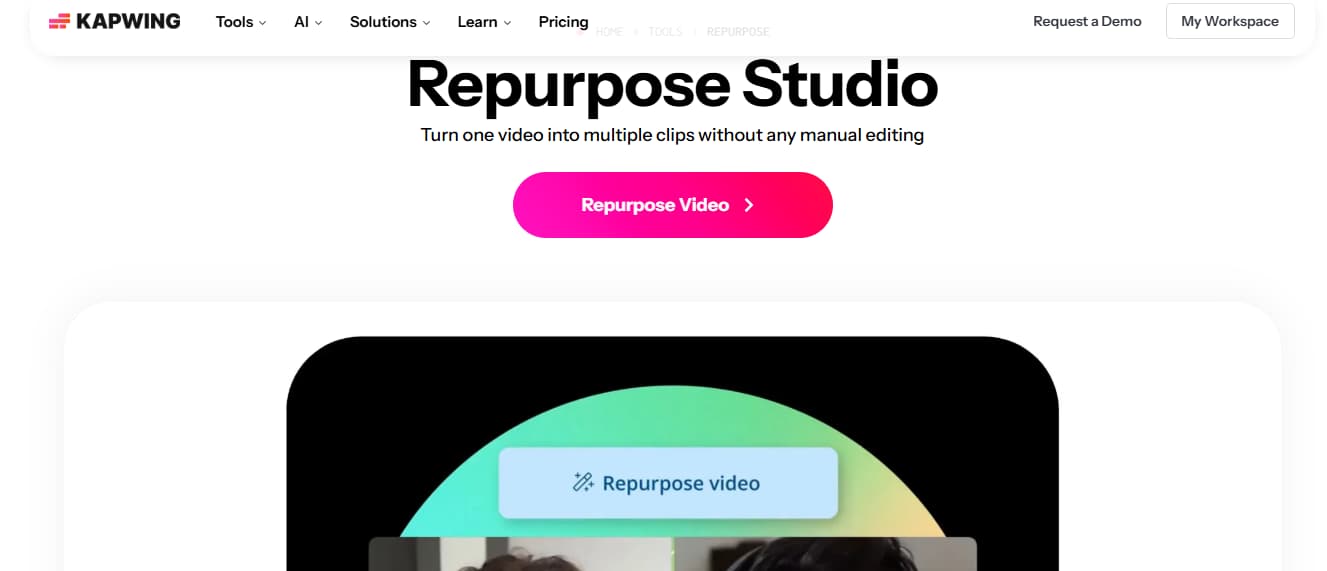
Repurpose Studio is probably the cleanest reason Kapwing still stands out.
Kapwing's repurpose page is not trying to wow you with abstract AI language. It is selling a simple workflow: take one longer video and turn it into multiple smaller, platform-ready clips. Podcast teams can use that. Webinar teams can use that. Course creators can use that. Social managers sitting on a long interview can definitely use that.
This is where the product stops feeling like "just a browser editor." It starts feeling like a production shortcut.
And the judgment call here is pretty easy: if your team spends too much time manually slicing long videos into short posts, this feature matters more than another template gallery or another AI promise. It cuts busywork. That is the value.
Not glamorous. Still good.
Bottom line: Repurpose Studio is the part of Kapwing that most clearly saves real team time, especially on long-to-short social workflows.
The ceiling shows up on longer, fussier work
Kapwing gets tighter when the edit gets messier.
That is the part I would not hide in a review. User feedback on G2 keeps mixing the same praise with the same warning: easy for short-form, useful for captions, but less comfortable once projects get longer or more advanced. I find that believable because it matches the product's own shape. Kapwing keeps optimizing around browser speed, reuse, collaboration, and accessibility. Not around deep editorial control.
So this is where the trust part of the review matters.
What Kapwing cannot really be for everyone:
- It is not the tool I would choose for deeper, fussier timeline work.
- It is not the tool I would choose when every visual detail needs hand-tuned control.
- It is not the tool I would choose when the workflow starts with generation and transformation rather than editing existing footage.
If you need that last category, a generation-first route usually makes more sense — something like an AI video generator, an image-to-video workflow, or a video-to-video tool. Different job. Different starting point.
That does not make Kapwing weak. It just makes it specific.
Bottom line: Kapwing is easy to like on clean, repeatable short-form work, but the limitations show up once the projects get longer, fussier, or more generation-heavy.
Who should use it — and who should not
Kapwing is a fit for teams that already know what they are making.
Short-form marketers. Education creators. Founders recording updates. Podcast teams cutting clips. Agencies turning one source video into several platform versions. In those cases, Kapwing's mix of captions, collaboration, and repurposing is practical in a very unsexy way. Which, honestly, is often the right kind of useful.
I would be slower to recommend it for people who need a flexible visual playground. Or for teams whose process starts with prompts, still images, style transfer, or old footage that needs a heavy transformation before it becomes content. That work usually belongs in a different stack.
Spent enough time around these tools and that split becomes obvious.
Edit-first is one category.
Generate-first is another.
Kapwing sits on one side of that line.
Bottom line: Use Kapwing when the work starts with footage and ends with faster publishing; skip it when the work starts with generation, transformation, or deeper manual control.
Final verdict
Kapwing is good in a narrower way than many reviews admit.
It is good when you already have the raw material. Good when captions matter. Good when multiple people need to touch the same piece without turning the process into file chaos. Good when one long video needs to become several short ones quickly.
I would not stretch that into a bigger claim.
Kapwing is not the tool I would recommend blindly. Not with the refund policy. Not with the seat-based paid structure on the pricing side. Not when the workflow itself may point to a different category of tool.
So the honest version is simpler than the polished version:
Kapwing works when your team works the way Kapwing expects.
Miss that fit, and the friction shows up pretty quickly.
Bottom line: Kapwing is worth considering for caption-heavy, short-form, team-based editing — but it is the wrong center of gravity for deeper or generation-first workflows.


