How to Make Funny Dance Memes: Step-by-Step Guide
- 1. What Funny Dance Memes Mean in Practice
- 2. When Funny Dance Memes Are Worth Making
- 3. How to Make a Funny Dance Meme Step by Step
- 4. Examples and Ideas for Funny Dance Memes
- 5. Best Tools for Creating Funny Dance Memes
- 6. Common Mistakes and How to Avoid Them
- 7. FAQ About Funny Dance Memes
Funny dance memes work because they turn movement into a quick joke. A stiff portrait suddenly dances, a serious face lands on a silly beat, or a familiar pose becomes exaggerated enough to feel instantly shareable. The best funny dance memes are not just random clips with music added. They usually combine a recognizable subject, a simple rhythm, and a punchline that people understand in the first second.
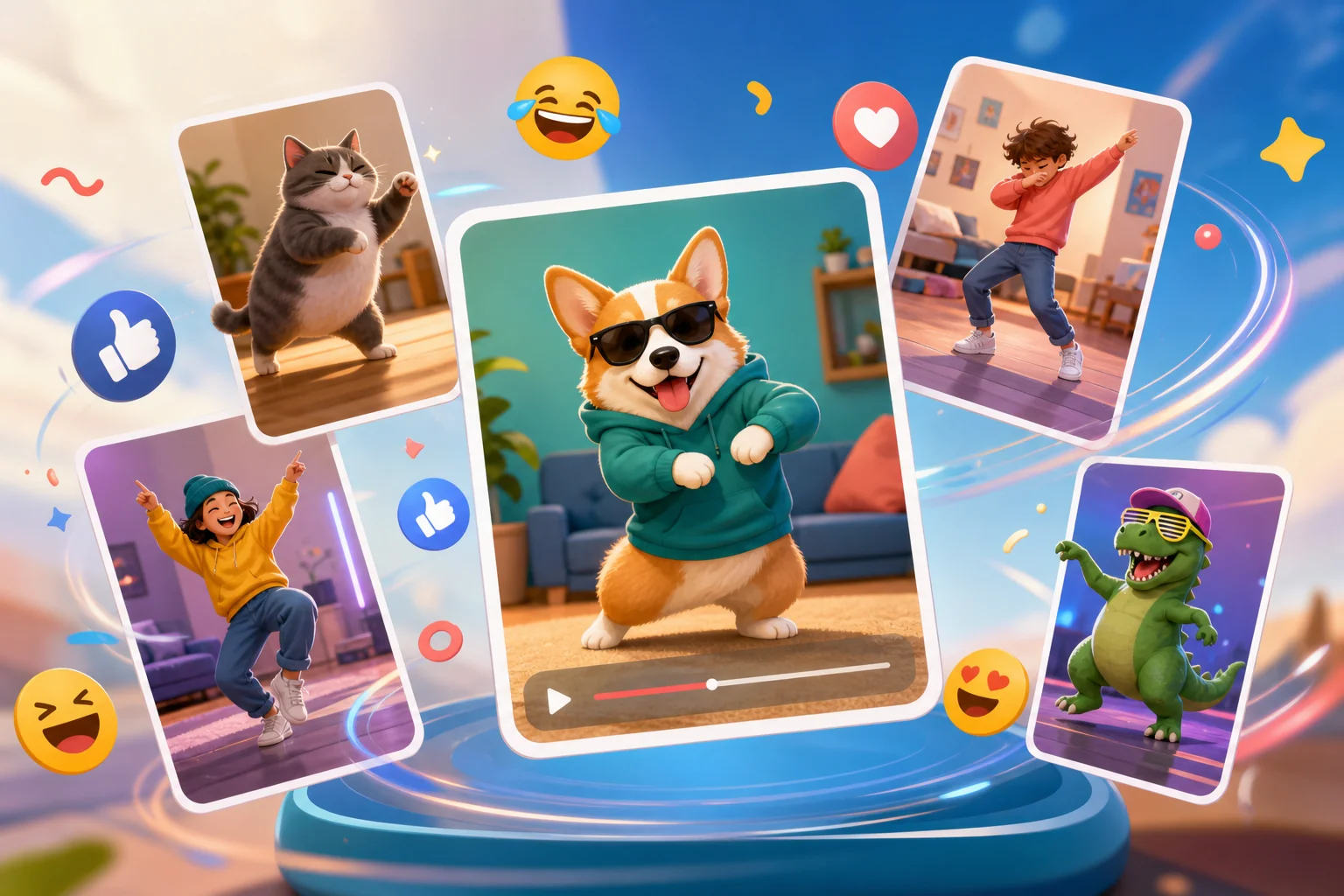
For creators, social media managers, and casual meme makers, the useful question is not only "which dance meme is popular?" It is "what can I make quickly without spending an afternoon editing keyframes?" That is where AI-assisted tools can help. A good AI video generator or image-to-motion workflow can turn a still image into a short dance clip, then leave you free to polish the caption, timing, and format.
1. What Funny Dance Memes Mean in Practice
A dance meme is usually a short image, GIF, or video built around movement. The subject might be a person, pet, cartoon-like character, product mascot, old photo, selfie, or fictional scene. The humor comes from the gap between what the subject looks like and how it moves.
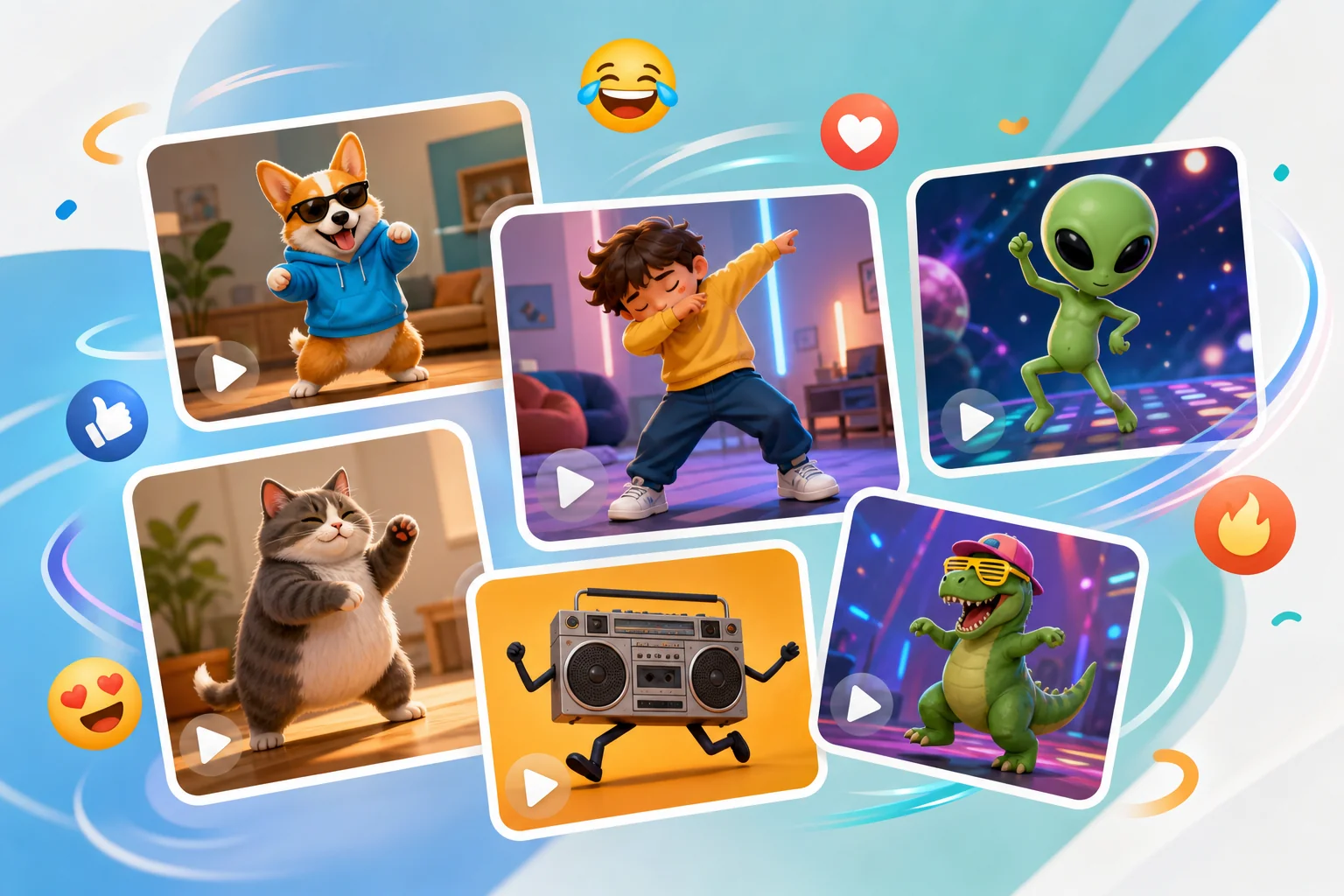
Common formats include:
- A still portrait animated into a dance loop.
- A reaction image paired with a trending dance move.
- A short video where the motion is intentionally exaggerated.
- A before-and-after edit where a serious photo becomes playful.
- A GIF used as a reply in chats, comments, and group messages.
The format is popular because it is easy to understand without much context. Someone sees the first pose, the beat starts, and the joke lands visually. This is why funny dance memes travel well across platforms such as TikTok, Instagram Reels, YouTube Shorts, X, Discord, and messaging apps.
2. When Funny Dance Memes Are Worth Making
Dance memes are useful when the goal is fast attention, not deep explanation. They can help with casual entertainment, lightweight brand content, social replies, event posts, and community jokes. They are less useful when the topic is serious, sensitive, or needs careful context.
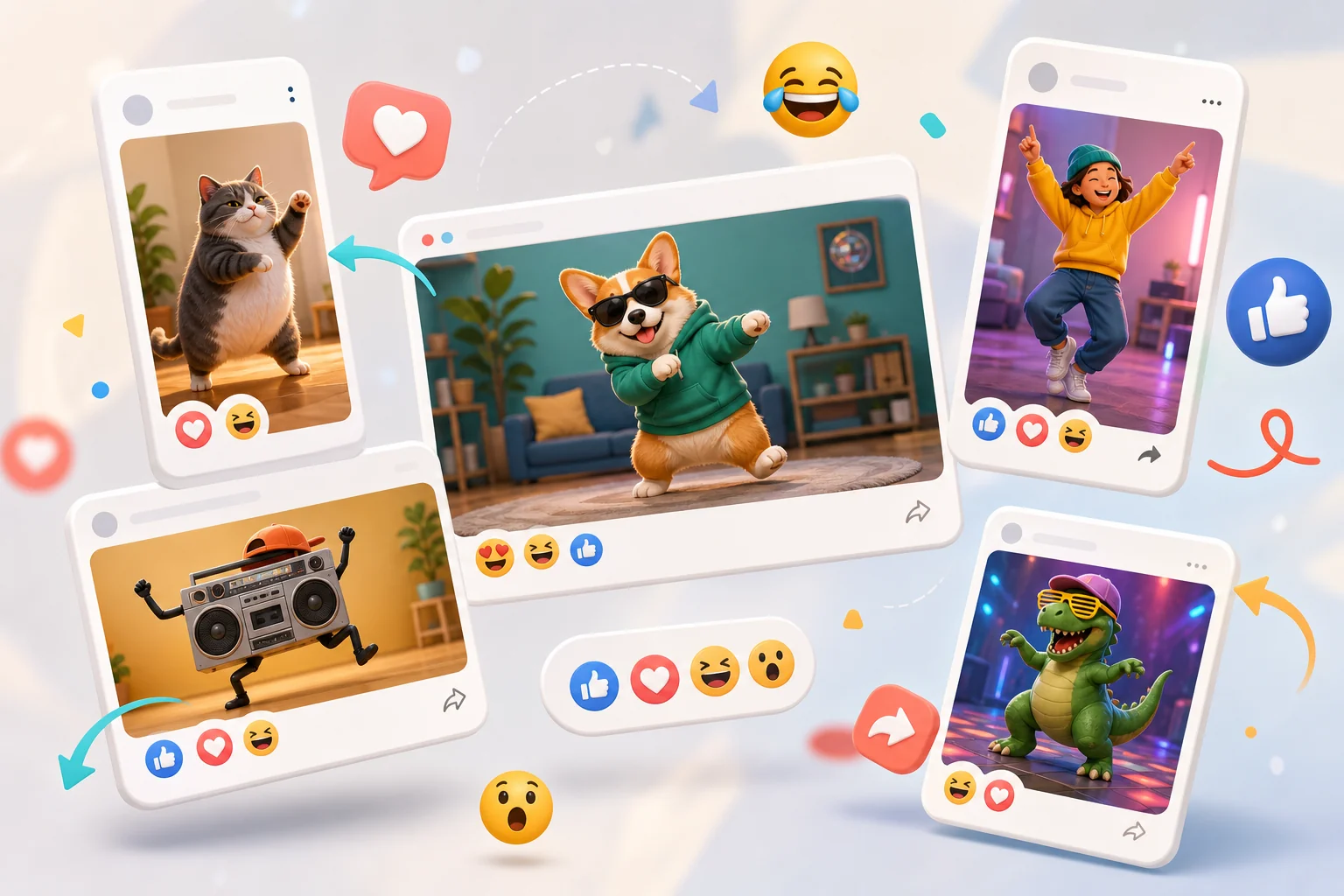
Use this format when:
- The image already has a strong facial expression or pose.
- The joke can be understood without reading a long caption.
- The audience already recognizes the subject or situation.
- The clip can loop cleanly in a few seconds.
- You have permission to use the photo or character.
Avoid it when the subject is private, embarrassing, copyrighted, or likely to make someone look bad without consent. A meme can be funny without being careless. If you are making content for a brand, keep the subject safe, fictional, licensed, or self-owned.
3. How to Make a Funny Dance Meme Step by Step
GoEnhance AI is the strongest first stop if your goal is to turn images into short, shareable AI videos. For funny dance memes, there are two GoEnhance workflows that matter most: one uses a reference dance video to drive the motion, and the other turns a still image into a video from a prompt.
Here are the two practical ways to create funny dance memes with GoEnhance:
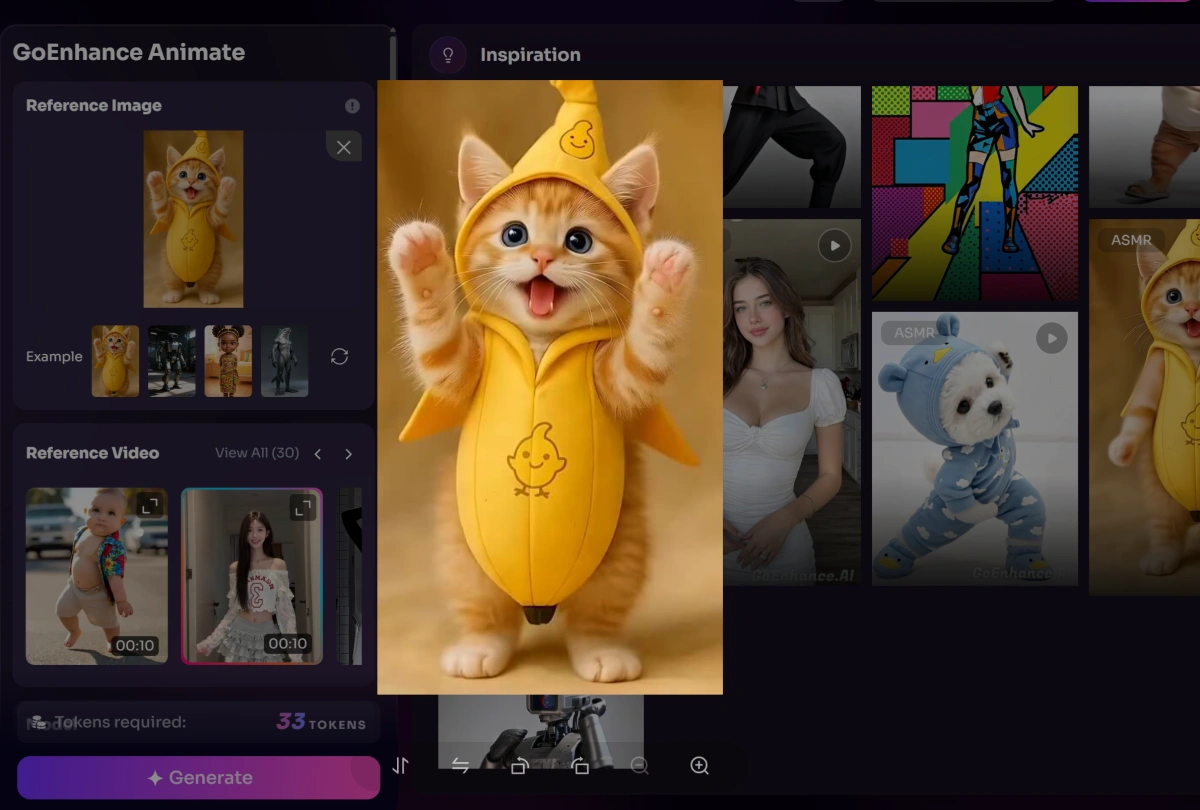
Method 1: Use Animate Move for reference-video dance motion. Open GoEnhance Animate Move when you already know the dance move you want. This method is best for making a photo, character, or mascot follow a specific dance reference.
Step-by-step:
- Upload the character image you want to animate.
- Upload or choose a reference video with the dance movement you want to copy.
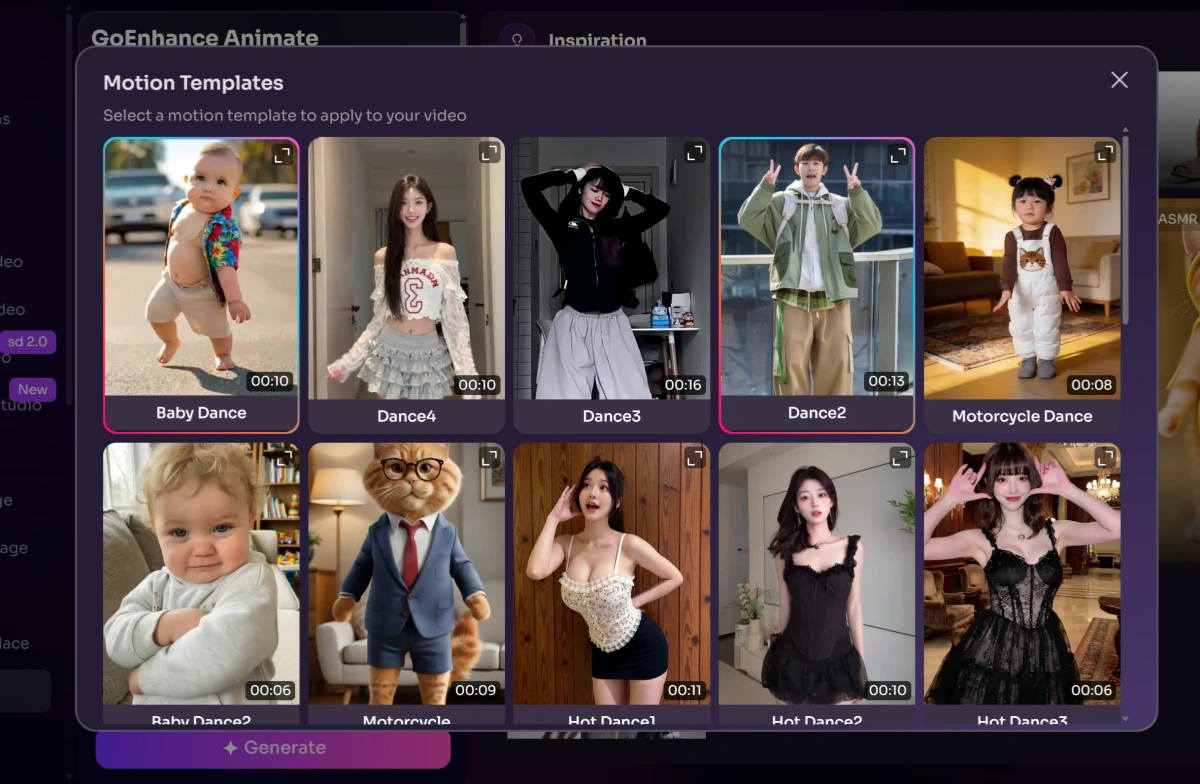
- Keep the reference motion simple for the first test. Short clips with one main dancer are easier to control.
- Generate the animation and review whether the body motion, timing, and expression fit the meme.
- Export the best version, then add a short caption or resize it for TikTok, Reels, Shorts, or chat replies.
Best for: creators, marketers, and SEO teams who want a clear route from a still image to a dance meme video, either by copying a reference dance or by generating motion from a prompt.
Things to keep in mind: use Animate Move when the exact dance matters; use Image to Video when speed and creative variation matter more. For real people, only use images and videos you have permission to use.
4. Examples and Ideas for Funny Dance Memes
The strongest ideas often come from contrast. A subject that looks calm, formal, bored, or dramatic becomes funny when it suddenly performs a confident dance.
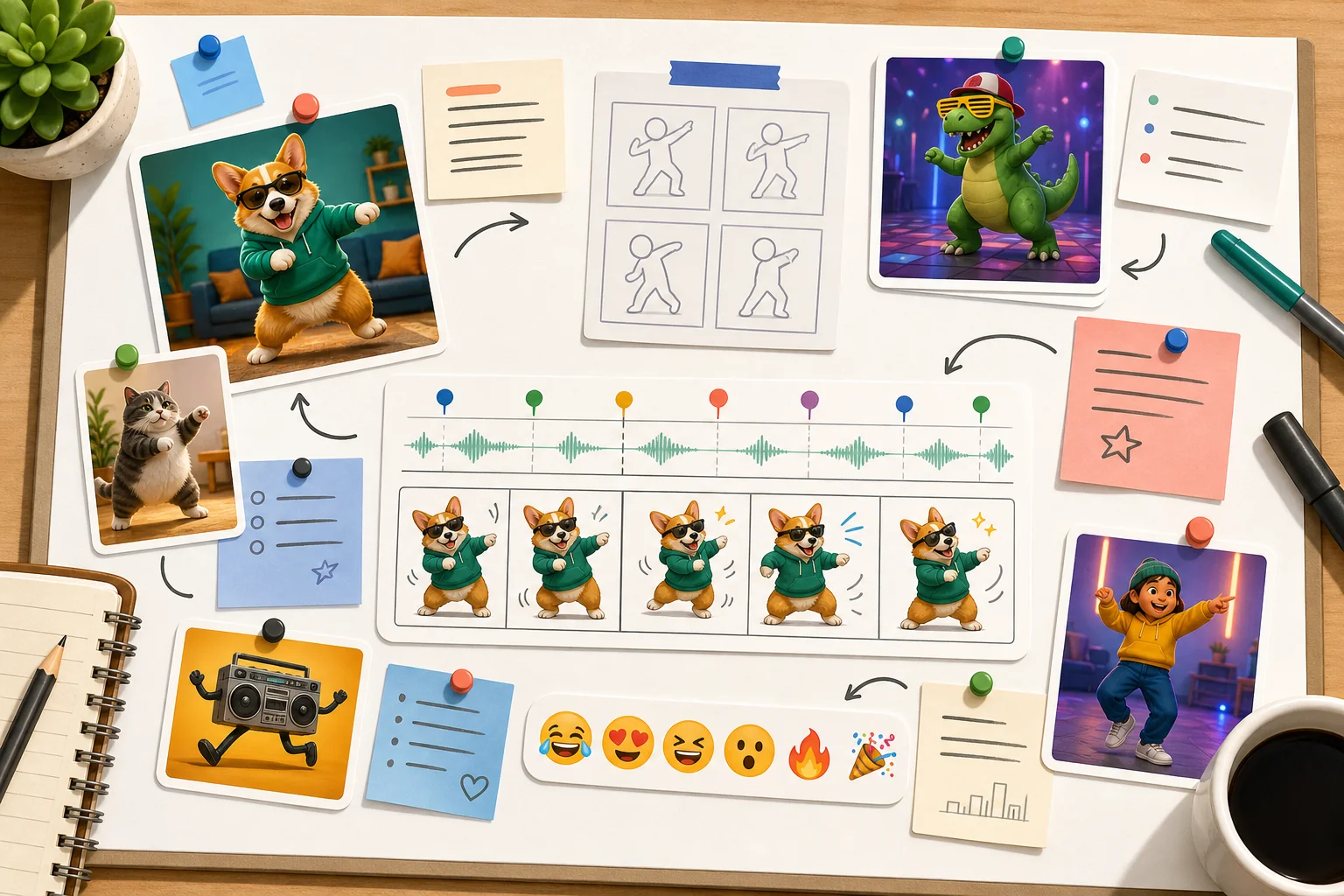
Here are practical ideas you can adapt:
| Meme idea | Why it works | Best format |
|---|---|---|
| Formal portrait suddenly dancing | The serious photo makes the movement surprising | Short MP4 |
| Pet photo with human-like rhythm | Cute subject plus unexpected motion | GIF or vertical video |
| Product mascot dancing after a launch | Makes brand content feel lighter | Square video |
| Old family photo brought to life | Nostalgia plus playful movement | Private share or social post |
| Reaction face dancing after good news | Easy to pair with captions | GIF reply |
5. Best Tools for Creating Funny Dance Memes
The best tool depends on whether you want AI motion, template-based editing, or manual caption control. Here are practical options worth testing.
1. GoEnhance AI
GoEnhance AI is a strong fit when you want to turn a static meme image, character picture, selfie, or funny prompt idea into a short dance-style video. Instead of only designing a meme layout, it focuses more on visual generation and animation, which makes it useful for users who want a meme to actually move, dance, or become a shareable clip. Its AI Dance Generator is especially relevant for creating playful dance memes from images or prompts.
Best for: turning still images into funny dance videos, creating meme-style motion clips, and making social-ready AI dance content.
Things to keep in mind: the final result still depends on the quality of the source image and how clearly you describe the dance style, subject, and mood you want.
2. Simplified
Simplified can be useful when you want a broader content design workspace around the meme. It is a better fit for users who need captions, layouts, social post formats, and simple design edits around a meme idea. Its main advantage is convenience for marketing assets. Its limitation is that it may feel broader than necessary if you only want image-to-dance animation.
Best for: quick social layouts, captioned posts, and marketing teams that want a design workspace around the meme.
Things to keep in mind: it may be more tool than you need if your only goal is animating a still image into a dance clip.
3. Kapwing
Kapwing is useful for editing, resizing, subtitling, and assembling meme videos. It is a good choice when you already have clips or GIFs and want to trim them, add captions, change aspect ratios, or prepare versions for different platforms. The advantage is practical video editing in the browser. The limitation is that some exports or advanced options may depend on account limits or watermarks.
Best for: trimming, resizing, captioning, and preparing platform-specific versions after the meme clip already exists.
Things to keep in mind: some export options or watermark behavior may depend on the current account plan.
4. Canva
Canva is helpful for simple meme layouts, social templates, and text overlays. It is not always the deepest choice for AI dance motion, but it works well when you need a polished cover frame, thumbnail, or captioned social design. The advantage is easy layout control. The limitation is that animation-specific results may require combining it with a dedicated video or image animation tool.
Best for: thumbnails, cover frames, simple caption layouts, and social post designs around the final clip.
Things to keep in mind: for advanced motion, you may still want to pair it with a dedicated AI video or image animation tool.
6. Common Mistakes and How to Avoid Them
The first mistake is using a weak source image. If the face is tiny, the body is cut off, or the image is very dark, the final dance meme may look confusing. Start with a clean image where the subject is easy to recognize.
The second mistake is adding too much text. A meme caption should sharpen the joke, not explain it. If the viewer needs to pause and read three lines, the meme is probably too complicated.
The third mistake is ignoring platform size. A horizontal meme may look fine on desktop but weak on TikTok or Reels. Decide where you will publish before exporting.
The fourth mistake is using real people without permission. This is especially important for workplace jokes, school content, family photos, and customer images. When in doubt, use your own image, a licensed asset, or a fictional AI-generated subject.
The fifth mistake is chasing every trend. A dance meme works best when the movement fits your audience. A smaller inside joke can perform better than a trend that no longer feels fresh.
7. FAQ About Funny Dance Memes
What are funny dance memes?
Funny dance memes are short images, GIFs, or videos where dance movement is used as the joke. They often animate a still photo, exaggerate a reaction, or pair a surprising subject with a catchy rhythm.
How can I make a funny dance meme from a photo?
Choose a clear photo, decide the joke, use an AI image-to-video tool to animate the subject, then add a short caption and export the clip for your platform.
Are dance memes better as GIFs or videos?
GIFs are convenient for chat replies, but videos usually look sharper and are better for TikTok, Reels, Shorts, and website content.
Can brands use funny dance memes?
Yes, if the tone fits the audience and the source material is safe to use. Brands should avoid copyrighted characters, private images, or jokes that could embarrass real people.
What makes a dance meme actually funny?
The best funny dance memes have quick contrast: a serious image, an unexpected dance, and a clear emotional punchline. If people understand it instantly, it has a better chance of being shared.