
Descript Alternative: 10+ Best Descript Alternatives for Video Editing, Podcast Editing, and AI Creation
- 1. Quick Comparison Table: The Best Descript Alternatives at a Glance
- 2. What You’re Really Replacing in Descript
- 3. GoEnhance Review: Best for Output-First AI Video Editing, Not Transcript-First Editing
- 4. 10 Other Descript Alternatives Worth Considering
- 5. Best Descript Alternative by Use Case
- 6. Transcript-First vs Output-First: Which Editing Model Fits You Better?
- 7. How to Choose a Descript Alternative Without Wasting Time
- 8. FAQ: Common Questions About Descript Alternatives
- 9. Conclusion: The Best Descript Alternative Depends on What You’re Trying to Make
Descript is still a familiar name in text-based editing, and for good reason. A lot of creators have tried it at some point. But that does not mean it is automatically the right fit for everyone. That part is still true. The problem is that popular and best for you are not the same thing. When someone looks for a Descript alternative, they are usually not starting from theory. They already have a pain point. Maybe podcast cleanup feels clunky. Maybe video editing still takes too long. Maybe the tool feels like too much. Or maybe they want something more AI-driven for visual output.
That distinction matters more now because the market has split in two directions. On one side, you have transcript-first editors built around spoken content. On the other, you have output-first tools built to generate clips, visuals, subtitles, and social-ready assets faster. And the shift is real: Wistia’s 2025 report says it surveyed 1,300+ professionals, analyzed 100 million videos, and found AI video use jumped from 18% to 41% year over year, with many teams using AI for editing, dubbing, and visual generation rather than distribution alone. Wistia’s 2025 State of Video Report also notes that educational, product, and social videos remain some of the most common formats teams create.
This guide is built around that reality. Instead of pretending every tool on this list is a one-to-one Descript clone, I’m comparing them by workflow: what they help you make, how fast they get you there, and where they will probably frustrate you.
1. Quick Comparison Table: The Best Descript Alternatives at a Glance
| Tool | Best for | Editing style | Cost entry | Learning curve | Time to first usable result | Best output | Biggest tradeoff |
|---|---|---|---|---|---|---|---|
| GoEnhance | AI video editing and image-to-video creation | Output-first | Free trial path | Low to medium | Fast | Stylized AI video, motion from static images | Not a transcript-first editor |
| Riverside | Remote podcast and interview recording | Recording-first | Paid tiers | Low | Fast | Podcasts, interviews, remote recordings | Editing depth is not its main edge |
| VEED | Fast browser-based video edits | Output-first | Free + paid | Low | Fast | Social clips, captioned videos, lightweight marketing edits | Can feel shallow for heavier post-production |
| CapCut | Beginner-friendly social video editing | Timeline + template-first | Free + paid | Low | Very fast | Shorts, reels, creator content | Less ideal for structured long-form spoken editing |
| DaVinci Resolve | Professional video editing | Timeline-first | Free + one-time Studio | High | Slow to medium | Long-form editing, finishing, color | More power than many creators actually need |
| Podcastle | Solo podcasters and creators | Recording + AI assist | Free + paid | Low | Fast | Audio/video podcast workflows | Less flexible than pro editors |
| Adobe Premiere | Pro editing teams | Timeline-first | Paid | High | Medium | Professional video editing | Higher cost and steeper ramp |
| Camtasia | Tutorials, demos, and training videos | Timeline + screen workflow | Paid | Low to medium | Fast | Screen recordings, explainers, internal training | Not the best fit for AI-first creation |
| Canva | Fast visual content production | Template-first | Free + paid | Low | Very fast | Social videos, marketing assets, lightweight edits | Limited manual control for deeper editing |
| Synthesia | AI presenter videos | Script-to-video | Free + paid | Low | Fast | Talking-head training and explainer videos | Avatar-first, not a flexible editor |
| Alitu | Simplified podcast production | Guided workflow | Paid | Low | Fast | Beginner podcast editing and publishing | Narrower use case |
| Audacity / Audapolis | Free beginner audio editing | Audio-first / text-like spoken editing | Free | Medium | Medium | Basic podcast cleanup, local workflows | Less polished, less integrated |
If you want to test the visual, output-first route rather than another transcript editor, a natural next step is to try GoEnhance’s image to video workflow.
2. What You’re Really Replacing in Descript
Most people are not replacing “Descript” as a whole. They are replacing one habit.
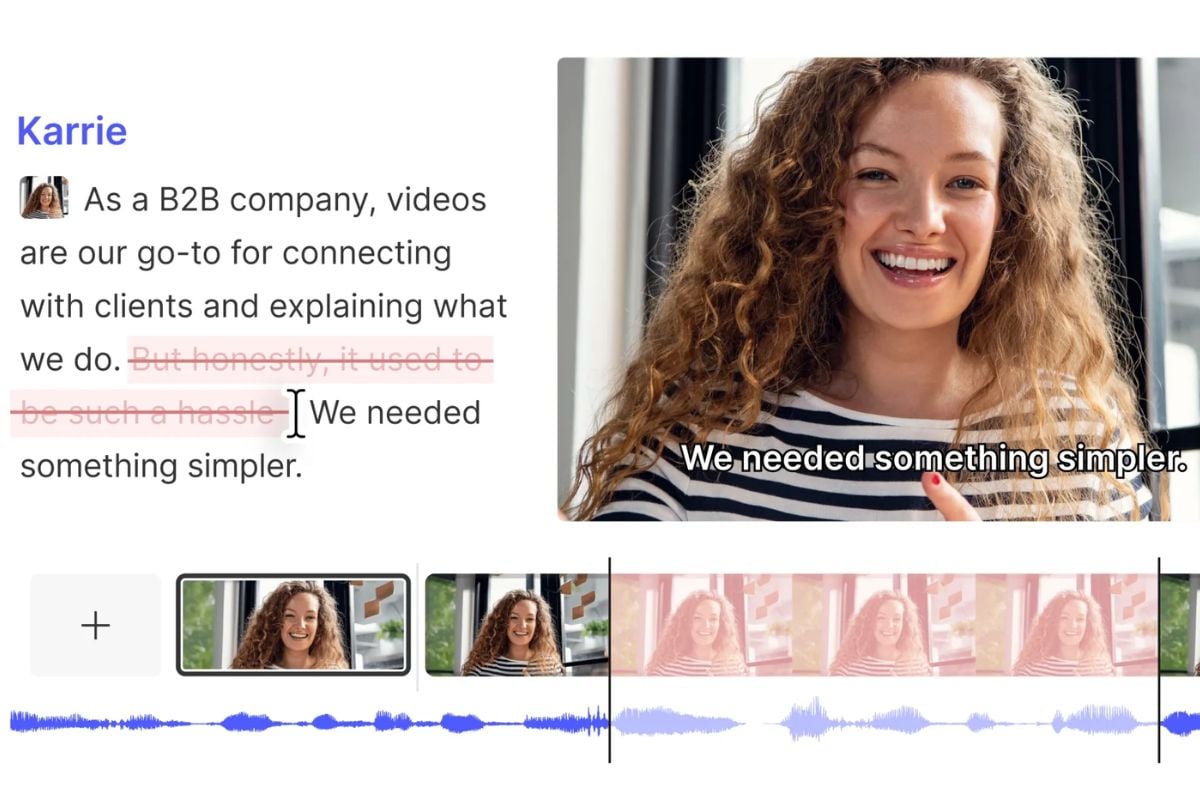
Sometimes that habit is editing by transcript. Sometimes it is recording interviews remotely. Sometimes it is turning one long video into clips with captions. And sometimes, honestly, it is just wanting a tool that feels lighter, faster, or less opinionated.
That is why Descript alternatives get messy. A podcaster, a YouTube educator, a solo marketer, and a short-form creator can all type the same keyword and mean different things.
A cleaner way to choose is to break your use case into five buckets:
2.1 Transcript-First Spoken-Content Editing
This is the classic Descript lane. You care about interviews, podcasts, filler-word cleanup, and cutting spoken content by editing text.
2.2 Recording-First Podcast Production
You need the capture step built in. This usually points toward tools like Riverside, Podcastle, or Alitu.
2.3 Timeline-First Video Editing
You want deeper control, layered edits, better finishing, stronger color, or more precise manual work. That is where DaVinci Resolve and Adobe Premiere still win.
2.4 Output-First AI Creation
You are less interested in deleting words from a transcript and more interested in getting to a publishable visual faster. That is the lane where GoEnhance, VEED, Canva, and Synthesia become relevant.
2.5 Free Beginner Workflow
You do not want to commit much money yet. You want something usable this week, even if it is imperfect. That usually brings CapCut, Audacity, or Audapolis into the conversation.
3. GoEnhance Review: Best for Output-First AI Video Editing, Not Transcript-First Editing
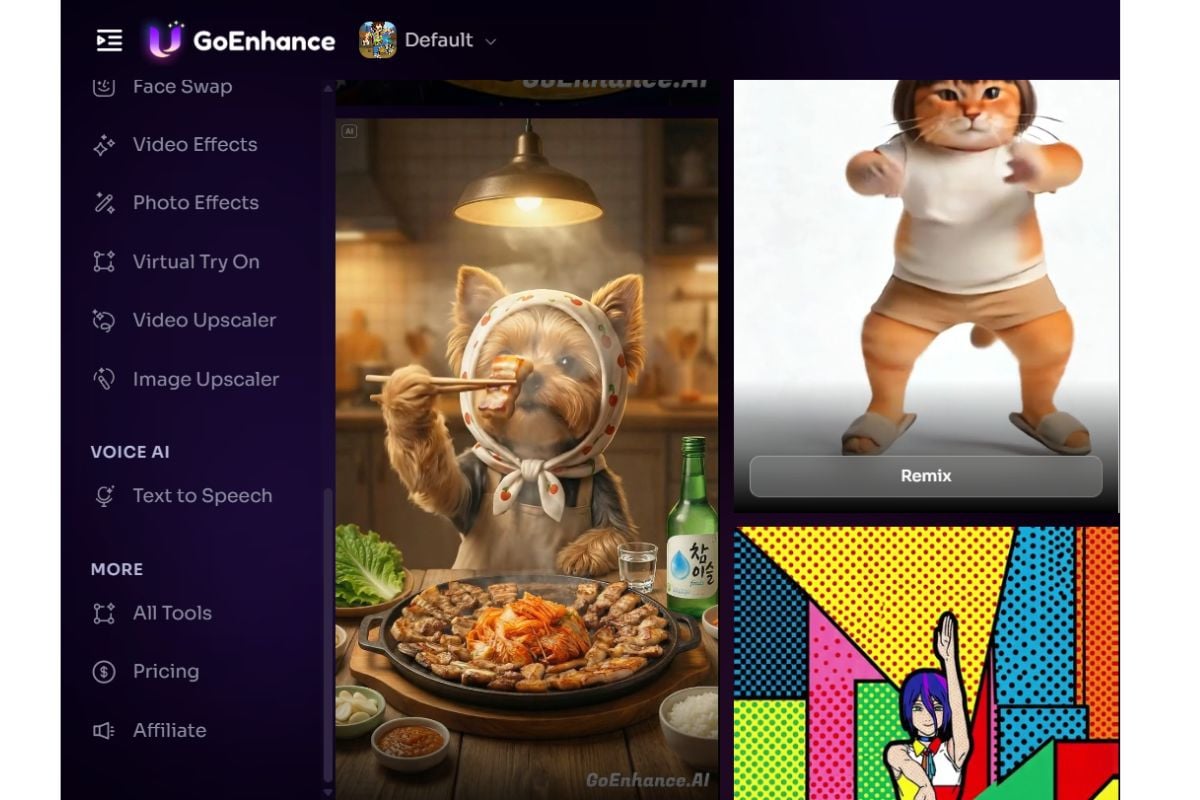
GoEnhance is most compelling when your bottleneck is visual output, not transcript cleanup.
That sounds obvious, but it matters. Too many “best Descript alternatives” lists treat every AI video tool as if it were competing for the exact same job. GoEnhance is not strongest when you want to treat a 45-minute interview like a Google Doc. It is stronger when you want to move from concept, image, or rough asset to a more dynamic video result with less manual editing overhead.
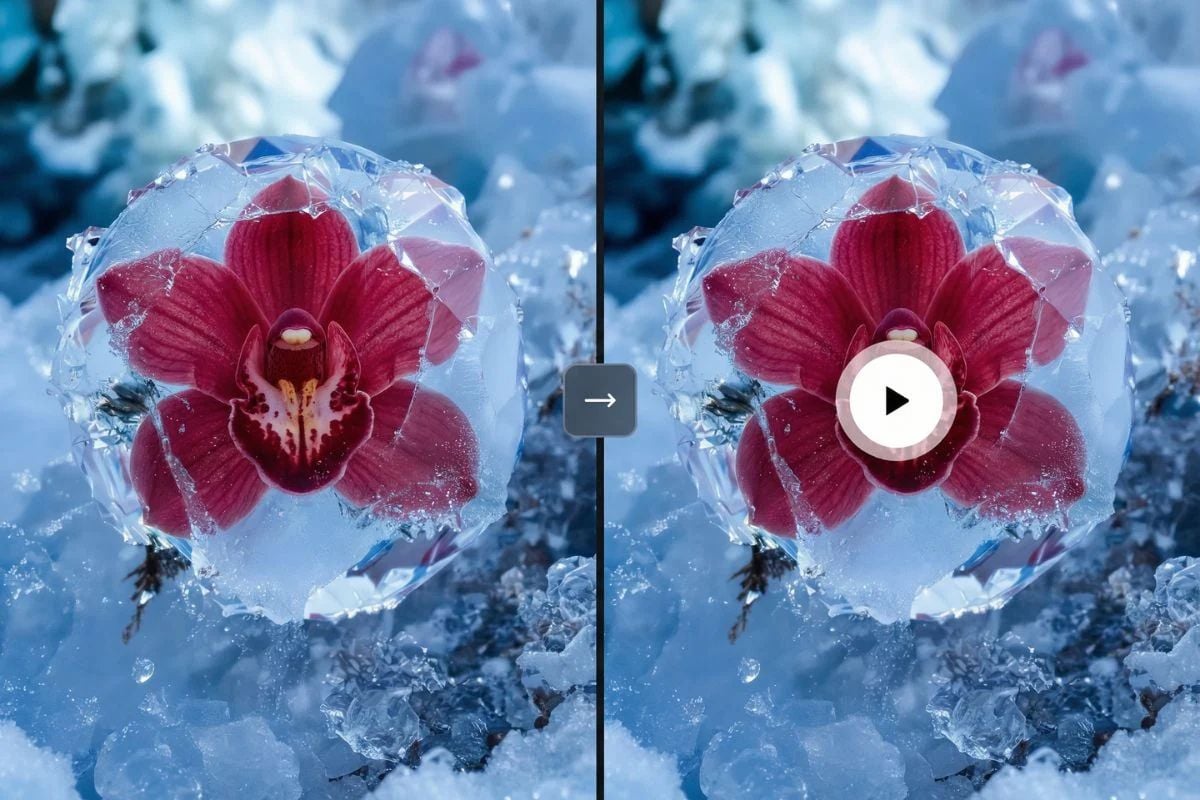
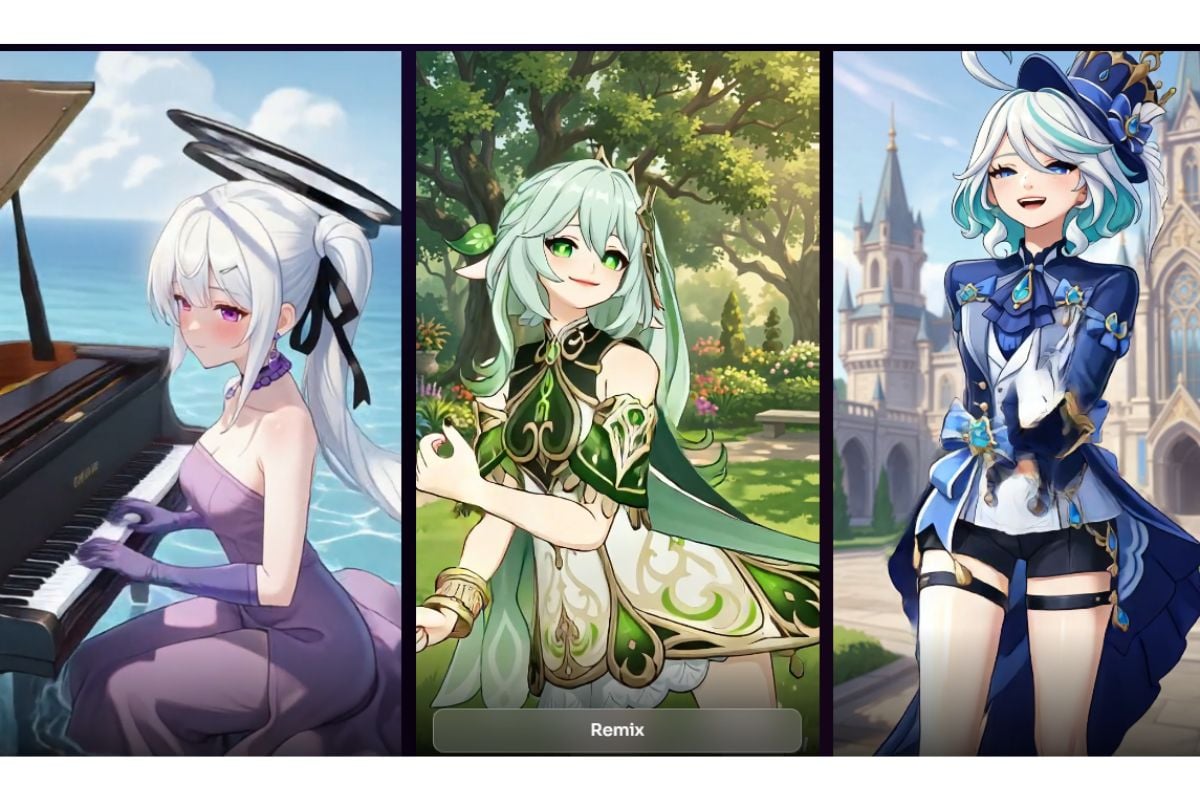
GoEnhance’s current positioning is very clear about that. Its main site describes the product around creating AI videos from text, images, or videos, and its image-to-video page focuses on turning static images into motion-driven video output for use cases like social content, product showcases, character animation, and marketing creatives. The main GoEnhance AI video page and the image to video page both frame the product around generation and transformation rather than transcript editing.
That makes GoEnhance interesting for three groups:
- creators repurposing static artwork or product imagery into motion
- marketers who need faster visual experimentation
- users who want AI-assisted output without first learning a heavy editing suite
It also means there is an important limitation to say out loud: GoEnhance is not the cleanest replacement if your entire workflow depends on transcript-based audio editing, speaker-by-speaker refinement, or long-form interview cleanup. In those cases, Descript itself, Riverside, or even a dedicated audio workflow may still feel more natural.
That honesty is part of why the tool can make sense here. It is not “the best Descript alternative” for everything. It is one of the better options when what you actually want is a Descript alternative for AI video editing.
If that is your use case, the most useful next step is to look at GoEnhance’s image to video workflow and judge whether that creation model matches what you want to publish.
4. 10 Other Descript Alternatives Worth Considering
The strongest alternatives separate pretty quickly once you stop asking them to do the same job.
4.1 Riverside
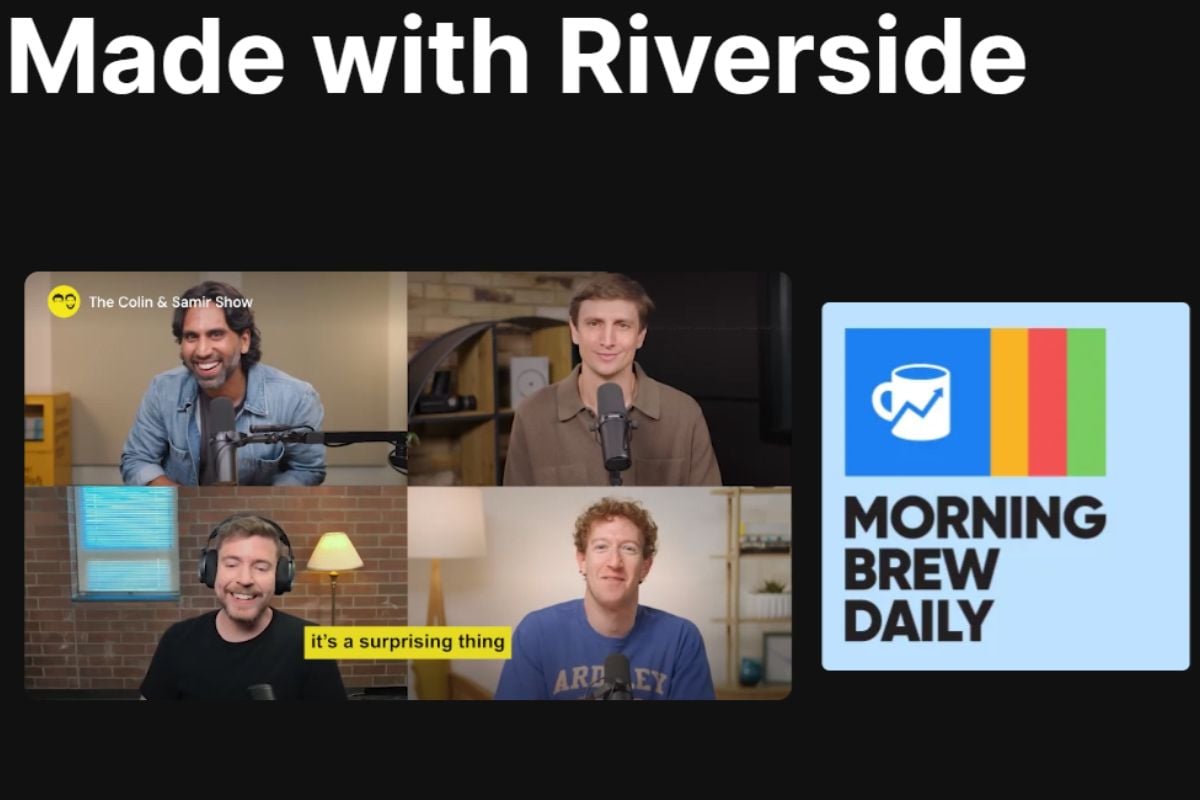
Riverside is the cleanest pick if your problem starts at recording. It is especially good for remote interviews, podcasts, and host-plus-guest workflows. I would not pick it over a stronger editor for complex finishing, but I would absolutely pick it over a generation-heavy tool if audio capture quality is your first concern.
4.2 VEED
VEED sits in a practical middle ground. It is built for getting videos out the door quickly, especially with subtitles, simple edits, and marketing-friendly output. If you are a content marketer more than an editor, that speed matters.
4.3 CapCut
CapCut is still one of the easiest answers for beginners. It is fast, social-native, and forgiving. If your work is mostly reels, shorts, and trend-aware editing, it often feels more immediate than Descript.
4.4 DaVinci Resolve
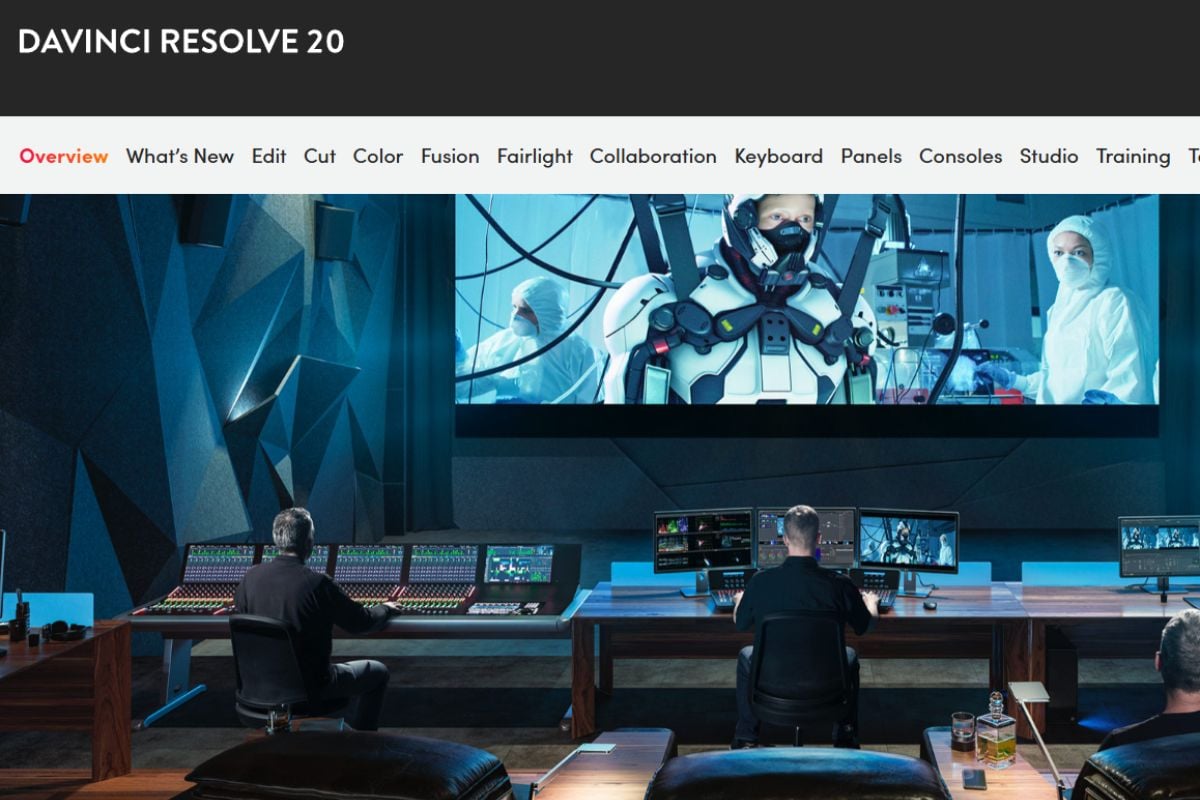
DaVinci Resolve is the “I want real editing power” answer. Blackmagic’s official positioning is still centered on an all-in-one workflow for editing, color, audio, and VFX, with a free version and a $295 Studio version. Blackmagic’s DaVinci Resolve page makes the value obvious. The catch is equally obvious: this is a bigger tool than many creators need.
4.5 Podcastle
Podcastle makes sense for solo creators who want one place for recording, AI voice cleanup, and light podcast production. It is easier to recommend to a weekly creator than to someone doing heavier post-production.
4.6 Adobe Premiere
Premiere still belongs here because some people searching “Descript alternative for video editing” do not want simplicity. They want control. If your pain point is that Descript feels limiting rather than complicated, Premiere is the opposite move.
4.7 Camtasia
Camtasia remains underrated for tutorial teams. If you make software demos, training content, and internal explainers, it solves a specific class of work very efficiently. It is not flashy, but it is practical.
4.8 Canva
Canva is a legitimate alternative only in a narrow sense: not for transcript editing, but for fast branded video output. If your work is mostly static layouts, marketing visuals, and simple motion, Canva may be a better fit than AI-first generators.
4.9 Synthesia
Synthesia belongs on this list because many teams searching for Descript alternatives are actually trying to reduce manual production. If your content is script-led explainers, internal training, or localization-heavy updates, avatar video can be a more logical path than editing raw footage.
4.10 Alitu
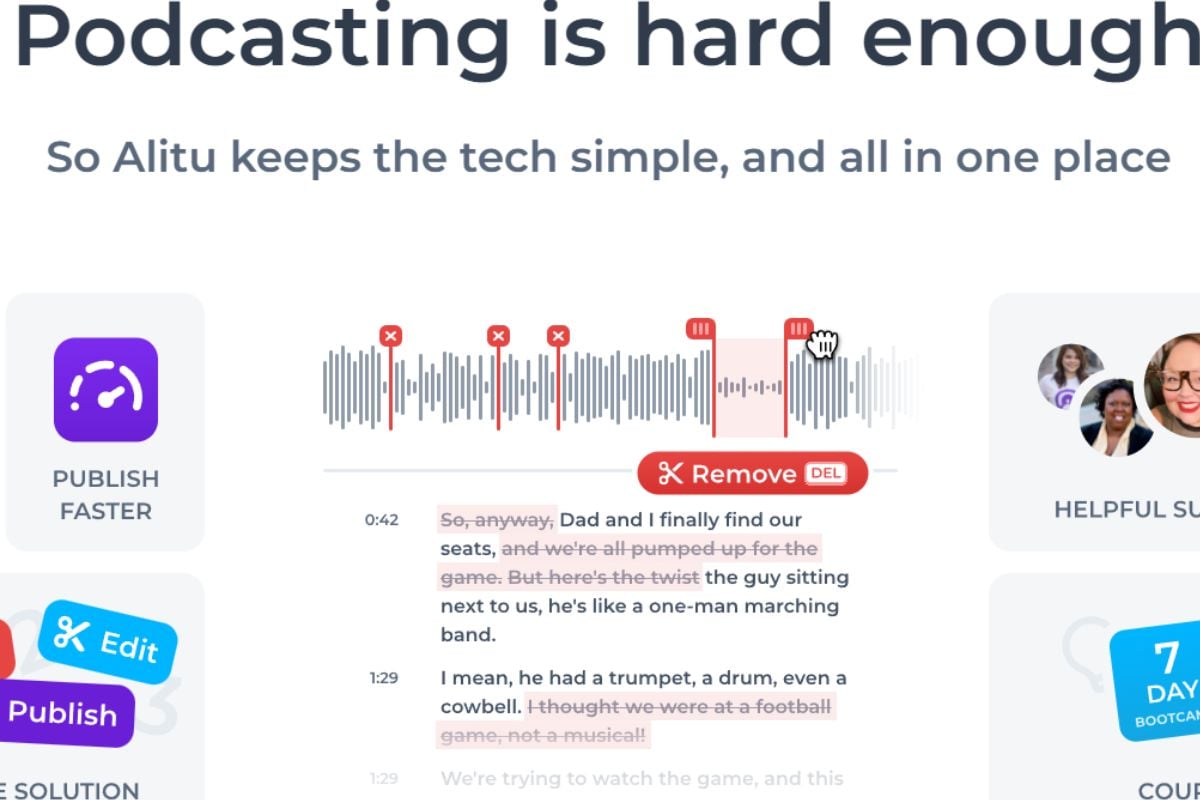
Alitu is a very focused recommendation for beginners in podcasting. It is not trying to be everything. That is its strength.
4.11 Audacity and Audapolis
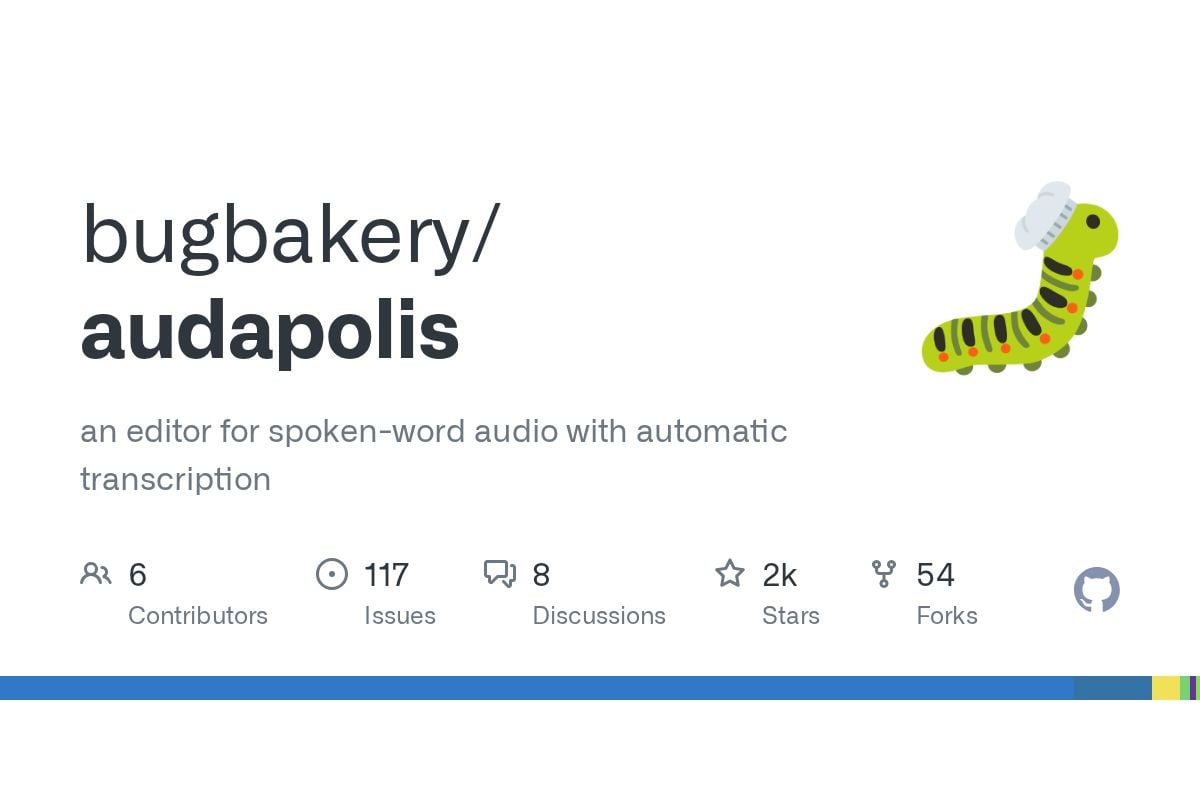
For a free Descript alternative for beginners, Audacity and Audapolis deserve a mention. Audacity is still free and open source, while Audapolis takes a more spoken-word, word-processor-like approach to media editing with automatic transcription and local-first handling. Audacity’s official site confirms its free, open-source positioning.
5. Best Descript Alternative by Use Case
Use-case fit is more useful than global ranking.
5.1 Best Descript Alternative for Podcast Editing
Riverside is the better first stop if your workflow starts with remote recording. Podcastle is a good choice for solo creators who want something lighter. Alitu is the easiest recommendation for people who want a guided podcast workflow rather than a general editing environment.
5.2 Best Descript Alternative for AI Video Editing
GoEnhance is the most interesting option here if your goal is visual generation, motion from still assets, or fast concept-to-video output. VEED is a safer choice if you want lighter browser-based editing and captions. Synthesia is better if your final format is AI presenter video.
5.3 Best free Descript Alternative for Beginners
CapCut is the easiest beginner recommendation for video. Audacity is the simplest answer for free audio editing. Audapolis is worth trying if you specifically want a text-like workflow for spoken content and prefer local control.
5.4 Best for Professional Video Editing
DaVinci Resolve wins on value and depth. Adobe Premiere wins if you already live in Adobe’s ecosystem and want a more standard pro workflow.
5.5 Best for Social Clips and Fast Repurposing
VEED, CapCut, and Canva are all more natural than Descript if your real job is making short, captioned, visual-first content.
6. Transcript-First vs Output-First: Which Editing Model Fits You Better?
This is the split that clears up most buying confusion.
Choose transcript-first if your source material is mostly spoken: interviews, podcasts, talking-head videos, webinars, and educational content where the wording itself is the structure.
Choose output-first if your goal is to publish a visual result quickly: short clips, stylized assets, motion from still images, marketing creatives, or AI-assisted variations.
That distinction lines up with broader creator behavior too. Wistia reports that more than 60% of professionals have used or plan to use AI for captions, and more than 30% have used or plan to use it to translate dialogue, while social, educational, and product videos remain major output categories. The same Wistia report also found that 71% of professionals resize videos for different social platforms. In other words, a lot of teams are not just editing anymore. They are repackaging.
That is exactly why some people outgrow Descript in one direction and not the other. If you still think in transcripts, leave slowly. If you now think in outputs, formats, and variants, move faster.
7. How to Choose a Descript Alternative Without Wasting Time
The real switching cost is usually workflow relearning, not price.
A simple way to decide:
- If you record conversations every week, start with Riverside or Podcastle.
- If you publish heavily on social, start with CapCut, VEED, or Canva.
- If you need serious edit control, start with DaVinci Resolve or Adobe Premiere.
- If you want AI-generated or AI-transformed visual output, start with GoEnhance or Synthesia, depending on whether you need stylized video generation or presenter-style video.
- If you are cost-sensitive and still learning, start with CapCut, Audacity, or Audapolis.
One more practical filter helps: what do you need by next Friday?
If the answer is “a cleaned-up interview,” pick a spoken-content tool. If the answer is “three short clips, one product visual, and a more dynamic social post,” output-first tools will feel more useful much sooner.
8. FAQ: Common Questions About Descript Alternatives
8.1 What is the best Descript alternative for video editing?
If you mean full editing depth, DaVinci Resolve is the strongest value pick. If you mean fast, browser-based output, VEED or CapCut will usually feel easier.
8.2 What is the best Descript alternative for podcast editing?
Riverside is the cleanest answer for remote recording workflows. Podcastle and Alitu are better if you want simpler all-in-one podcast production.
8.3 Is there a free Descript alternative for beginners?
Yes. CapCut is the easiest free path for video beginners. Audacity is still one of the best free options for audio, and Audapolis is worth a look if you want a more text-like spoken-content workflow.
8.4 Is GoEnhance a direct replacement for Descript?
Not really. It is a better fit for AI video creation and image-to-video workflows than for transcript-first editing. That makes it a useful alternative for some creators, but not a perfect substitute for every Descript use case.
8.5 Should you switch from Descript if you already know the workflow?
Only if your main work has changed. If you still edit spoken content by transcript every week, switching may slow you down. If you now care more about social repurposing, visual output, or AI-assisted creation, switching can make a lot more sense.
9. Conclusion: The Best Descript Alternative Depends on What You’re Trying to Make
The strongest Descript alternative is not the one with the longest feature list. It is the one that matches the kind of work you do most often.
If your core workflow is still podcast editing, transcript cleanup, or remote interviews, tools like Riverside, Podcastle, or even Descript itself may fit better. If your work leans toward social output, visual variation, faster experimentation, and AI-assisted creation, the balance shifts. That is where GoEnhance becomes genuinely interesting.
HubSpot’s latest marketing stats also point in the same direction: nearly 75% of marketers reported using AI for media creation, including video and images, and video or animation generators are now among the more common AI categories in active use. HubSpot’s 2026 marketing statistics roundup is broad rather than tool-specific, but the signal is clear enough. More teams are not just editing faster. They are trying to make more versions, in more formats, with less friction.
If that sounds closer to your workflow than transcript editing does, the most natural next move is to start a free trial in GoEnhance.


