
Prompt
复制并自定义
由 GPT image 2 在 Chatgpt ai 上创建的图片
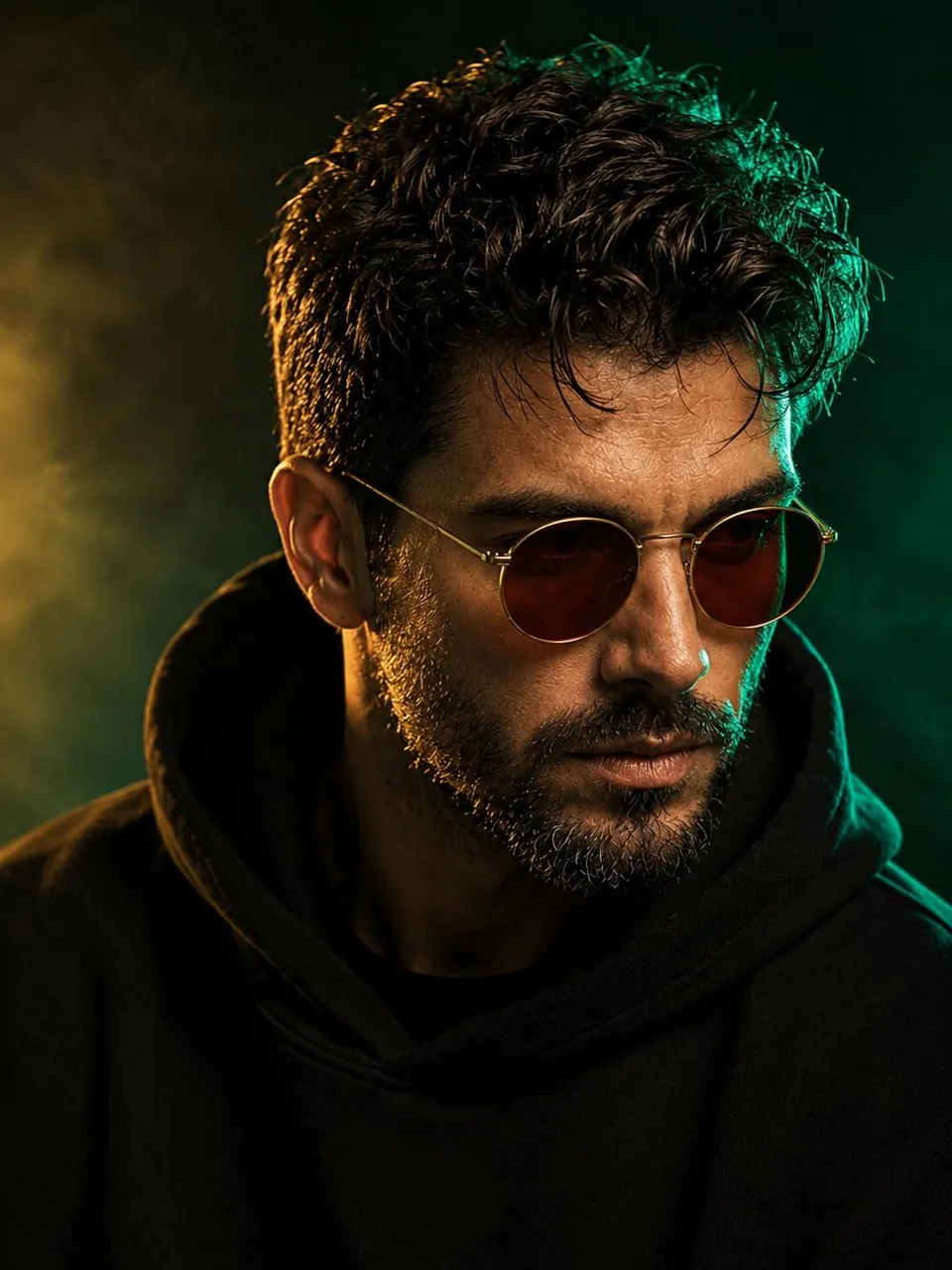
新风格 — 祖母绿与金色奢华
一位时尚男士的电影级、超写实特写肖像,使用提供的面部参考,拥有浓密且自然的深棕色卷发、修剪整齐的椒盐色胡须以及坚毅的男性面部轮廓。他戴着复古圆框琥珀棕太阳镜,身穿黑色宽松连帽衫,帽子自然地搭在颈部。戏剧性的奢华大片光影:浓郁的祖母绿边缘光环绕着他的头发和右侧脸庞,柔和温暖的金色主光轻轻照亮正面,营造出精致的祖母绿与金色对比。高度细腻的皮肤质感、分明的胡须、微妙的自然面部瑕疵、透过微透镜片清晰可见的眼睛、深邃的立体阴影、逼真的高光、浅景深。背景是深邃烟熏状的祖母绿到黑色渐变,带有微妙的大气雾霾和微弱的金光,营造出优雅的电影级环境。高定时装杂志摄影,神秘而精致的氛围,85mm人像镜头,f/1.8,清晰的面部细节,电影级调色,逼真,高动态范围,高级影棚摄影,居中构图,头像和肩膀取景,3:4宽高比。
Best for
Portrait styleFashion conceptCinematic moodNature settingVisual concept
Tips
Keep the main subject focused so Image created by GPT image 2 on remains recognizable after style or lighting changes.
Adjust camera angle and aspect ratio before generation when the composition needs a specific platform format.