
Prompt
Copy and customize
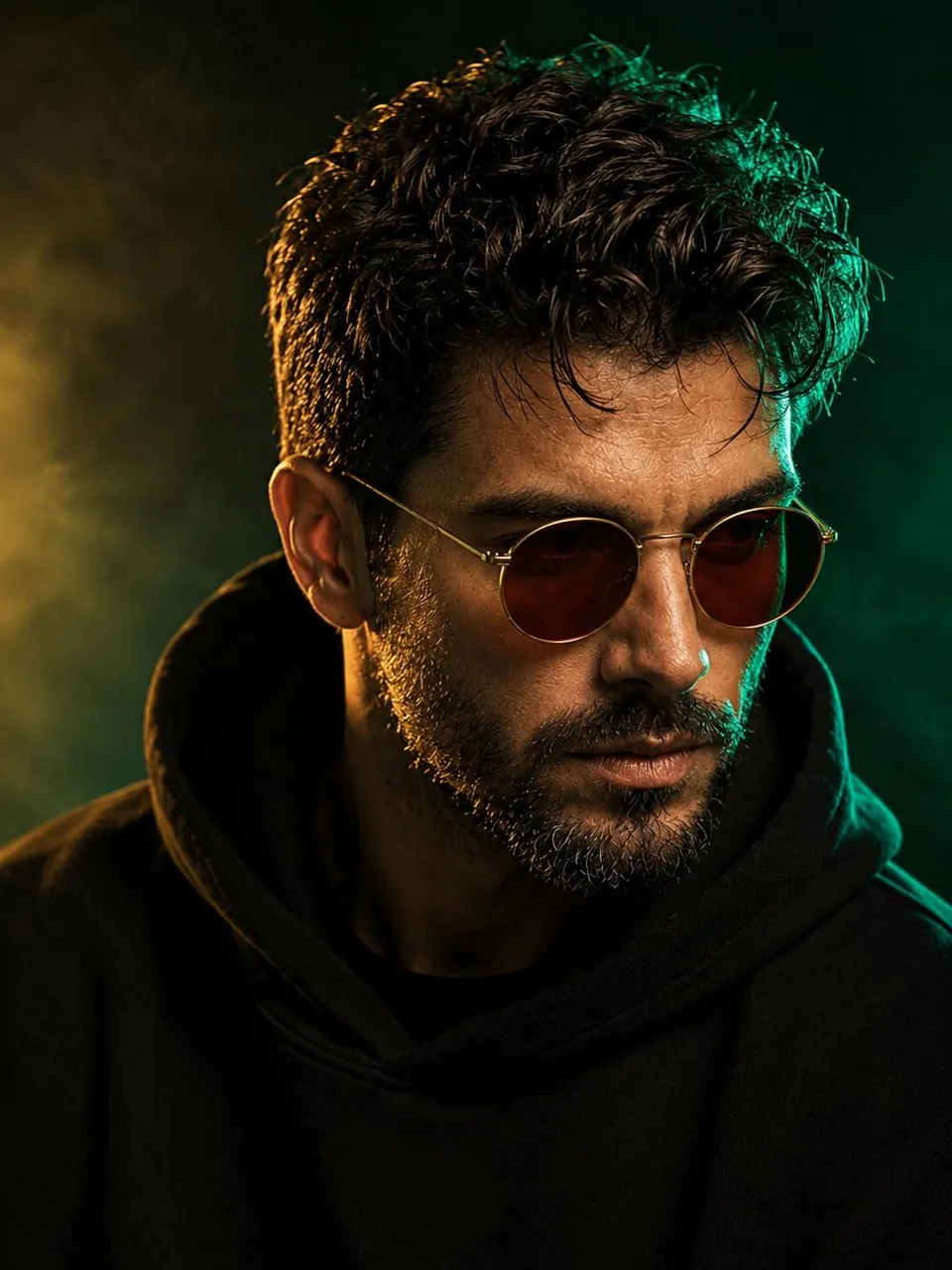
Image created by GPT image 2 on the Chatgpt ai
New Style — Emerald & Gold Luxury
A cinematic, ultra-realistic close-up portrait of a stylish man, using the provided face reference, with thick naturally curly dark brown hair, a neatly trimmed salt-and-pepper beard, and a strong masculine facial structure. He wears round vintage amber-brown sunglasses and a black oversized hoodie with the hood naturally resting around his neck. Dramatic luxury editorial lighting: a rich emerald-green rim light wraps around the right side of his hair and face, while a soft warm golden key light gently illuminates the front, creating a sophisticated emerald-and-gold contrast. Highly detailed skin texture, individual beard hairs, subtle natural facial imperfections, sharp eyes visible behind slightly tinted lenses, deep dimensional shadows, realistic highlights, shallow depth of field. Background is a dark smoky emerald-to-black gradient with subtle atmospheric haze and a faint golden glow, creating an elegant cinematic environment. High-fashion magazine photography, mysterious and refined mood, 85mm portrait lens, f/1.8, crisp facial details, cinematic color grading, photorealistic, high dynamic range, premium studio photography, centered composition, head-and-shoulders framing, 3:4 aspect ratio.
Best for
Tips
Keep the main subject focused so Image created by GPT image 2 on remains recognizable after style or lighting changes.
Adjust camera angle and aspect ratio before generation when the composition needs a specific platform format.