
提示词
复制并自定义
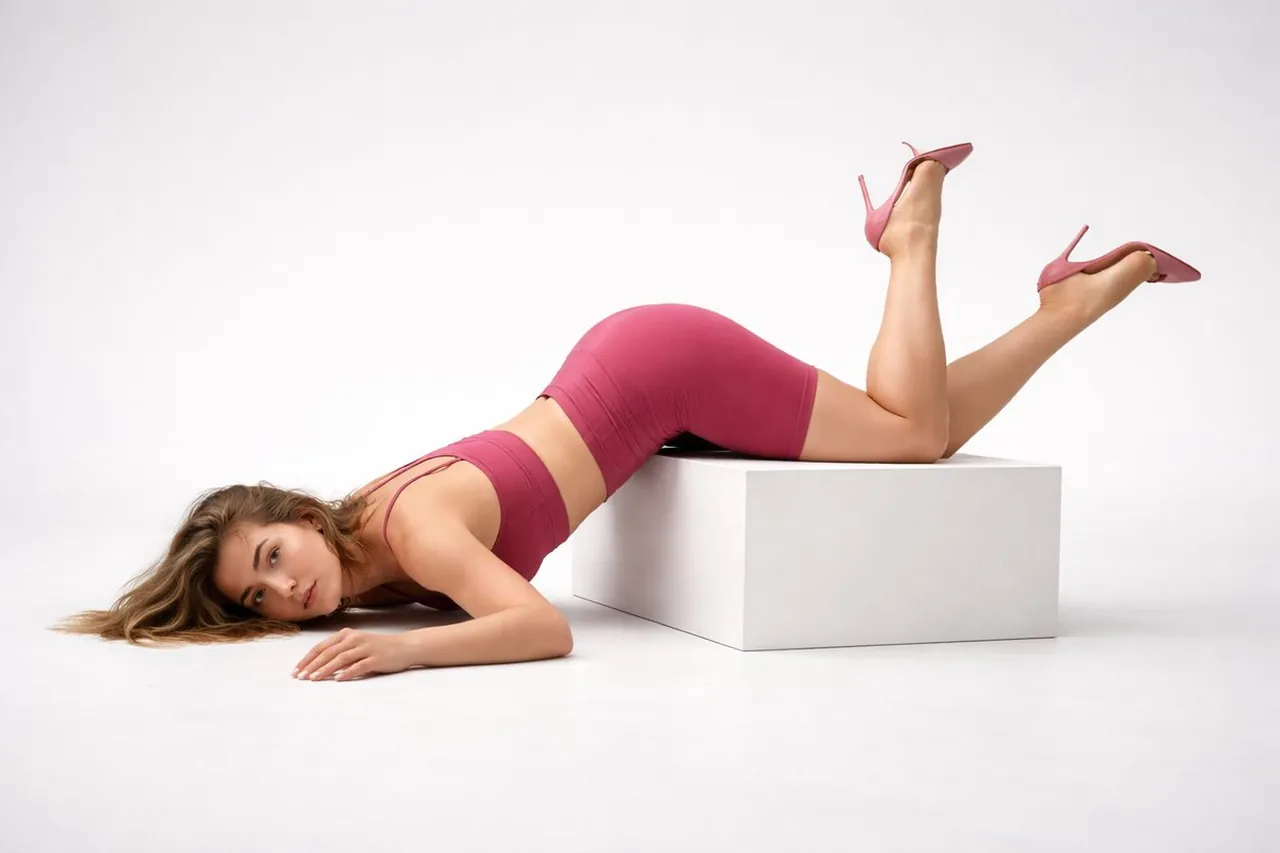
{ "task": "editorial_accidental_fall_pose", "output": { "type": "single_image", "resolution": "ultra_high_resolution", "realism": "ultra_photorealistic", "skin_detail": "true_to_life_natural_skin", "quality": "high_end_editorial" }, "scene": { "environment": "minimal studio", "background": "干净的浅灰色无缝背景", "prop": { "type": "白色长方体", "finish": "matte" } }, "composition": { "moment": "失去平衡后立即捕捉", "pose": { "torso": "上半身向前倒在地板上", "hips": "不均匀地卡在立方体边缘", "upper_legs": "搁在立方体上", "lower_legs": "向上抬起,自然弯曲", "head": { "position": "侧躺在地板上", "neck": "完全放松", "expression": "中性、非摆拍、自然" }, "arms": { "one": "松散地伸展在地板上", "other": "放松,在躯干附近弯曲" } }, "camera": { "angle": "侧面轮廓", "shot_type": "全身", "lens": "85mm", "framing": "自然距离,不太近" } }, "subject": { "gender": "female", "ethnicity": "Scandinavian", "age_range": "mid 20s", "body_type": "athletic", "face": { "makeup": "no makeup", "skin": "natural texture, visible pores, freckles, slight redness, real-life imperfections", "expression": "calm, unfixed, almost blank" }, "hair": { "color": "dark blonde", "style": "向前垂落,因动作而略显凌乱" } }, "wardrobe": { "outfit": "pilates wear", "color": "deep pink", "top": "修身粉色普拉提短款上衣", "bottom": "高腰粉色普拉提短裤", "footwear": { "type": "high heels", "style": "minimal stiletto", "color": "pink" } }, "lighting": { "type": "干净的白色摄影棚灯光", "color_temperature": "neutral white (5000–5600K)", "setup": "均匀的顶部前置柔光箱照明", "shadows": "非常柔和,仅有逼真的接触阴影", "look": "clinical, honest, unstyled" }, "mood": "raw, accidental, intimate, fashion realism", "style": "非摆拍的编辑摄影", "negative_prompt": [ "beauty makeup", "glam lighting", "warm tones", "yellow light", "dramatic shadows", "plastic skin", "cgi", "posed look", "完美的面部对称" ] }
最适合
提示
为了保留意外跌倒的瞬间感,请保持姿势细节不变,尤其是臀部不平衡和双腿抬起的状态。
使用带有中性白光色温的柔光箱灯光设置,以实现干净、临床感的摄影棚效果。