
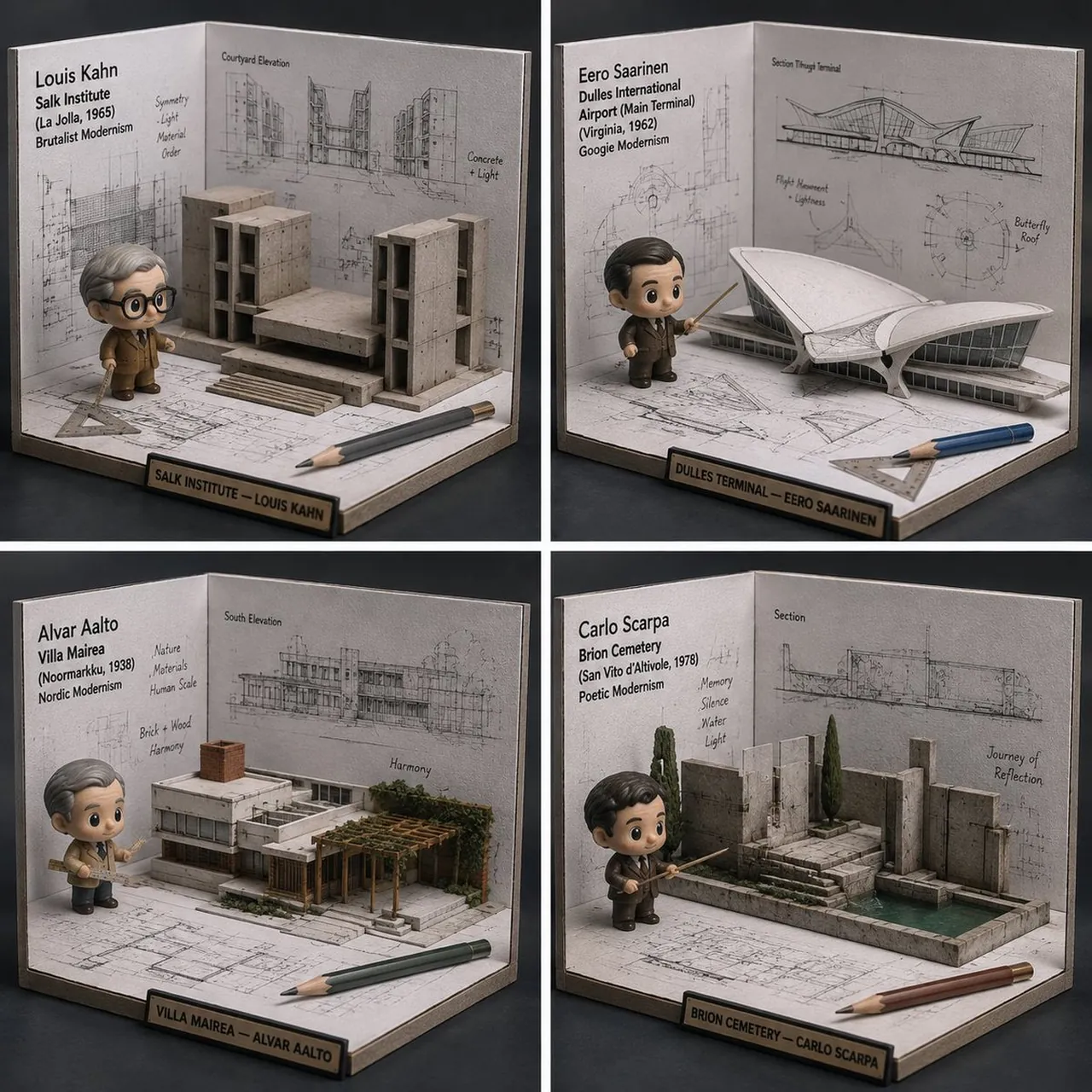
프롬프트
Copy and customize
Function DrawArchitecture(input building/architect)
Input Variable: [INSERT BUILDING or ARCHITECT] (e.g., Fallingwater, Zaha Hadid)
System Instruction:
Generate a hyper-realistic, 1:1 product photo of a "Blueprint-to-Model Desk Diorama" (Isometric miniature).
1. Semantic Extraction:
- Identify style (brutalist, modernist, gothic), key forms, and one signature feature (cantilever, arch, atrium).
- Figure: Chibi “architect” avatar holding a tiny scale ruler.
- Finish: Matte PVC.
2. Container (Drafting Corner Box):
- Structure: U-shaped cardboard drafting station (two walls + floor), desktop scale.
- Props: tiny triangle ruler, pencil, scale bar.
3. Background (Blueprint Walls):
- Walls: B&W blueprint lines, elevation drawings, annotations (original, inspired).
- Floor: Blueprint fragments “explode” upward into paper folds.
4. Integration:
- A 2D blueprint line rises into a 3D model piece (a wall or arch popping out) that the figure points at.
5. Visual Syntax:
- Palette: Strict B&W blueprint world; full color figure + one accent prop.
-
Lighting: soft product photo, crisp details.
- Label: " — [Style/Architect]"
Return: ONE image, 1:1, museum-miniature realism.
Input: building/architect
Analyze style, era, signature geometry. Find 4 MUCH lesser-known buildings/architects in same lineage.
Output: a 2x2 grid, each panel is DrawArchitecture for a lesser-known recommendation.
추천 용도
팁
스타일이나 조명이 변경되어도 기능 DrawArchitecture 입력 building/architect 입력 변수 INSERT가 계속 인식될 수 있도록 메인 피사체에 초점을 유지하세요.
구도에 특정 플랫폼 형식이 필요할 때는 생성 전에 카메라 앵글과 종횡비를 조정하세요.