
Prompts photo MeiGen AI
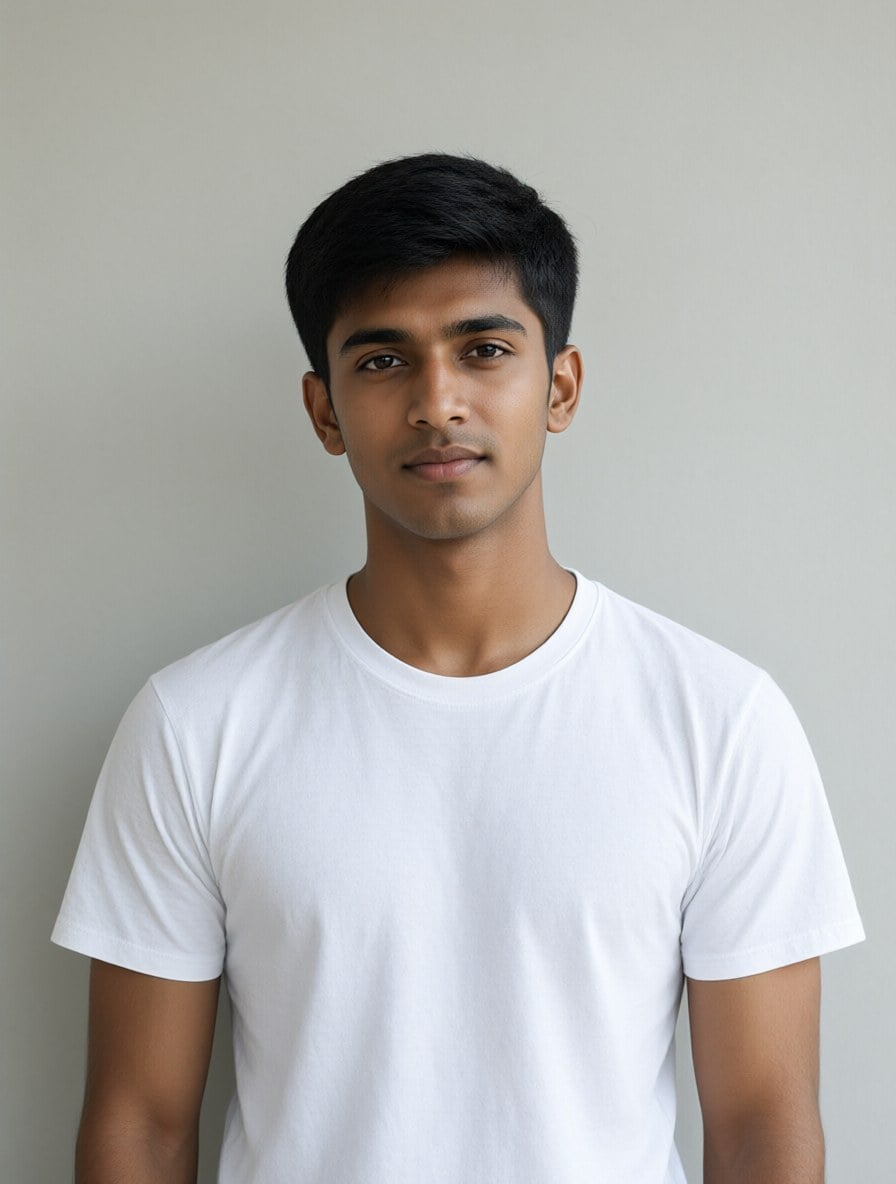
Prompts photo populaires façon MeiGen
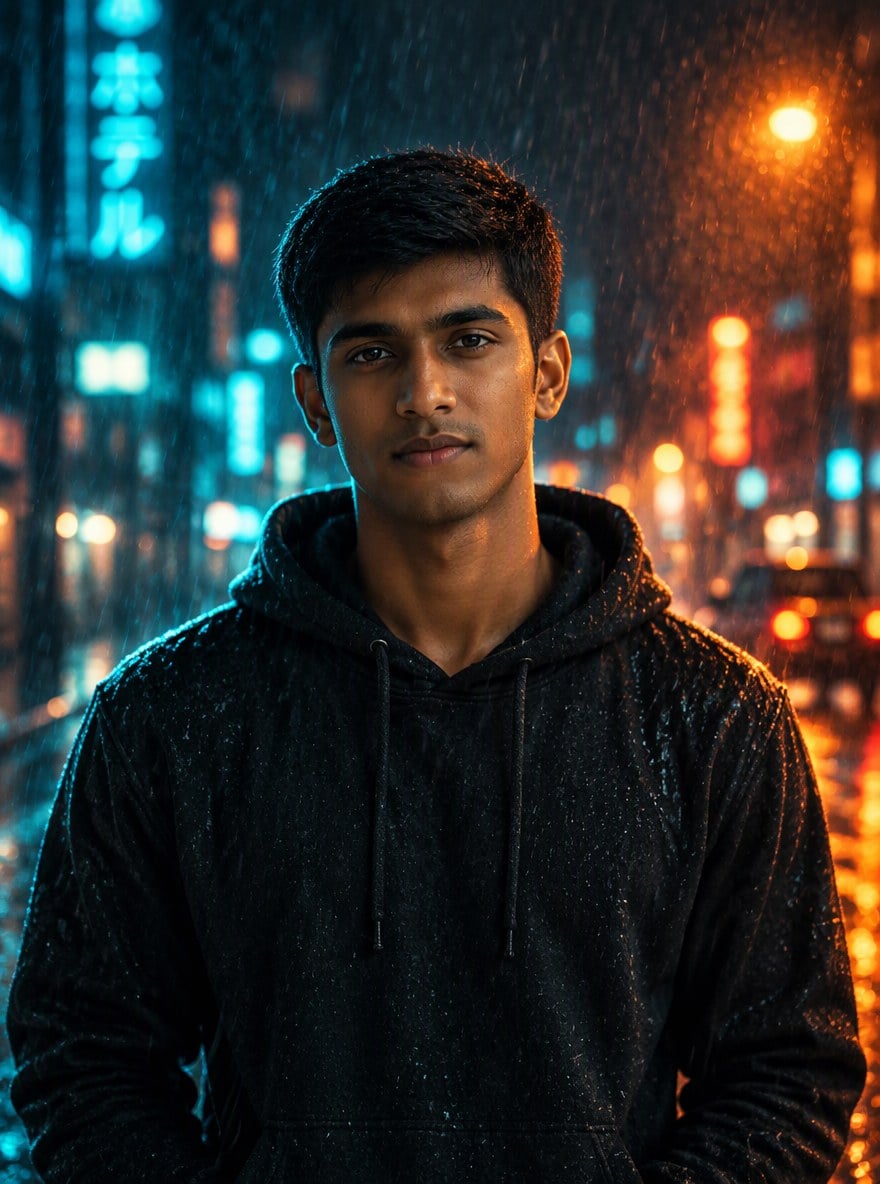
Nuit pluvieuse cinématographique (garçon)
Turn this photo into a cinematic rainy night portrait: the same man now wears a black hoodie and stands on a neon-lit city street in the rain, moody teal and orange lighting, raindrops, shallow depth of field. Keep his face, hairstyle and identity exactly the same.
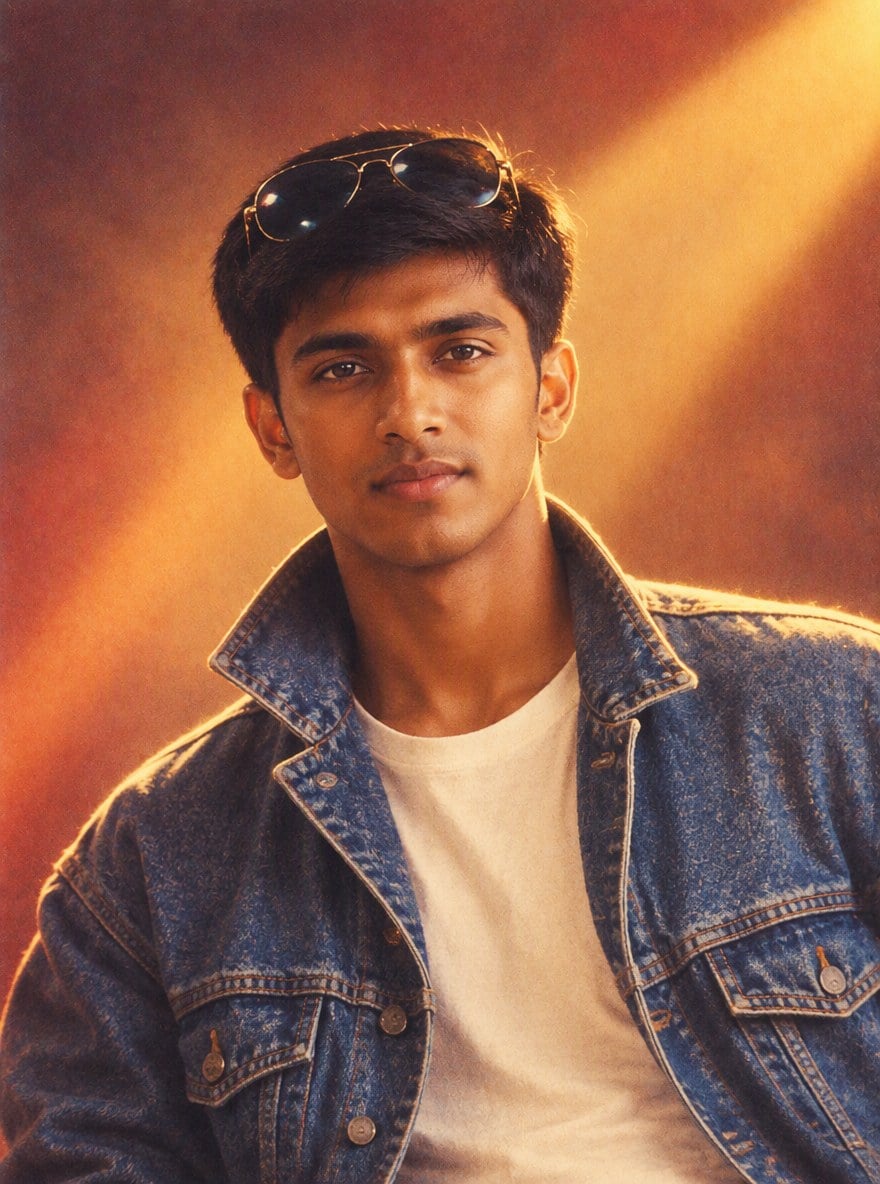
Affiche Bollywood années 90 (garçon)
Turn this photo into a 1990s Bollywood movie poster style portrait: the same man in a denim jacket with sunglasses pushed up on his head, warm vintage film colors, soft film grain, retro studio backdrop with dramatic light. Keep his face and identity exactly the same.
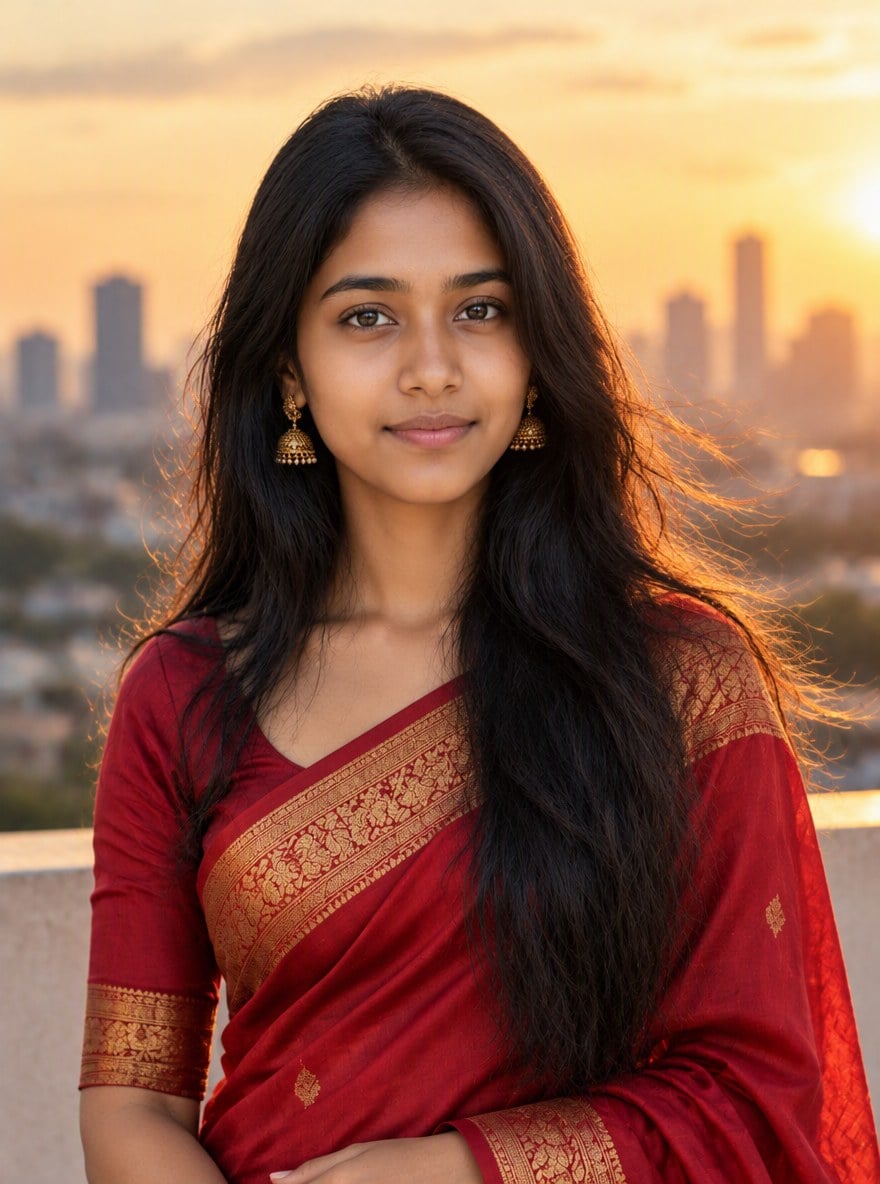
Sari à l'heure dorée (fille)
Turn this photo into a golden hour portrait: the same woman wearing an elegant red silk saree with gold border, standing on a rooftop with the city skyline behind her, warm soft sunlight, gentle breeze in her hair, professional photoshoot look. Keep her face and identity exactly the same.
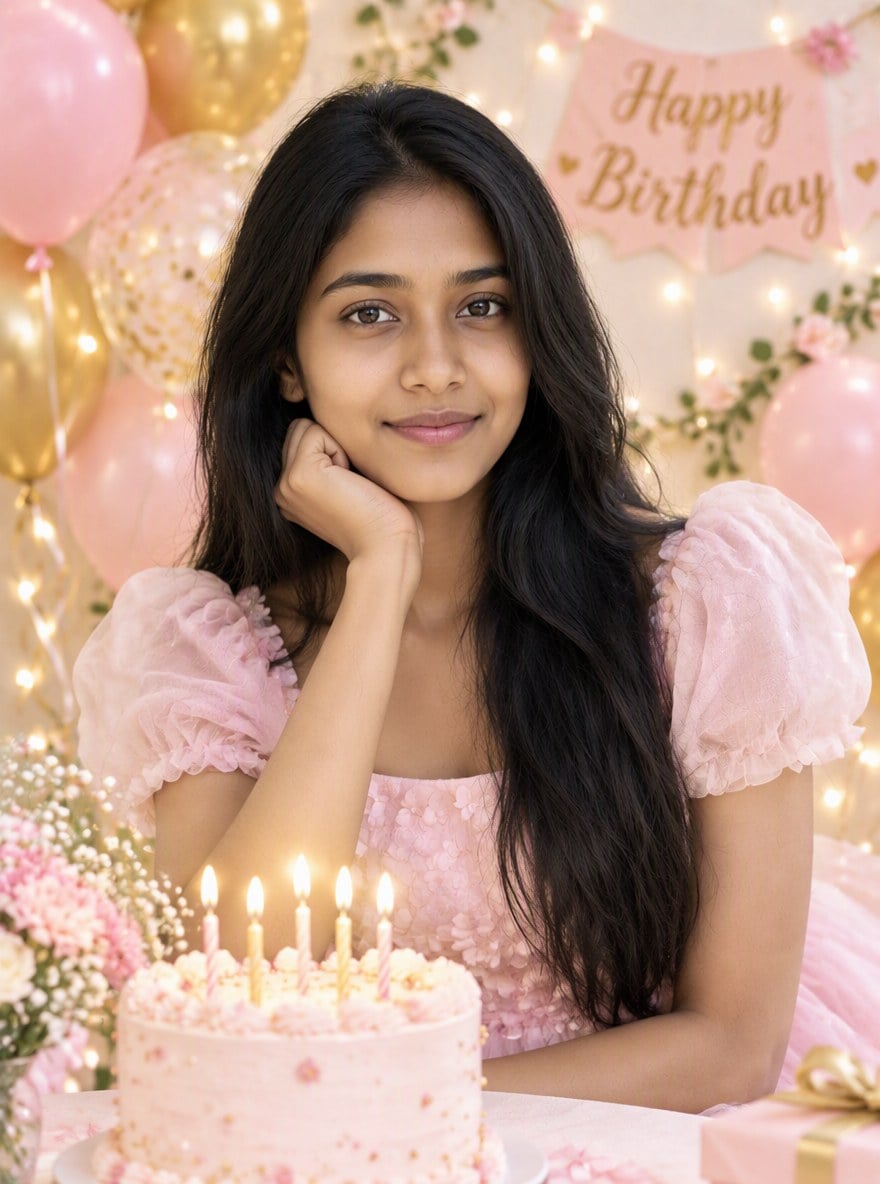
Shooting photo d'anniversaire (fille)
Turn this photo into a birthday photoshoot: the same woman in a pastel party dress surrounded by pastel pink and gold balloons, a small birthday cake with candles, fairy lights in the background, bright soft lighting, joyful mood. Keep her face and identity exactly the same.
Comment utiliser des prompts façon MeiGen sur votre photo
Importez votre photo
Utilisez une photo nette, de face et bien éclairée. Une seule personne par photo donne les meilleurs résultats.
Choisissez ou collez un prompt
Choisissez un exemple ci-dessus ou collez un prompt de MeiGen ou d'ailleurs. Conservez la ligne qui demande de garder le visage identique.
Générez et téléchargez
GPT Image 2.5 crée le nouveau portrait en une minute environ. Essayez un autre prompt pour un autre look.
MeiGen AI vs GoEnhance AI
Ce qui fait la réputation de MeiGen AI
Galerie de prompts gratuite
Des prompts pour de nombreux modèles
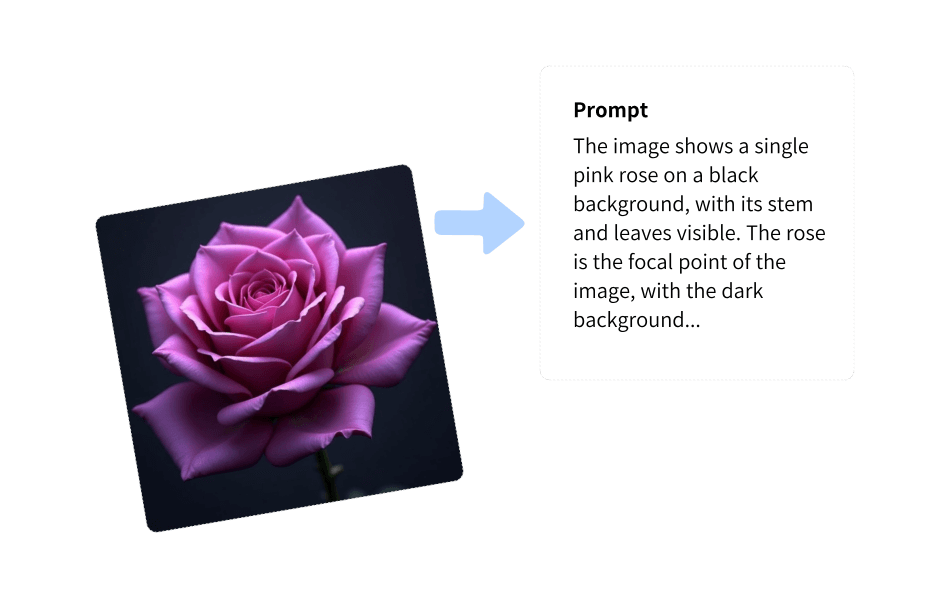
Image to Prompt
Personnages et références
Prompts photo pour garçons et filles
Plus de tendances photo
Questions fréquemment posées
Qu'est-ce que MeiGen AI ?
Comment utiliser un prompt MeiGen AI sur ma propre photo ?
GoEnhance AI, est-ce la même chose que MeiGen AI ?
Quels prompts MeiGen fonctionnent le mieux pour les garçons ?
Quels prompts MeiGen fonctionnent le mieux pour les filles ?
Le résultat me ressemblera-t-il ?
Plus d'outils photo IA sur GoEnhance AI
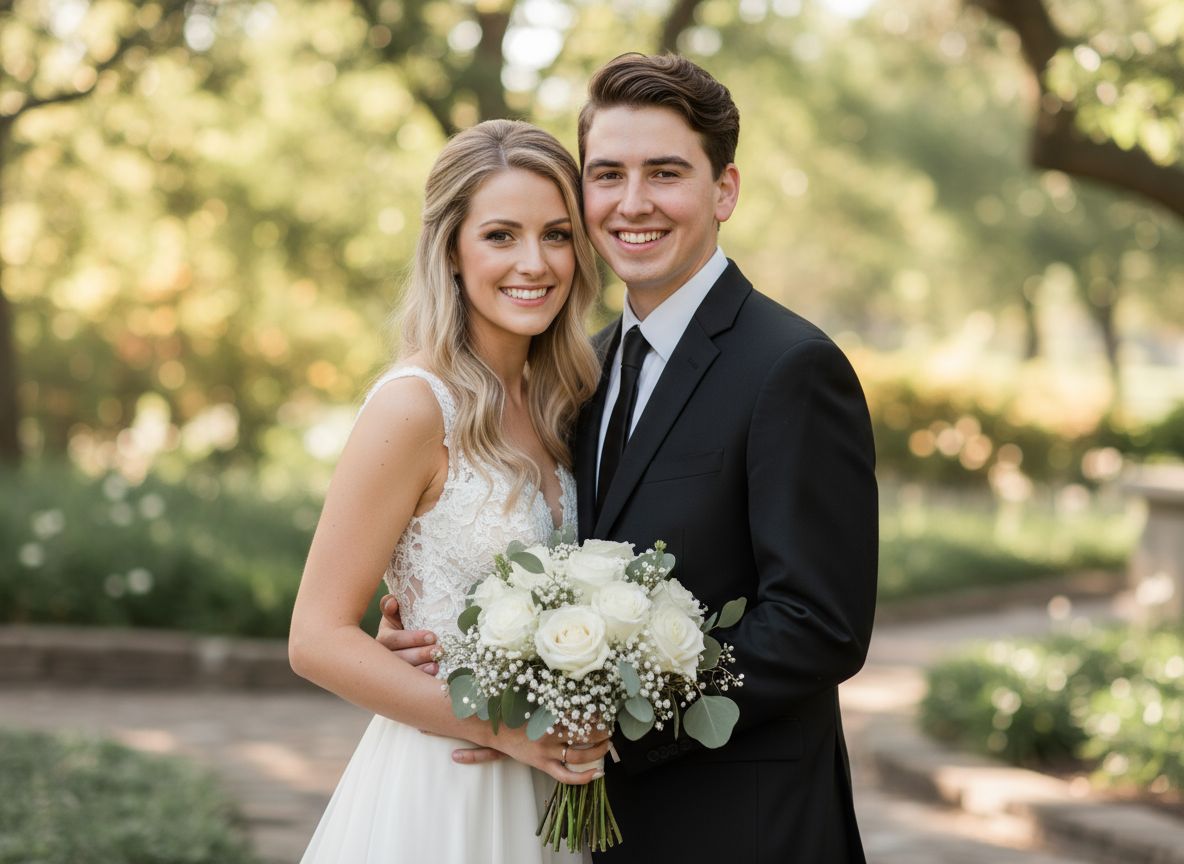
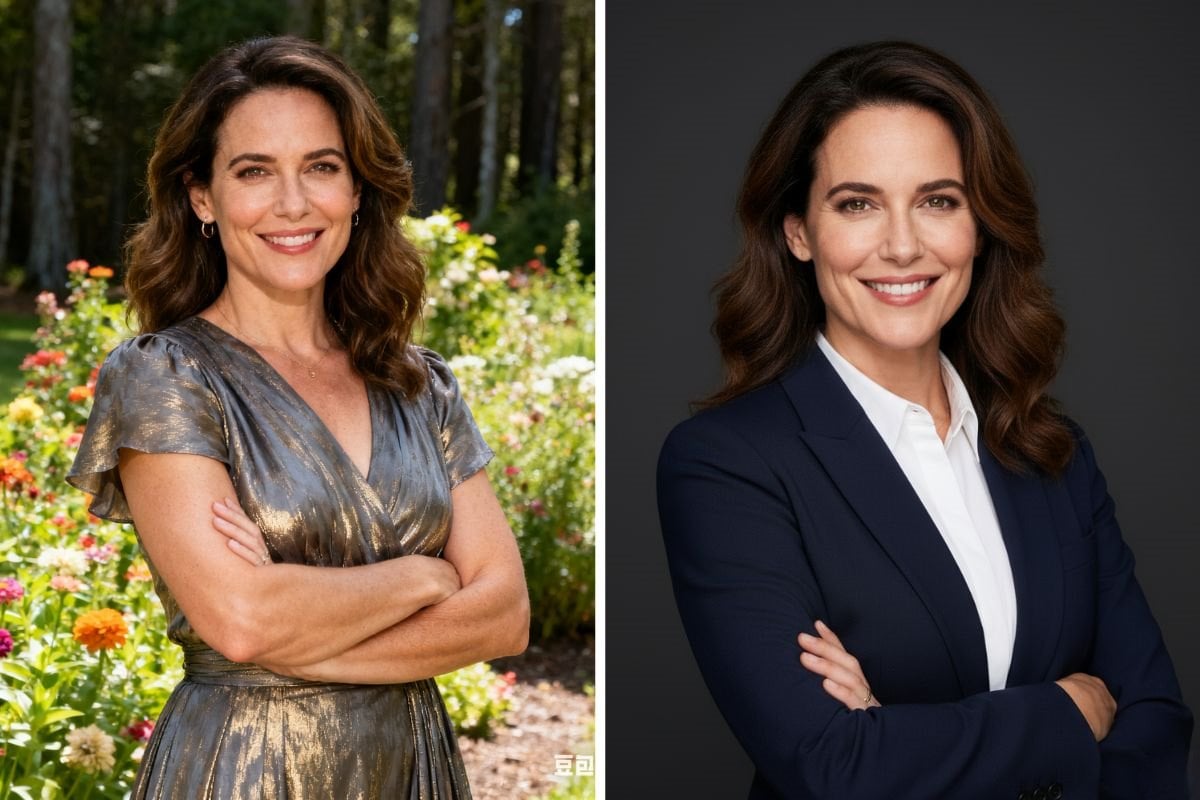
Transformez votre photo en un nouveau portrait
Importez une photo, collez n'importe quel prompt et obtenez un portrait cinématographique, en sari, d'anniversaire ou rétro qui vous ressemble toujours.
Importer une photo