
MeiGen AI Foto-Prompts
Beliebte Foto-Prompts im MeiGen-Stil
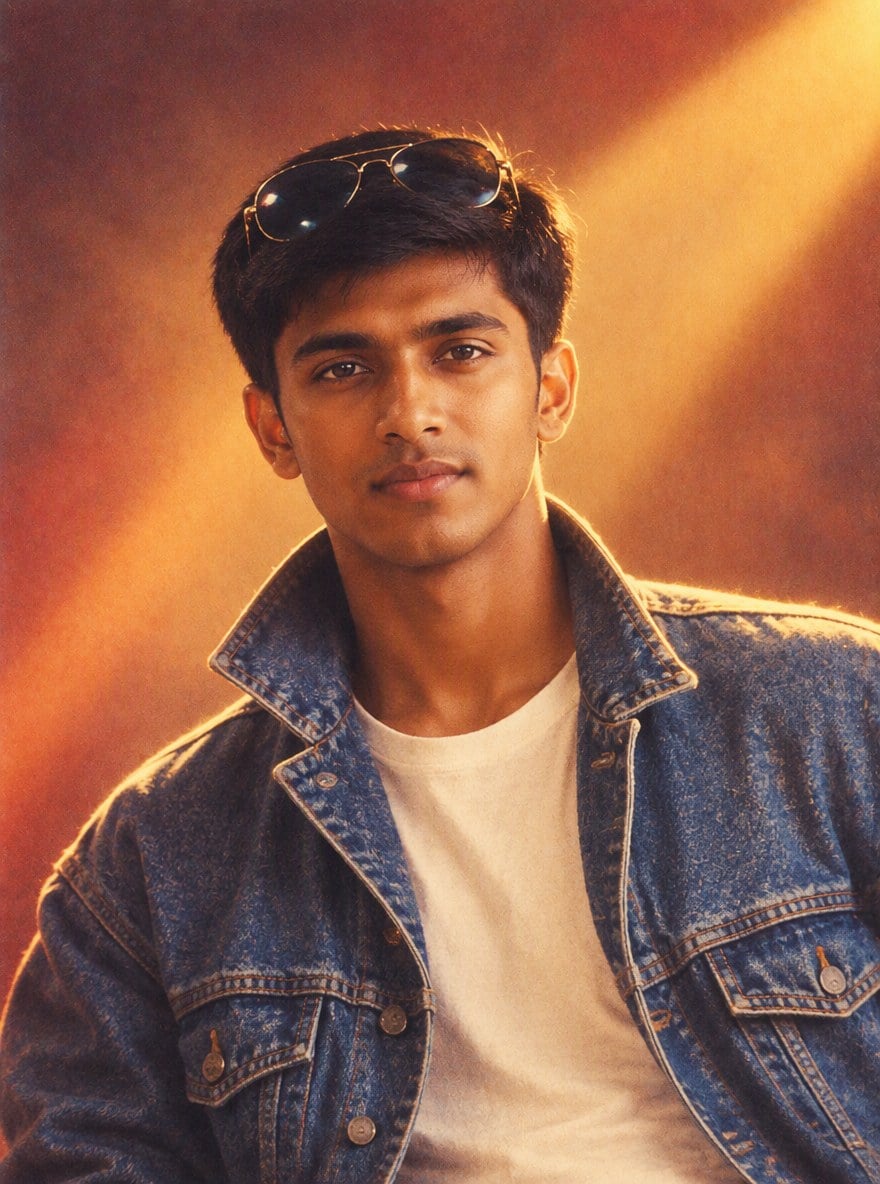
Bollywood-Poster der 90er (Junge)
Turn this photo into a 1990s Bollywood movie poster style portrait: the same man in a denim jacket with sunglasses pushed up on his head, warm vintage film colors, soft film grain, retro studio backdrop with dramatic light. Keep his face and identity exactly the same.
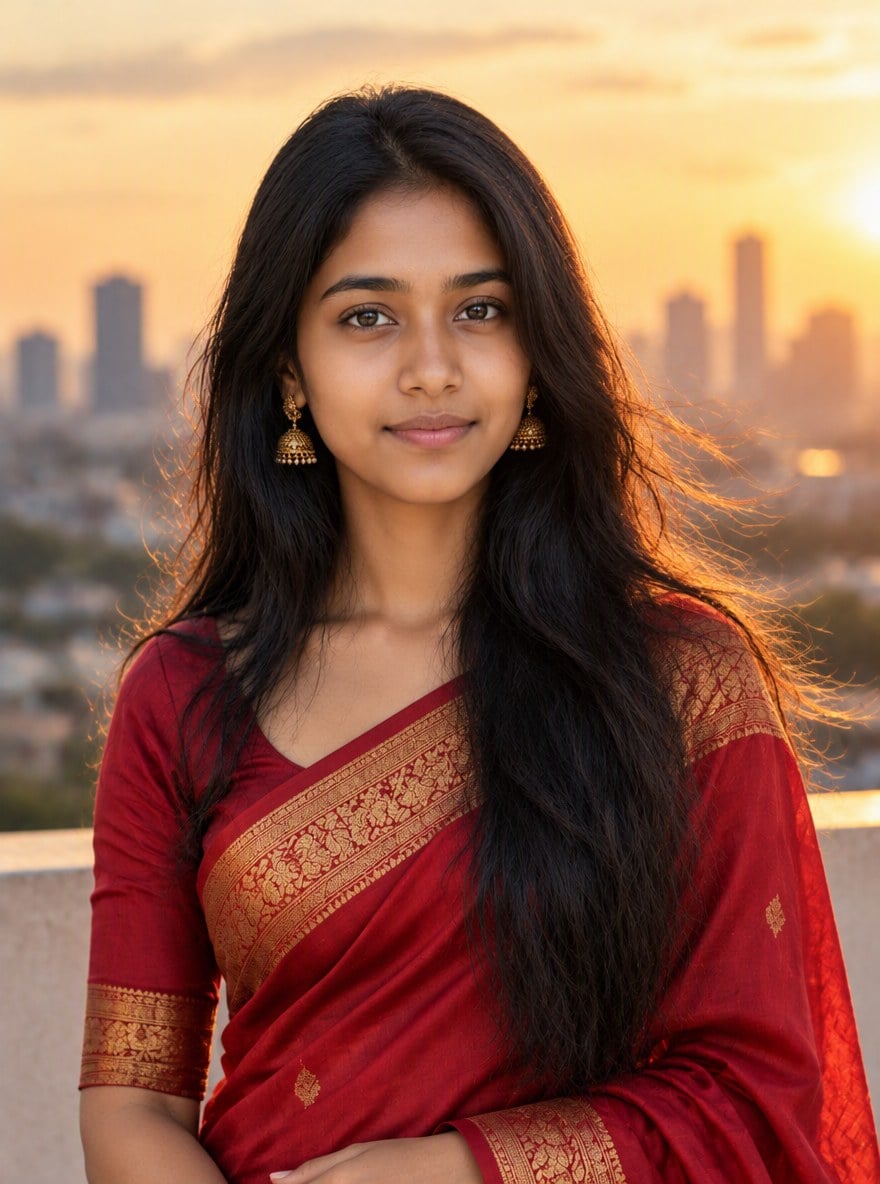
Saree zur goldenen Stunde (Mädchen)
Turn this photo into a golden hour portrait: the same woman wearing an elegant red silk saree with gold border, standing on a rooftop with the city skyline behind her, warm soft sunlight, gentle breeze in her hair, professional photoshoot look. Keep her face and identity exactly the same.
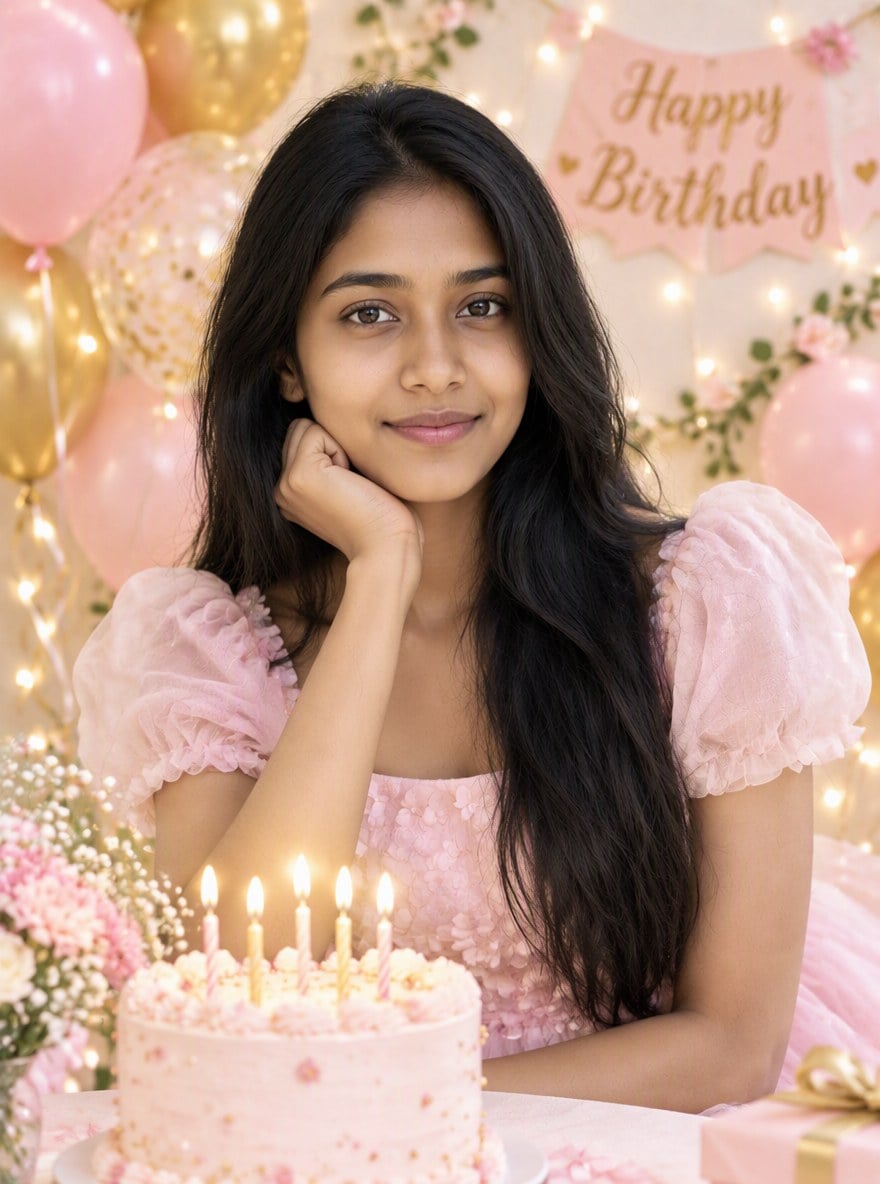
Geburtstags-Fotoshooting (Mädchen)
Turn this photo into a birthday photoshoot: the same woman in a pastel party dress surrounded by pastel pink and gold balloons, a small birthday cake with candles, fairy lights in the background, bright soft lighting, joyful mood. Keep her face and identity exactly the same.
So nutzen Sie Prompts im MeiGen-Stil für Ihr Foto
Foto hochladen
Verwenden Sie ein deutliches, frontales Foto mit gutem Licht. Am besten funktioniert eine Person pro Foto.
Prompt wählen oder einfügen
Wählen Sie oben ein Beispiel oder fügen Sie einen Prompt von MeiGen oder einer anderen Quelle ein. Behalten Sie die Zeile bei, die besagt, dass das Gesicht gleich bleiben soll.
Generieren und herunterladen
GPT Image 2.5 erstellt das neue Porträt in etwa einer Minute. Probieren Sie einen anderen Prompt für einen anderen Look.
MeiGen AI vs. GoEnhance AI
Wofür MeiGen AI bekannt ist
Kostenlose Prompt-Galerie
Prompts für viele Modelle
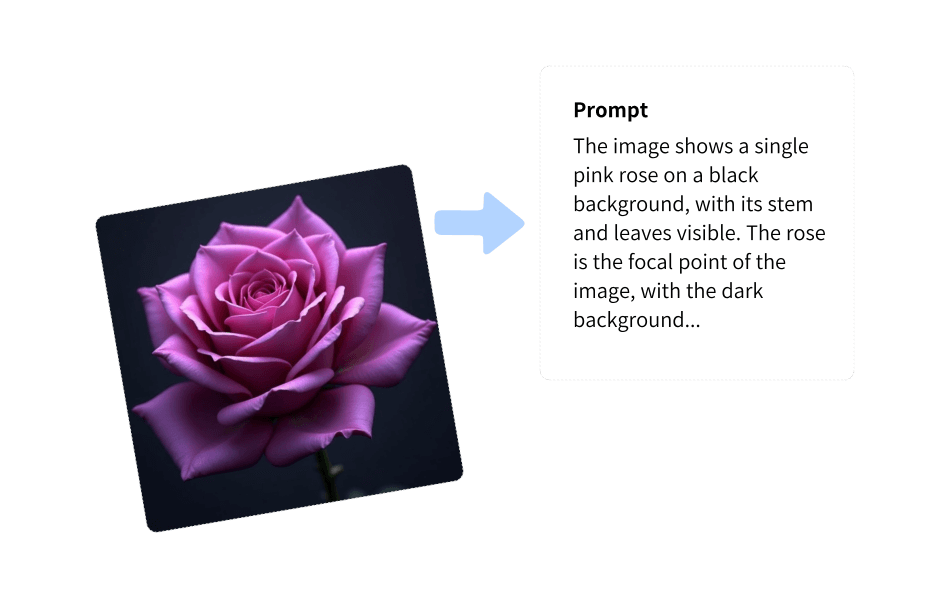
Image to Prompt
Figuren und Referenzen
Foto-Prompts für Jungs und Mädchen
Weitere Fototrends
Häufig gestellte Fragen
Was ist MeiGen AI?
Wie nutze ich einen MeiGen-AI-Prompt für mein eigenes Foto?
Ist GoEnhance AI dasselbe wie MeiGen AI?
Welche MeiGen-Prompts eignen sich am besten für Jungs?
Welche MeiGen-Prompts eignen sich am besten für Mädchen?
Wird mir das Ergebnis ähnlich sehen?
Weitere KI-Fototools auf GoEnhance AI
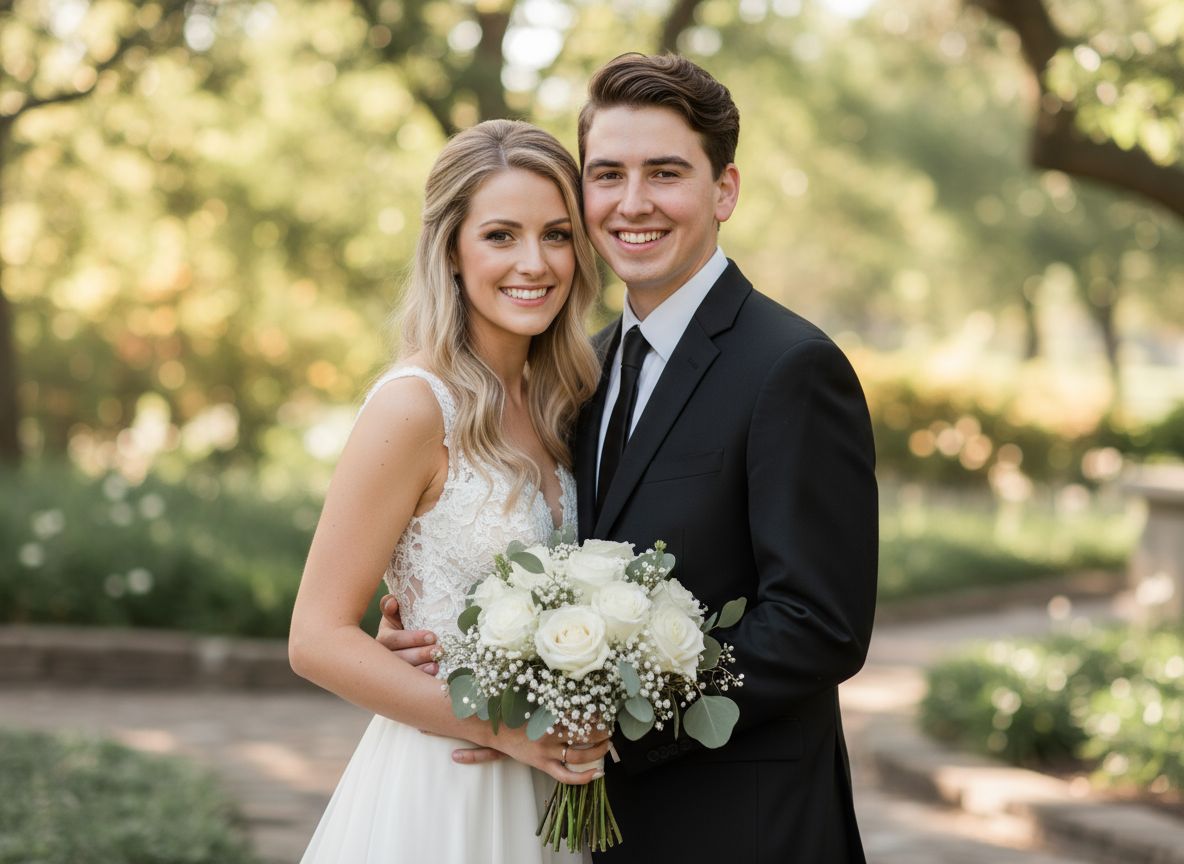
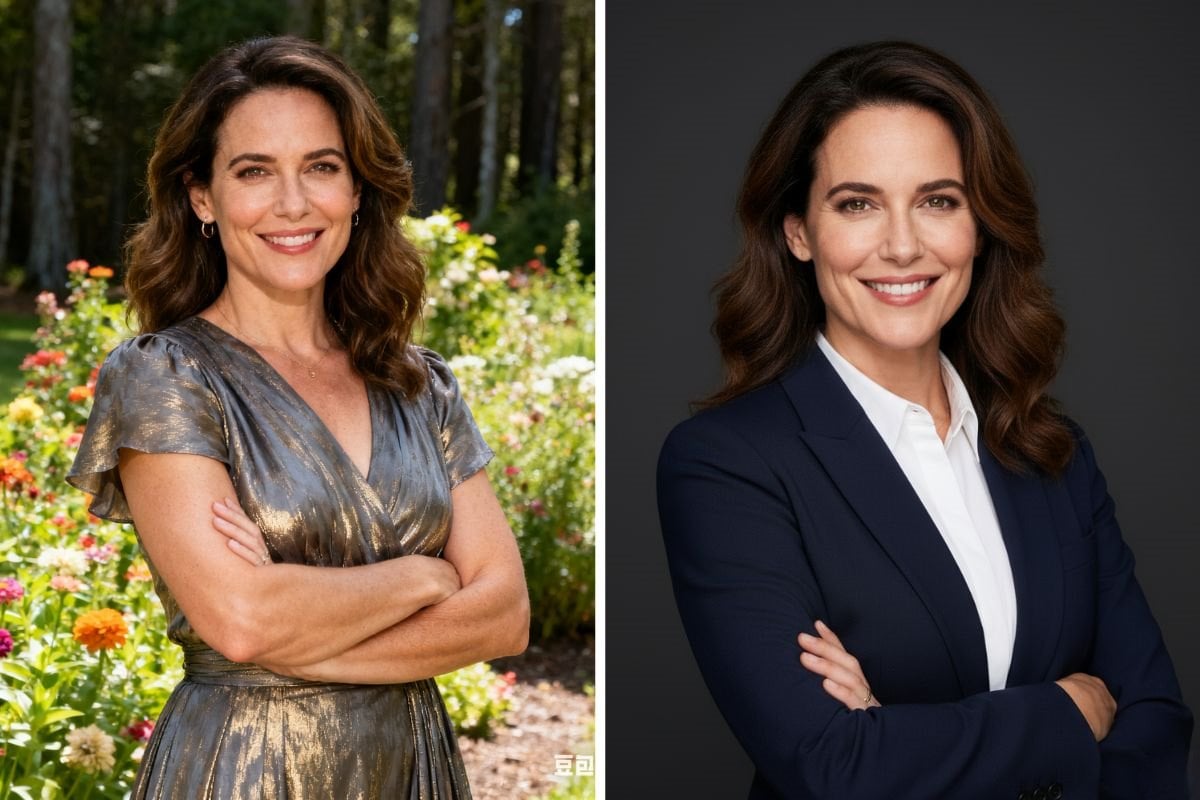
Verwandeln Sie Ihr Foto in ein neues Porträt
Laden Sie ein Foto hoch, fügen Sie einen beliebigen Prompt ein und erhalten Sie ein Porträt im Kino-, Saree-, Geburtstags- oder Retro-Look, das Ihnen immer noch ähnlich sieht.
Foto hochladen