
提示詞
複製並自訂
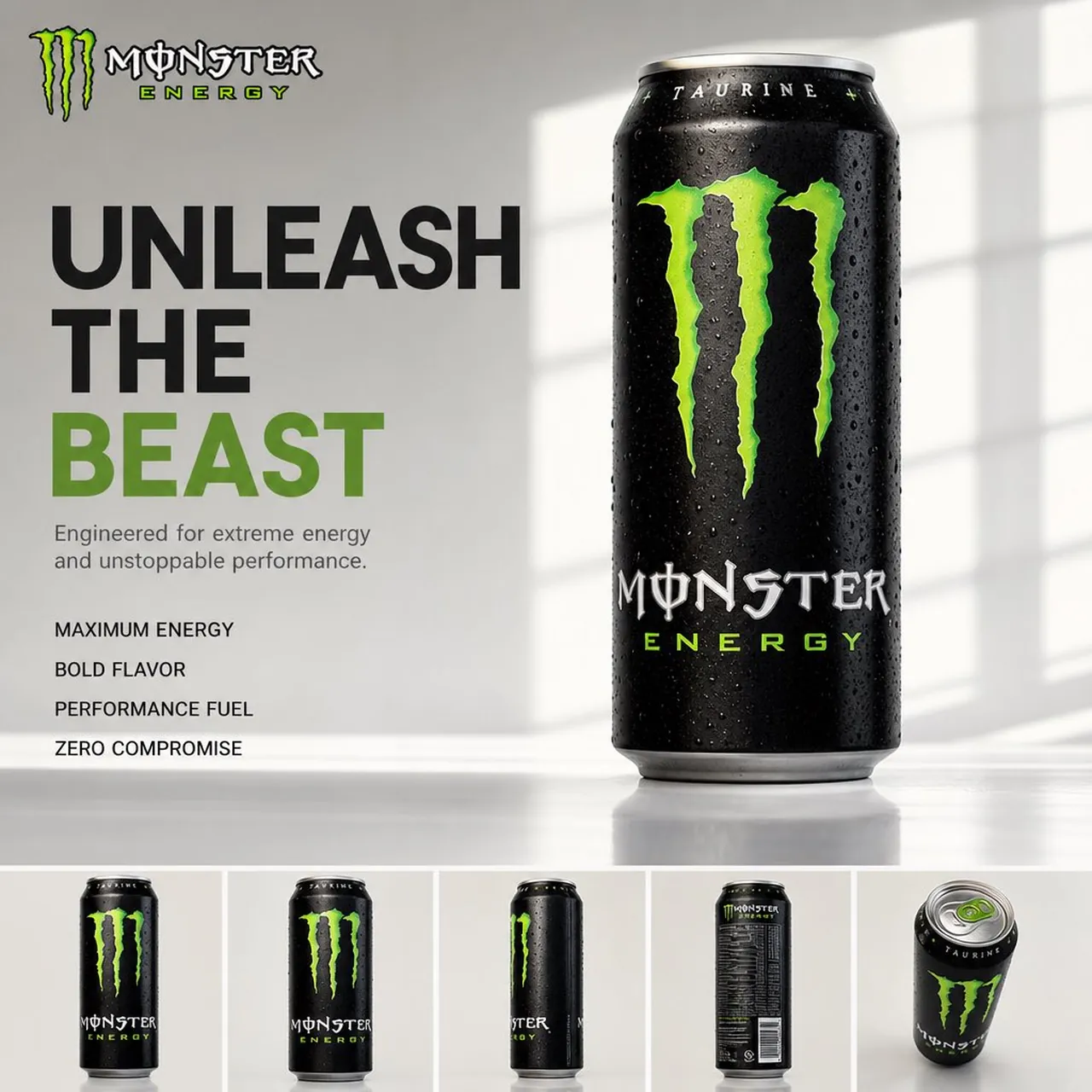
Create a premium 4:5 FMCG hero advertisement from the uploaded product image. Preserve the product exactly—no changes to shape, packaging, branding, logo, colors, labels, proportions, materials, or textures. Automatically extract the original brand logo from the packaging and place it cleanly in the top-left. Generate a premium headline, a 1–2 line subheading, and four text-only product features on the left. Display the product as the main hero (≈70% of the layout) with realistic contact shadows, soft reflections, and luxury composition. Add a bottom strip with 4–5 consistent product angles (front, 45°, side, back, top/close-up). Use an Apple-inspired minimal studio with a soft gradient background derived from the product's brand colors, natural window light, HDR global illumination, subtle reflections, and elegant negative space. Swiss typography (SF Pro Display/Helvetica Neue/Inter style). Shot on ARRI Alexa Mini LF with an 85mm product lens. Ultra-photorealistic V-Ray/Octane/Unreal Engine 5 quality, ray tracing, 8K, magazine, catalog, billboard, Amazon listing, and luxury brand campaign standard. No humans, icons, decorative graphics, clutter, or redesigned packaging. Product remains the absolute hero.
最適合
實用技巧
保持主體焦點明確,使高級 4:5 快消品主打廣告在切換風格或光影後依然具備高辨識度。
當構圖需要特定平台格式時,請在生成前先調整攝影機視角與長寬比。