
Prompt
Copy and customize
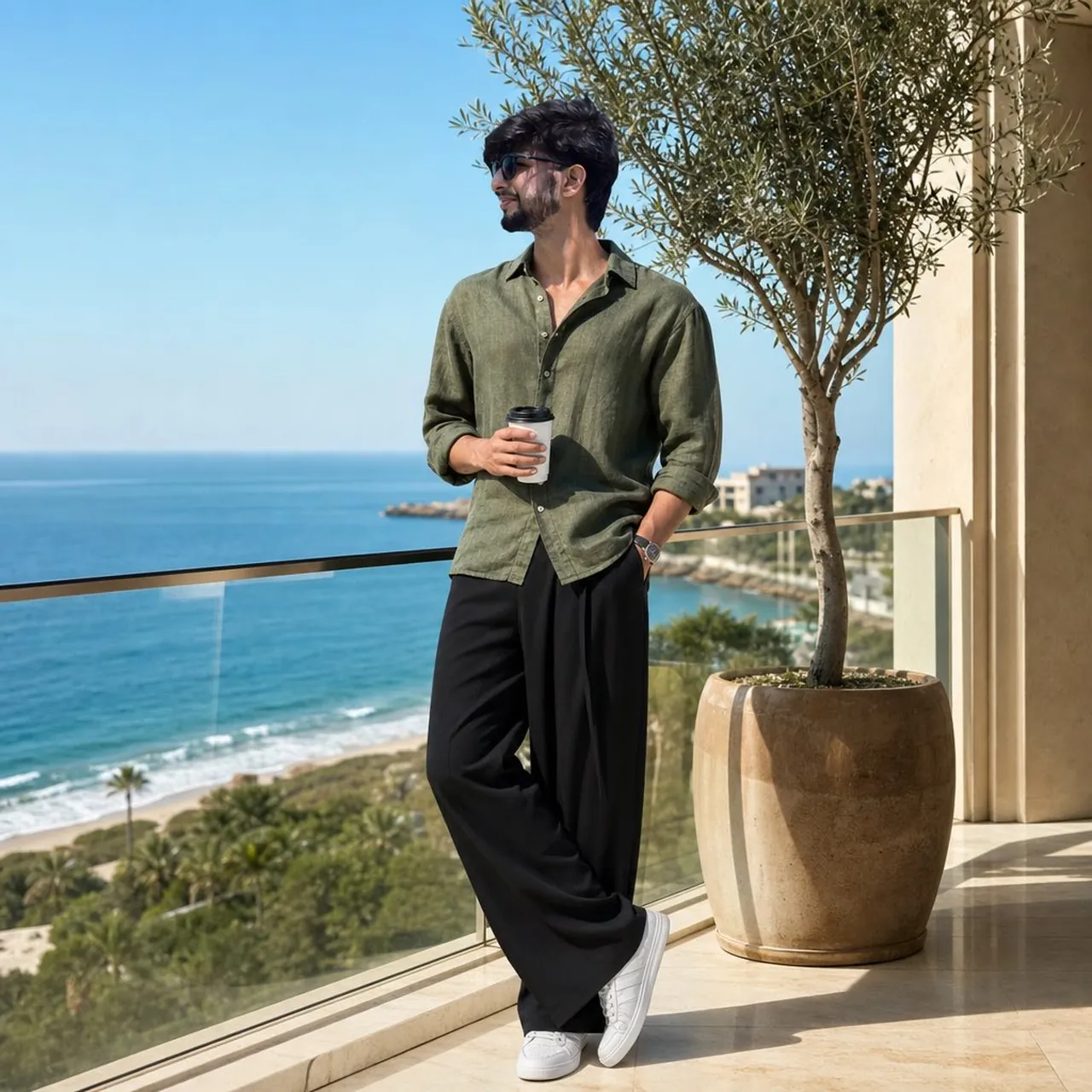
Ultra-realistic luxury lifestyle fashion portrait of a handsome young man(in reference pic)standing on a modern oceanfront balcony during bright morning sunlight. He is wearing an olive-green linen button-down shirt with sleeves casually rolled up, oversized black wide-leg trousers, white minimalist sneakers, and premium black sunglasses. He holds a takeaway coffee cup in one hand while the other hand rests in his pocket.
The balcony features elegant cream-colored architecture, polished marble flooring, a glass railing, and a tall potted olive tree beside him. Behind him is a breathtaking panoramic coastline with deep blue ocean water, sandy beach, gentle waves, and lush greenery below. Clear blue sky with no clouds.
Full-body composition, relaxed confident pose, looking away from the camera toward the horizon, luxury vacation aesthetic, old-money style, quiet luxury fashion campaign, natural sunlight casting soft shadows, crisp details, realistic skin texture, high-end editorial photography, travel magazine cover quality.
Shot on a full-frame camera, 85mm lens, f/2.8, ISO 100, HDR, ultra-sharp focus, cinematic color grading, realistic reflections on glass railing, depth and perspective preserved, professional fashion photography, 8K resolution, photorealistic, Instagram luxury influencer style.
Am besten geeignet für
Tipps
Halten Sie das Hauptmotiv im Fokus, damit ein ultrarealistisches, luxuriöses Lifestyle-Modemodell auch nach Stil- oder Beleuchtungsänderungen erkennbar bleibt.
Passen Sie Kameraetage und Seitenverhältnis vor der Generierung an, wenn die Komposition ein bestimmtes Plattformformat erfordert.